Cisco Serial Number Check & Warranty Lookup Tool
Official Cisco Data · PID & Model · Coverage · BOM & Configuration Details
Enter a Cisco serial number to look up its PID/model and available warranty or Smart Net service information.
Results depend on the Cisco record and may include a service end date and component details.
Checking 20+ Cisco serial numbers? Use our CSV template and email the completed file to support@layer23-switch.com
How to Check a Cisco Serial Number with This Tool
Enter the device serial number
Enter the chassis or device SN exactly as printed. Do not enter a PID, MAC address, purchase order number, or sales order number.
Run the serial number lookup
Sign in, enter one SN, complete the security check, and select Check.
Review the returned record
First compare the submitted SN with the returned PID or model. Then review coverage, service dates, and any product, component, software, or license rows.
Cisco Serial Number Lookup Result Example
Example Cisco Device Record
Compare the device identity, service information, and service end date.
- Submitted Serial Number
- Hidden in example
- Use your own chassis serial number.
- Returned PID / Model
- C9300-24T-A
- Catalyst 9300 24-port data only, Network Advantage
- Coverage / Service
- L1NBD
- STD 8X5XNBD
- Service End Date
- As recorded in this saved lookup.
Returned Product and Component Lines
Four selected lines from the same saved lookup. Serial numbers are hidden. Returned lines may not represent the complete factory BOM or the device’s current installed configuration.
| Line | Product / PID | Description | Component Serial | Type |
|---|---|---|---|---|
| 1 | C9300-NM-8X | Catalyst 9300 8 x 10GE Network Module | Hidden | Hardware |
| 2 | PWR-C1-350WAC-P | 350W AC 80+ platinum Config 1 Power Supply | Hidden | Hardware |
| 3 | C9300-NW-A-24 | C9300 Network Advantage, 24-port license | Hidden | Software |
| 4 | SC9300UK9-176 | Cisco Catalyst 9300 XE 17.6 UNIVERSAL UNIVERSAL | Hidden | Software |
This is a saved result example, not a live coverage check. A service end date is not automatically the hardware warranty expiration date.
What This Cisco Serial Number Lookup May Return
Use the lookup to connect a device serial number with its product identity, service information, and related component records.
Cisco PID, Model, and Product Description
See whether the SN maps to a Cisco Product ID (PID), model or product number, and product description. This identifies the returned Cisco record; compare it with the physical unit.
Warranty and Service Information
Review the listed coverage or service name and description, then use the warranty guide below to interpret them.
Service Level and Service End Date
Find the end date associated with a listed service and identify which dates need a follow-up check.
Product, Component, and License Rows
Compare listed modules, power supplies, software, and license rows with your equipment list.
“Configuration” here means returned Cisco product and hardware records. It does not mean the live running configuration on the device, such as VLANs, ACLs, interfaces, or routing settings.
Cisco CCWR Online Tool
Look up Cisco serial numbers, product configurations, and available service information online with Layer23-Switch. Review the returned PID/model, hardware components, software and license records, and service end dates—all in one place.
How can I use Cisco CCW-R (CCWR) without a Cisco partner account?
You can run the lookup here with a Layer23-Switch tools account. You do not need your own Cisco partner account.
Sign in, enter the device serial number, and select Check. Review the returned product and configuration details, compare them with your equipment list, or send the results to our team for a BOM review and quotation. Available details depend on the Cisco record for each serial number.
Cisco Warranty Check by Serial Number
Use the device serial number to review the coverage or service information available through this tool. Check the listed service and any end date, then use the table below to interpret the result.
A service end date is not necessarily the hardware warranty expiration date. If coverage information is missing, cross-check the device with Cisco Device Coverage Checker.
| Result status | What it tells you | What it does not tell you | Next step |
|---|---|---|---|
| PID/model and coverage returned | The SN maps to visible Cisco product and service data. | It does not prove that the physical unit is new or that the seller is an authorized channel. | Compare the chassis label, quotation, packing list, and Cisco account records. |
| PID/model returned; coverage not returned | The product record is visible, but the lookup did not return a coverage field. | It does not by itself mean the device has no limited hardware warranty. | Cross-check the SN in Cisco Device Coverage Checker. |
| Service end date has passed | The returned date for that listed service has ended. | It does not mean the product is EOL or that every warranty or service right has ended. | Review the contract and check EOL/EOSL separately. |
| Service end date not returned | Cisco matched the device but did not return that date. | The date cannot be labeled Active or Expired from this result. | Use an official Cisco tool or request a manual review. |
| No matching record returned | The SN was entered incorrectly, or the device has an issue if the entered SN is correct. | The result does not identify the exact cause of the device issue. | Re-enter the chassis SN, compare the label, and investigate before acceptance. |
| Coverage service temporarily unavailable | The Cisco coverage query could not be completed at that time. | This temporary service state does not indicate a problem with the SN. | Retry later; no lookup result should be inferred from the outage. |
Cisco limited hardware warranty
A product warranty published by Cisco for an eligible product or original owner.
Smart Net or service contract
Purchased support coverage tied to a contract, device, and eligible account.
Seller-provided warranty
A separate seller commitment that is not established by Cisco coverage fields.
EOL and EOSL status
Product lifecycle milestones that must be checked by PID or model separately.
Need Help Reviewing a Cisco Device, BOM, or Coverage Result?
Send the Cisco serial number, expected PID or model, lookup screenshot, quotation, BOM, or packing list. Layer23-Switch can compare the returned official Cisco record with your project documents and identify mismatches that need follow-up.
Data source
Data Source, Availability, and Verification Limits
Where the Returned Information Comes From
Layer23-Switch is a Cisco-certified Advanced Partner. The tool queries Cisco’s official systems and displays the product, service, date, and component fields Cisco returns for the SN.
Why Returned Fields Vary
Visible fields can vary by device type, product history, contract or entitlement association, RMA history, Cisco data access, and the current state of Cisco’s coverage service.
What the Result Cannot Prove
A returned record alone cannot prove that the physical unit is genuine or new, that a seller is authorized, or that a license or Smart Net entitlement belongs to the current buyer.
How to interpret a no-match result
If Cisco returns no matching device record, either the serial number was entered incorrectly or the device has an issue that requires investigation. Recheck the chassis label before approving a purchase, shipment, or receiving record.
Check a Cisco Serial Number with Official Cisco Tools
| Cisco official tool | Best for | Important limitation |
|---|---|---|
| Device Coverage Checker | Checking service coverage for one SN or uploading a CSV of serial numbers. | Cisco sign-in may be required, and visible details can depend on account access. |
| Cisco My Devices | Managing account-associated devices, contracts, coverage, and lifecycle links. | Contract details are shown only when the Cisco account is associated with the contract. |
| Warranty and Service Finder | Finding available warranty or service types by PID, description, or product family. | It is a product-level finder, not final proof of entitlement for one physical device. |
| Cisco Product Warranties | Understanding the manufacturer warranty published for a Cisco product. | Published warranty terms do not replace device-specific contract or entitlement review. |
Cisco may change tool URLs or sign-in flows. Use the catalog to find the current official path.
Open Cisco Support Tools CatalogWhen Procurement Teams Should Run a Cisco SN Check
Before Purchase or Quote Approval
Screen the offered SN and compare its returned PID, service fields, and component lines with the quote.
During Receiving Inspection
Compare the chassis label and returned record with the packing list, approved model, and expected configuration.
When Reviewing Used or Refurbished Equipment
Review whether the visible Cisco record is consistent with the seller’s description and identify mismatches for follow-up.
Before Support Renewal, RMA, or an Asset Audit
Review device identity, returned service data, and lifecycle follow-up needs before opening the next workflow.
Bulk Cisco Serial Number Checks
Need to review 20 or more Cisco serial numbers? Download the current CSV template, keep the header row, and add one device per row. The Serial Number column is the lookup key; complete the remaining template columns as applicable.
Email the completed file to Layer23-Switch for review, or use Cisco Device Coverage Checker when you prefer Cisco’s own CSV workflow.
What to Do After You Identify the Cisco PID
Confirm the Exact Product and Configuration
Compare the returned PID and product lines with the device label, quotation, BOM, and packing list. Open a product page only when the exact PID is available.
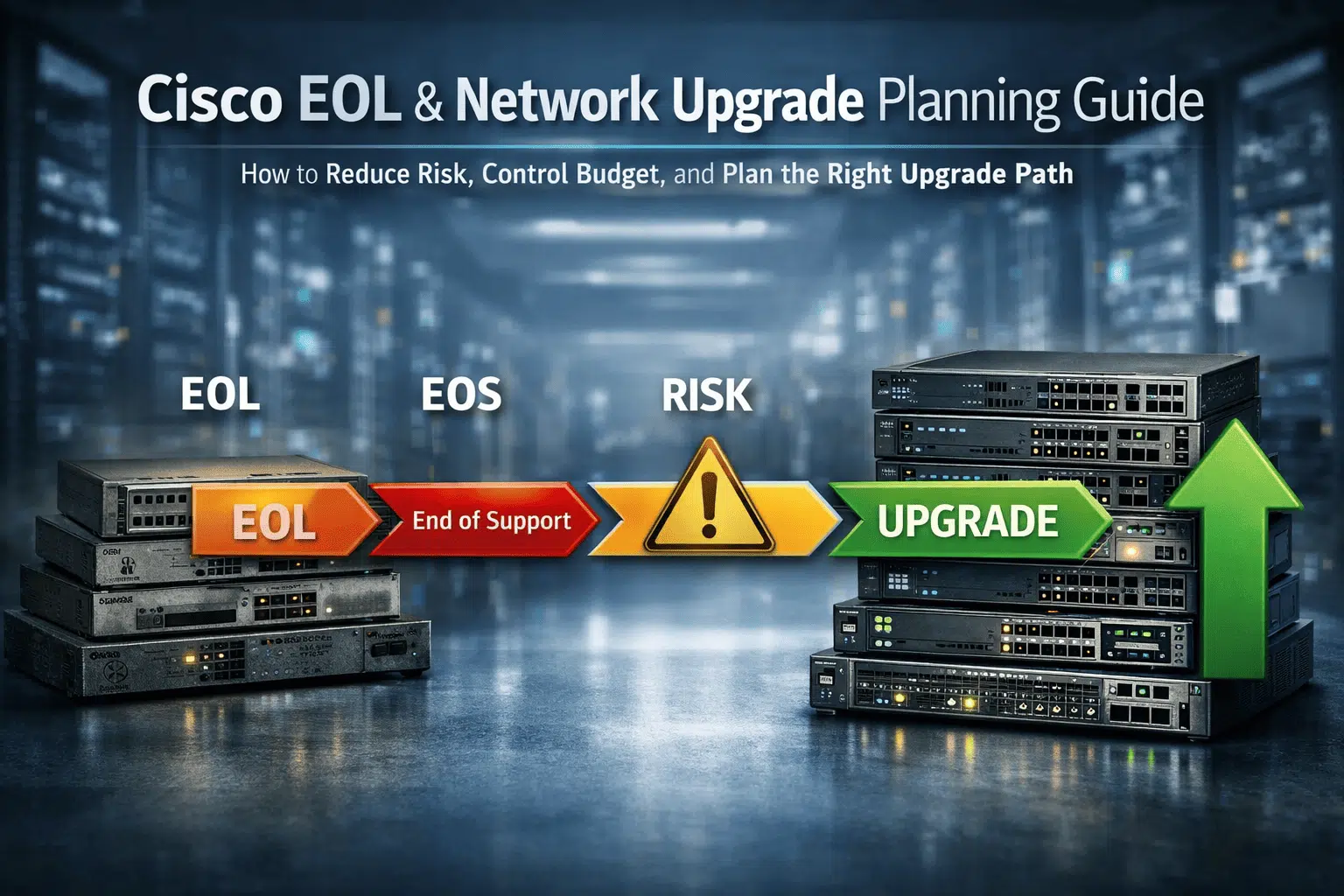
Check EOL, EOS, and Replacement Risk
Use the returned PID to review Cisco lifecycle milestones and decide whether replacement planning is needed.
Review Coverage or Replacement Options
Cross-check service data with Cisco, then request a manual review when the BOM, contract, or replacement choice needs human judgment.
Supporting Resources
Cisco Serial Number Check FAQ
How do I check the warranty on a Cisco switch?
Enter the switch’s chassis serial number, sign in, and run the lookup. Compare the returned PID/model with your switch, then review any coverage or service details. For a switch stack, check each member’s chassis serial number separately. A module or power-supply serial number identifies that component, rather than the switch chassis. If coverage details are missing, verify them with Cisco Device Coverage Checker.
Is this an official Cisco serial number checker?
No. This is a Layer23-Switch tool, not a Cisco-owned tool. Layer23-Switch is a Cisco-certified Advanced Partner, and the lookup displays data returned by Cisco’s official systems.
Is an account or lookup quota required?
Yes. Sign-in with a Layer23-Switch tools account is required. Lookup limits are account-based; signed-in users can view their remaining balance and reset window in the account profile.
Does a matching Cisco serial number prove the device is genuine?
A match confirms that the submitted serial number maps to official Cisco product data. It does not by itself prove that the physical unit is genuine or new; compare the chassis label, returned PID, quotation, packing list, and seller documentation.
Which Cisco device types can I submit?
You can submit serial numbers for Cisco switches, routers, wireless access points, IP phones, UCS or server hardware, and other serialized Cisco devices. The fields returned depend on the official Cisco record for that serial number.
Can a Cisco serial number reveal the manufacturing date?
This lookup does not decode manufacturing date or serial-number format. Use the Layer23-Switch Cisco Serial Number Decoder guide for that separate task.
Does the result include Cisco EOL or EOSL status?
Serial-number coverage data does not itself include EOL or EOSL. When the returned PID matches the Layer23-Switch lifecycle database, the page may show a separate EOL alert; use the EOL and EOSL Checker for full milestones.
Can you prepare a Cisco CCW BOM and quote from my serial number lookup?
Yes. Send us the serial number lookup results, the quantities you need, and any configuration changes. Our team can manually review the returned configuration, prepare or adjust a Cisco CCW BOM, and provide a quotation.
We can help confirm hardware, modules, power supplies, licenses, and support options. If you do not have an existing BOM, share your project requirements and we can build a configuration and quote for you.
Recommended Hardware
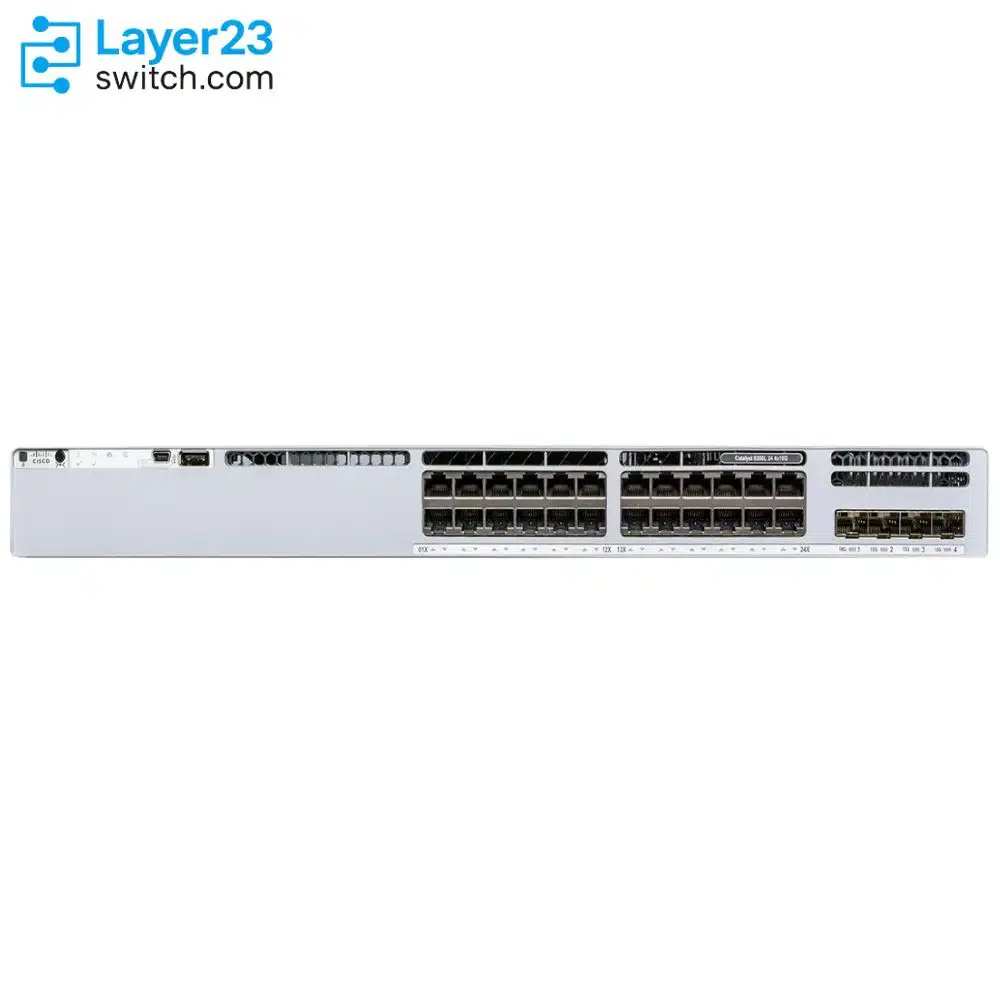
Cisco 24 Port Switch
24-port Cisco switches for SMB, branch, and enterprise access deployments.
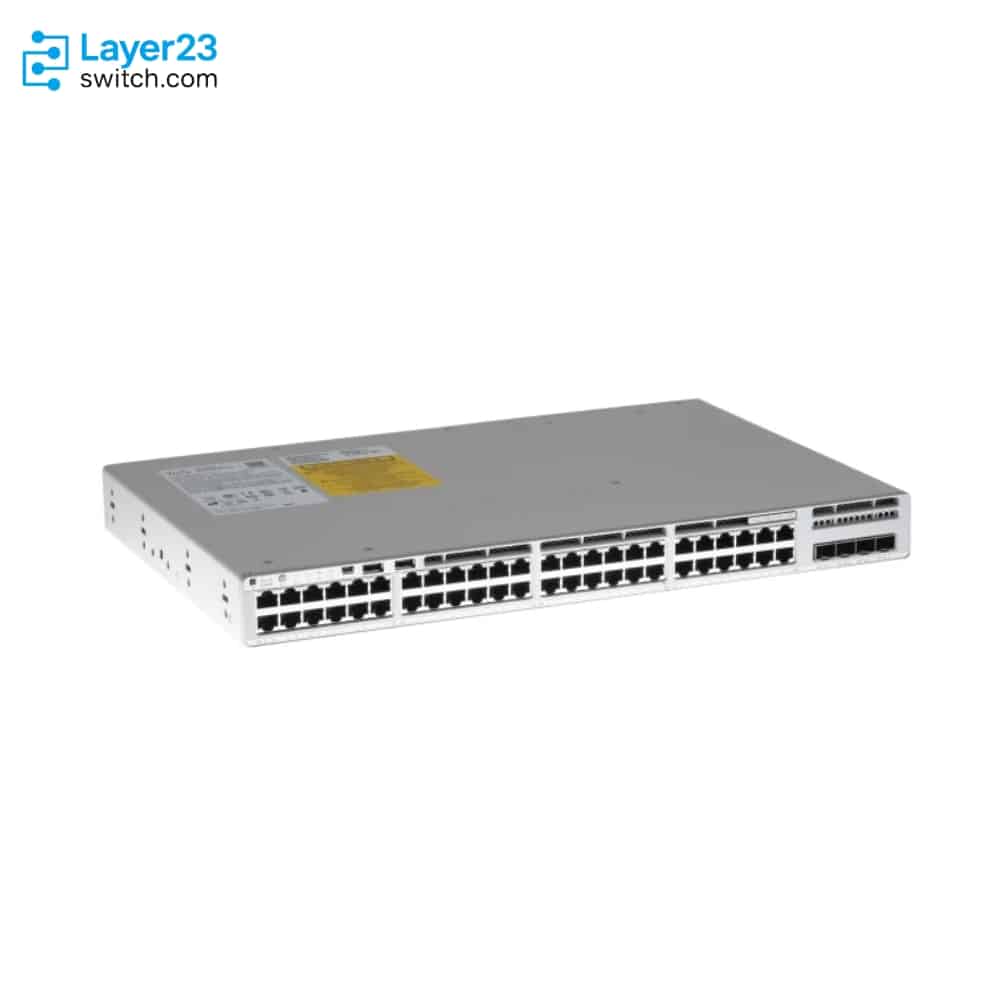
Cisco 48 Port PoE Switch
48-port PoE and PoE+ Cisco switches for phones, APs, and camera networks.
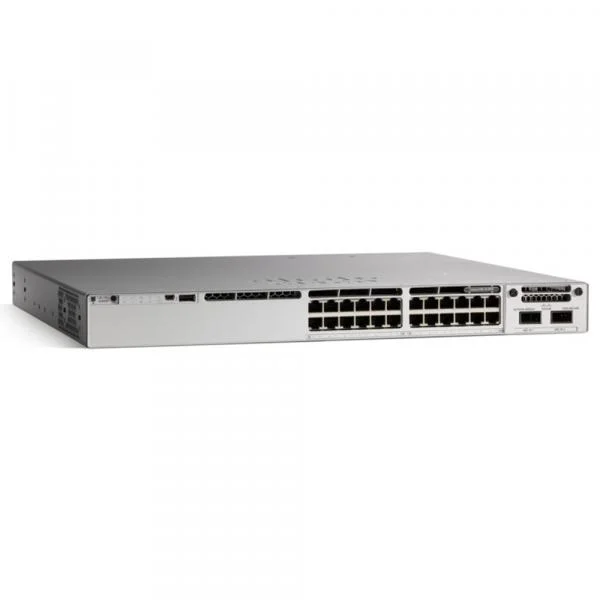
Cisco PoE Switch
Browse Cisco PoE switches across 8, 16, 24, and 48 port options.
Cisco UPoE Switch
High-power Cisco UPoE switches for dense wireless, IoT, and high-load edge devices.