What Is a Layer 3 Switch? A 5-Minute Guide for Network Engineers
A Layer 3 switch (also called a multilayer switch) is a purpose-built hardware device that blends features of a traditional Layer 2 switch and a router. It plays a critical role in modern networks by performing high-speed packet forwarding while also making routing decisions at Layer 3. This article explains the definition, working principles, primary functions, and key characteristics of Layer 3 switches, and when you should use them.
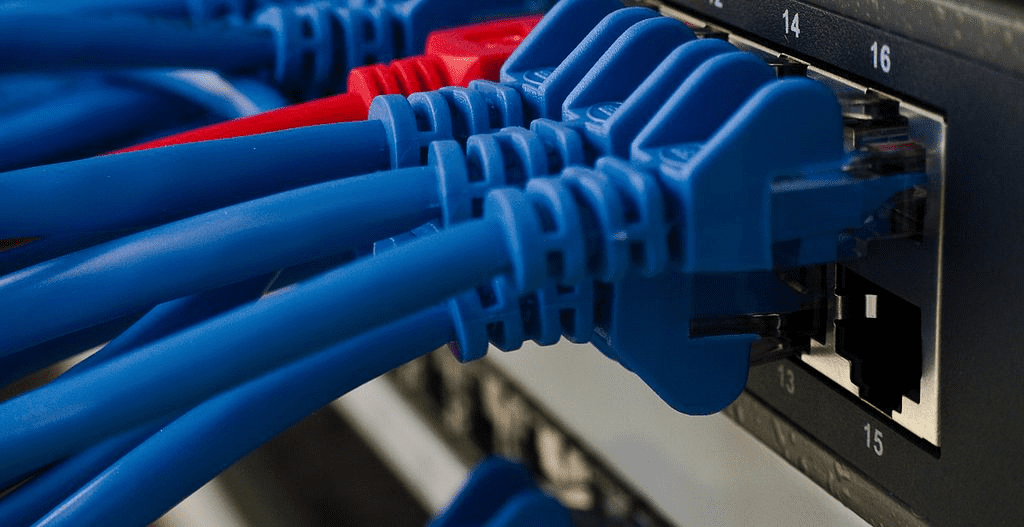
Definition of a Layer 3 Switch
A Layer 3 switch is a network device that combines switching and routing capabilities. Unlike a pure Layer 2 switch, it can examine Layer 3 (IP) information and make routing decisions, while still switching frames at Layer 2 when appropriate. In short, it routes between IP subnets/VLANs and switches within the same subnet, delivering both intelligence and speed.
How a Layer 3 Switch Works
Layer 3 switches maintain routing tables to determine next hops between different IP networks. When a packet arrives, the switch inspects the destination IP and consults its routing entries to select the appropriate egress interface. Hardware-accelerated forwarding ensures high throughput and low latency compared with software-only routing.
Where Layer 3 Switches Fit in the Network
- Boosting LAN routing performance
Layer 3 switches are designed to improve routing performance in large LANs (for example, enterprise intranets). Under high traffic volumes, they sustain throughput and stability better than relying on software-only routing paths. - Smarter routing decisions
They make per-destination IP forwarding decisions and push hardware-optimized routes into the data plane, improving forwarding efficiency compared to Layer 2-only designs. - Integrated switching + routing
Modern ASICs integrate both switching and routing pipelines, replacing many “router-style” software functions with hardware logic to increase throughput while simplifying the LAN design. - High-performance intra-LAN transport
They forward packets quickly and optimize traffic paths, improving response time and aggregate throughput inside enterprise networks and data centers. - Ideal for large enterprises and data centers
Thanks to performance, scalability, and flexible routing features, Layer 3 switches suit complex topologies, large user populations, and high-density environments.
Operating Modes of a Layer 3 Switch
There are two common operating concepts you’ll encounter:
- Route-Once, Switch-Many (often called cut-through/flow-based L3)
The switch looks at the first packet of a flow to determine the destination IP and next hop, then forwards subsequent frames at Layer 2 based on cached adjacency/MAC information. This increases throughput by avoiding repeated Layer 3 lookups once the path is known. - Per-Packet Layer 3 (PPL3) switching
The switch examines every packet’s Layer 3 header—functionally similar to a high-speed router with hardware-based forwarding. It maintains and updates routing tables and can participate in dynamic routing (for example, RIP or OSPF), validates checksums, updates TTL, and processes header options as needed.

Key Characteristics
- Dual-layer operation (L2 and L3)
Learns MAC addresses and switches at Layer 2, while also performing Layer 3 routing based on IP subnets. - Common port densities: 24 or 48 Ethernet ports
Typical enterprise models offer 24/48 access ports to connect endpoints (PCs, printers, servers). - Generally not focused on WAN interfaces
They are primarily used inside the LAN to route between VLANs/subnets; WAN edge connectivity is still commonly handled by routers or security gateways. - Connect devices within the same subnet/VLAN
They switch locally while also enabling inter-VLAN routing via SVIs or routed interfaces. - Simple, high-speed switching algorithms
Hardware pipelines implement fast, deterministic forwarding between ports. - Typically simpler routing feature sets
Compared with full routers, some Layer 3 switches emphasize core LAN routing features (static routes and basic dynamic protocols like RIP/OSPF) over complex WAN features.
Advantages of Layer 3 Switches
- Inter-VLAN routing
Enable communication between VLANs without an external router, improving LAN segmentation, flexibility, and security. - Better fault isolation
Independent forwarding engines and routing tables help localize failures and simplify troubleshooting. - Simplified security management
VLAN boundaries plus ACLs and policy controls allow precise east-west traffic governance. - Reduced broadcast traffic
By splitting broadcast domains into multiple VLANs, broadcast storms are contained and congestion is reduced. - Easier VLAN design
No need for separate external routers between every VLAN pair, lowering device counts and complexity. - Independent routing tables
Traffic can be separated and paths optimized for higher throughput and fewer resource conflicts. - Supports accounting and scalable growth
With built-in routing and traffic control, operators can monitor, charge back (if needed), and scale the network predictably. - Lower latency
Packets avoid unnecessary router hops, which helps latency-sensitive apps like real-time media.
Limitations to Consider
- Higher cost
Compared with Layer 2 switches, acquisition and operational complexity (skills, configuration) can be higher. - Best suited to larger networks
For small environments, Layer 2 switching may already meet requirements. - Limited WAN capabilities
A Layer 3 switch does not replace a full WAN router for upstream connectivity or advanced edge features. - Potentially slower than pure Layer 2 for some paths
When traversing multiple switches or inter-VLAN paths under load, bottlenecks can appear without proper design. - Flexibility constraints
When routing happens at the access layer, VLAN-to-switch binding can require careful planning (for example, when a single VLAN spans multiple switches).
When Should You Consider a Layer 3 Switch?
• You already use VLANs to separate departments, functions, or security zones and need fast inter-VLAN routing with policy control.
• You plan to introduce VLANs soon and want a scalable foundation for future segmentation and growth.
• Departments require isolated broadcast domains to improve security and performance by containing broadcast traffic within each VLAN.
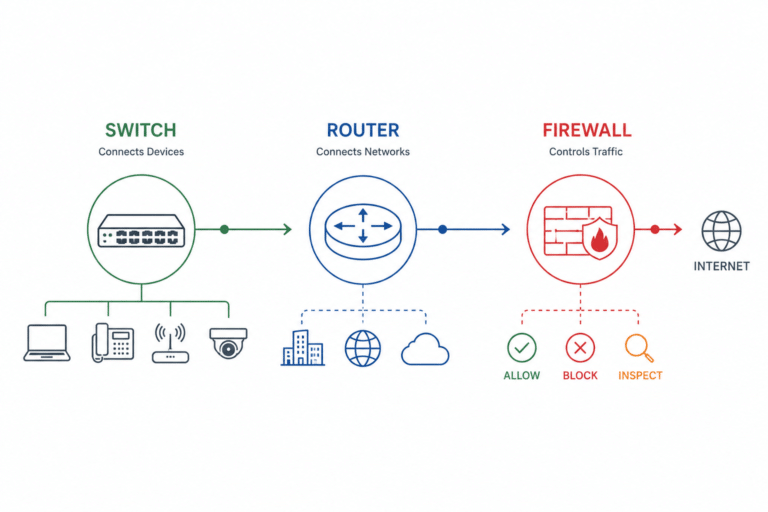
• Some subnets still need to connect to external networks or remote sites; pair Layer 3 switches (for LAN routing) with routers/firewalls (for WAN/edge).
• You expect rapid growth in endpoints within the same VLAN and want to avoid congestion by adding scalable inter-VLAN routing capacity.
Summary
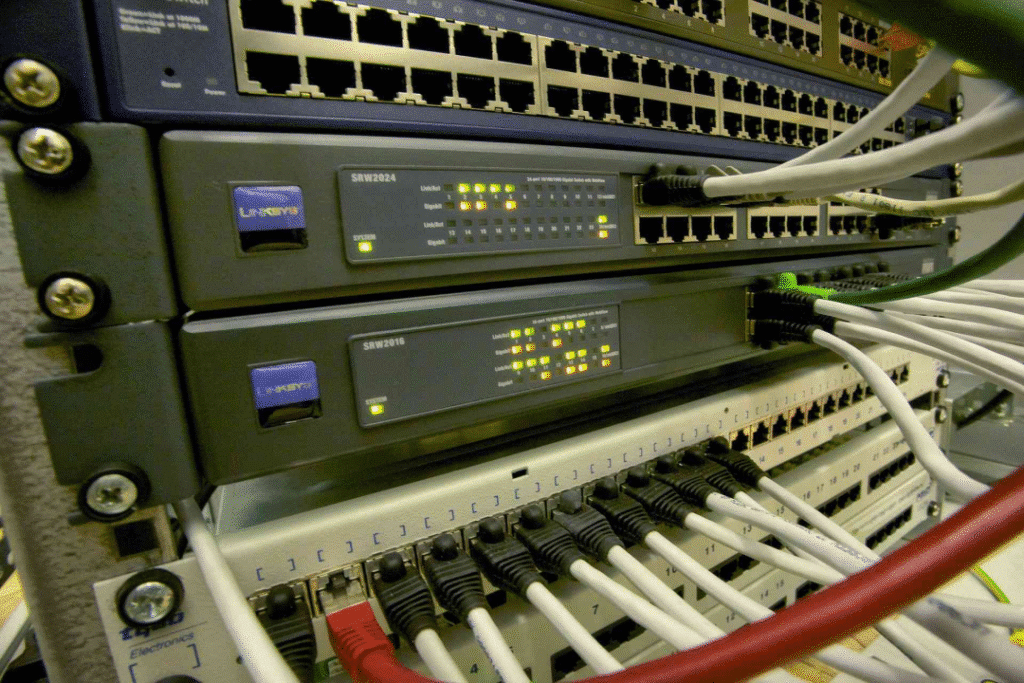
If you’re asking “what is a layer 3 switch,” the short answer is: it’s a multilayer switch that brings routing intelligence into the LAN switching fabric. It’s ideal for enterprises and data centers that need fast, scalable inter-VLAN routing, simpler security segmentation, and lower latency within the LAN—while still relying on routers or secure gateways at the WAN edge.
Explore enterprise-grade Layer 3 switches (Catalyst 9300/Catalyst 9200)
Differences Between Layer 2 and Layer 3 Switch
FAQs
-
When should I use a Layer 3 switch?
Use it for campus or data-center LANs that need high-speed inter-VLAN routing, segmentation, and policy control without hair-pinning traffic
-
What does a Layer 3 switch combine?
It combines MAC learning and frame switching (Layer 2) with IP routing functions such as SVIs, routed interfaces, ARP, static routes, and dynamic routing (for example OSPF/RIP) at Layer 3.
-
What is a Layer 3 switch?
A Layer 3 switch (multilayer switch) combines Layer 2 Ethernet switching with Layer 3 IP routing. It switches traffic within the same VLAN/subnet and routes traffic between different VLANs/subnets using hardware-accelerated forwarding.
-
Is a Layer 3 switch a router?
Not exactly. It performs many routing tasks inside the LAN but usually lacks the full WAN/edge feature set of a dedicated router/firewall.
-
Does a Layer 3 switch support VLANs?
Yes. VLANs are Layer 2 segments; a Layer 3 switch creates SVIs (one per VLAN/subnet) to route between them, enabling inter-VLAN communication.
-
Can I assign an IP address to a Layer 3 switch?
Yes. You assign IPs to SVIs (VLAN interfaces) or to routed physical ports. The management interface can also have its own IP.