12 Types of Computer Networks: LAN, WAN, SAN, DCN Guide
Understanding the different types of computer networks is the fundamental skill for every IT professional, network engineer, or technology enthusiast. Networks are the backbone of the digital world, connecting everything from your personal smartwatch to global cloud data centers.
This guide provides the most comprehensive and clearly structured overview of computer network classification, going beyond the traditional LAN, MAN, and WAN to include high-value, modern architectures like DCN and Cloud Networks. Our goal is to offer a superior resource that details the function, scope, and technical specifications of each type.
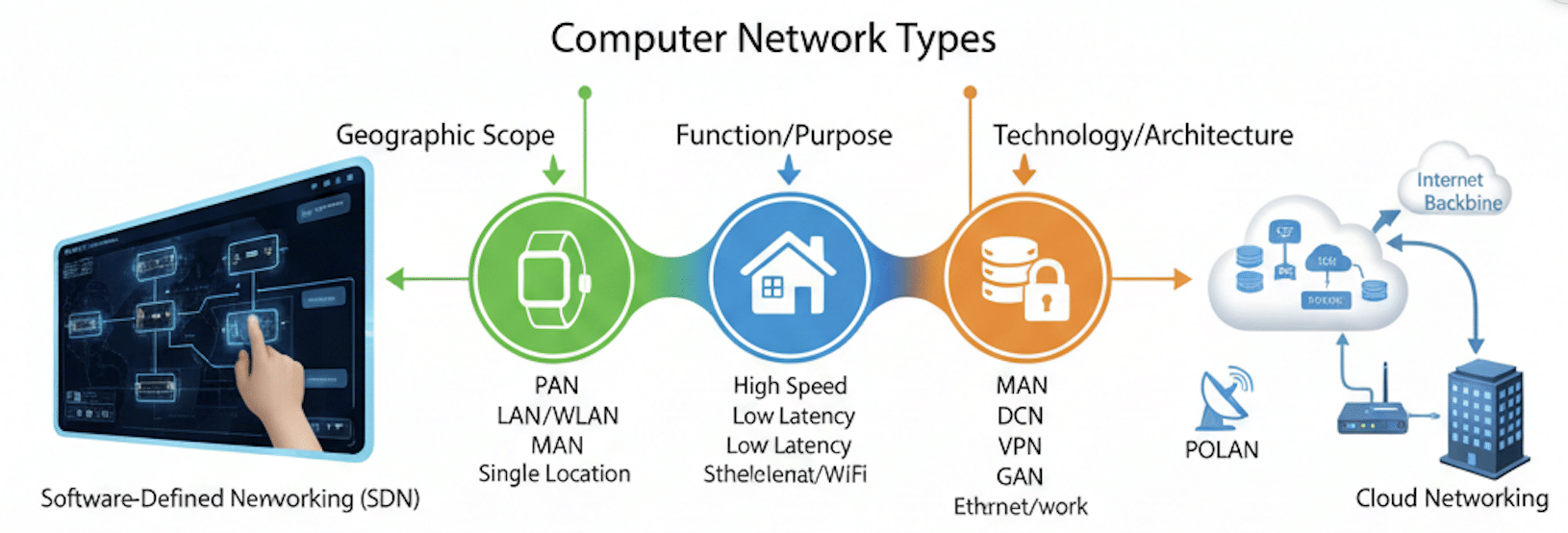
Computer Network Fundamentals: The Essential Building Blocks
Before diving into the various network types, it’s crucial to understand the elements that allow them to function.
Key Components of Any Network
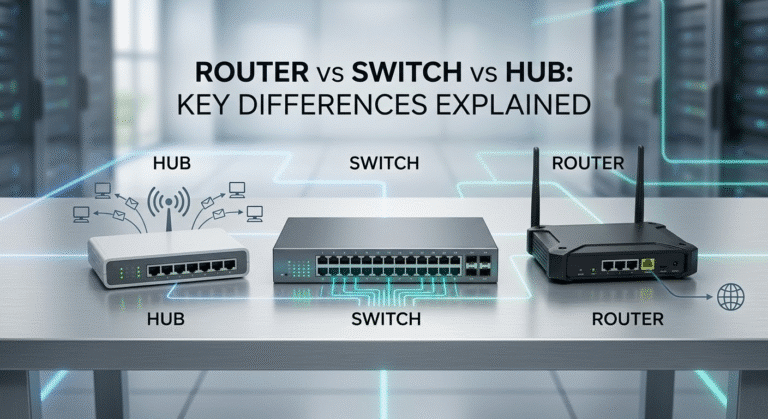
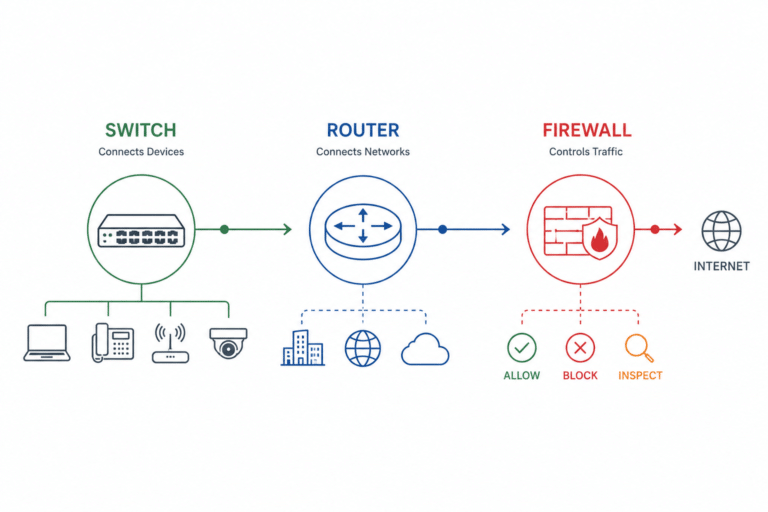
- Network Devices: Routers (Layer 3-routing between different networks), Switches (Layer 2-connecting devices within a network), Access Points (APs), and Firewalls.
- Protocols: The standardized rules for communication (e.g., TCP/IP, HTTP, FTP).
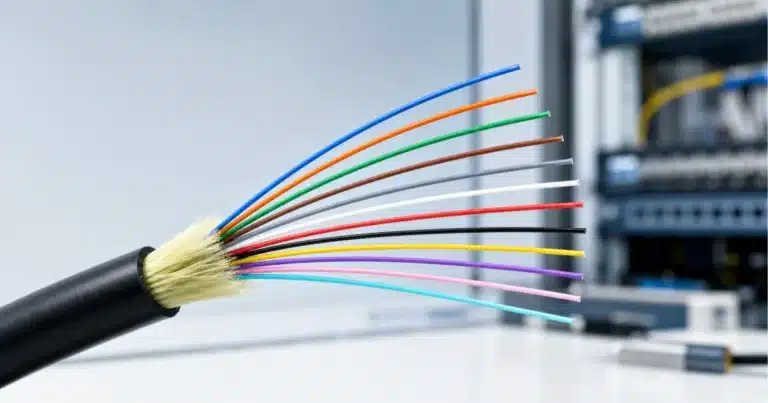
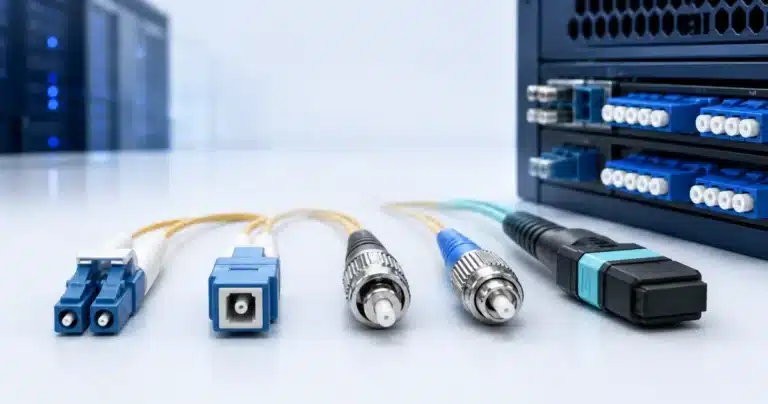
- Transmission Media: The physical path (e.g., Copper Ethernet cables, Fiber Optic cables, or radio waves for wireless).
OSI vs. TCP/IP: The Communication Models
For a deeper understanding of how computer networks work, IT professionals often reference communication models:
- OSI (Open Systems Interconnection) Model: A conceptual framework with seven distinct layers, used primarily for teaching and troubleshooting.
- TCP/IP Model (Internet Model): The practical four-layer model used in the real world (Application, Transport, Internet, Network Access).
Classification by Geographic Scope
The most common way to categorize types of computer networks is by the physical area they cover.
1. Personal Area Network (PAN)
- Scope: Extremely short range (a few meters, typically 30 feet).
- Use Case: Connecting devices immediately around a single user.
- Technology: Primarily Bluetooth (BLE), NFC, and sometimes infrared. Body Area Networks (BAN) are a specialized subset of PAN used for medical or fitness monitoring.
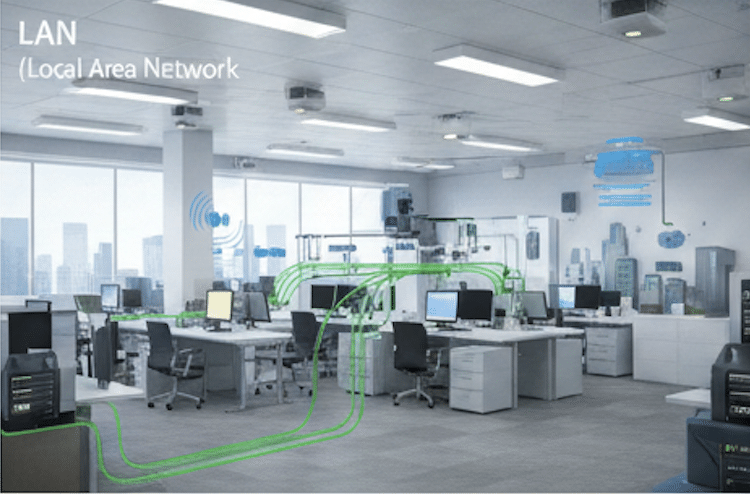
2. Local Area Network (LAN)
- Scope: A confined geographical area such as a home, office building, or school campus.
- Use Case: Allowing devices to share resources (printers, file servers) and data at high speed.
- Technology: Uses IEEE 802.3 (Ethernet) for wired connections and often high-speed internal backbone connections.
3. Wireless Local Area Network (WLAN)
- Scope: Identical to a LAN, but uses wireless technology.
- Use Case: Providing flexible, cable-free connectivity.
- Technology: Governed by the IEEE 802.11 standards (Wi-Fi), including modern iterations like 802.11ax (Wi-Fi 6) and 802.11be (Wi-Fi 7), which are crucial for low-latency applications.
4. Metropolitan Area Network (MAN)
- Scope: Covers a city or a large campus. It connects multiple LANs together.
- Use Case: Connecting city government buildings, university campuses, or large regional ISPs.
- Technology: Often relies on high-speed fiber optic connections or Metro Ethernet.
5. Wide Area Network (WAN)
- Scope: Large geographical areas, spanning cities, states, or even countries.
- Use Case: Connecting enterprise branch offices across the globe, or providing Internet backbone services.
- Technology: Utilizes leased lines, MPLS (Multi-Protocol Label Switching), and dedicated fiber links. The Internet itself is the largest example of a WAN.
6. Global Area Network (GAN)
- Scope: A network used to support mobile connectivity across an arbitrary number of wireless LANs, satellite links, and WANs.
- Use Case: Multinational corporations with continuous global connectivity requirements.
Classification by Function or Purpose
These networks are defined by what they are designed to do, rather than how far they reach.
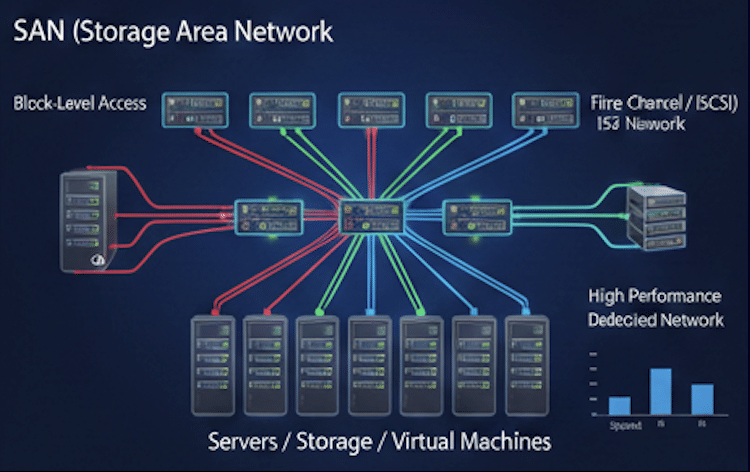
7. Storage Area Network (SAN)
- Definition: A high-speed network dedicated solely to connecting servers to their storage devices.
- Key Purpose: To pool storage resources and provide block-level data access, essential for virtualized and mission-critical applications.
- Technology: Primarily uses Fibre Channel (FC) or iSCSI (Internet Small Computer System Interface) for extremely fast data transfer.
- SAN vs. NAS (Network-Attached Storage): SAN provides block-level access and is a separate, dedicated network, while NAS provides file-level access over a general-purpose LAN.
8. Data Center Network (DCN)
- Definition: The complex, high-performance network connecting all the physical and virtual resources (servers, storage, load balancers) within a modern data center.
- Key Architecture: Modern DCNs use Spine-Leaf Architecture (a form of the Clos network) to ensure low latency and high scalability across all connected nodes. This is a critical, modern network type often missed in basic guides.
9. Virtual Private Network (VPN)
- Definition: A secure, encrypted connection across a public network (like the Internet) to create a Virtual Private Network.
- Use Case: Secure remote access for employees (remote-access VPN) or connecting two remote offices (site-to-site VPN).
- Technology: IPsec and SSL/TLS are standard protocols, with newer technologies like WireGuard gaining popularity for speed and simplicity.
10. Enterprise Private Network (EPN)
- Definition: A network built and used by a single organization to securely connect all of its sites and devices.
- Use Case: The overarching network framework for large corporations, encompassing their LANs, WANs, and internal DCNs.
Classification by Architecture and Technology
11. Passive Optical Local Area Network (POLAN)
- Definition: A type of LAN that uses fiber optic cable and passive optical splitters instead of traditional active switches for distribution.
- Advantages: Energy efficiency, longer distance capabilities (up to 20km), and reduced cabling complexity compared to traditional Ethernet-based LANs.
12. Internetwork
- Definition: A collection of two or more independent networks (LANs, MANs, or WANs) interconnected by network devices like routers and using a common protocol (like IP).
- Significance: The Internet is the world’s largest Internetwork, where routers are the key devices that manage data exchange between disparate network domains.
Core Comparison: Network Type Quick Reference
|
Feature |
PAN (Personal) |
LAN (Local) |
MAN (Metro) |
WAN (Wide) |
SAN (Storage) |
|---|---|---|---|---|---|
|
Typical Range |
Few meters |
Building/Campus |
City |
Global |
Data Center Rack |
|
Typical Speed |
Low to Medium |
High (1 Gbps+) |
Medium to High |
Variable |
Extremely High (10 Gbps+) |
|
Key Media |
Bluetooth, NFC |
Ethernet, Wi-Fi |
Fiber Optic |
MPLS, Leased Lines |
Fiber Channel (FC) |
|
Cost / Maintenance |
Very Low |
Low |
Medium to High |
Very High |
Very High (Specialized) |
|
Core Purpose |
Device Interconnection |
Resource Sharing |
Regional Interconnect |
Global Connectivity |
High-Speed Data Access |
Modern Networking Trends: Going Beyond the Basics
To truly master computer network classification, you must understand the latest architectural shifts driving the industry.
Software-Defined Networking (SDN)
SDN separates the network control plane (the intelligence) from the data plane (the forwarding hardware). This allows network engineers to manage the entire infrastructure through centralized software, greatly improving agility, automation, and efficiency across large-scale LAN and WAN deployments.
Cloud Networking (CN)
In the modern enterprise, the network extends into the public cloud. Cloud Networking involves managing virtual networks (AWS VPC, Azure VNet, Google Cloud VCN) and ensuring seamless, secure connectivity between the private enterprise network and its cloud resources. This often involves specialized services like Direct Connect or ExpressRoute.
5G and IoT Networks
The proliferation of IoT devices and 5G cellular technology is creating massive, densely connected networks at the network edge. These require ultra-low latency and high reliability, driving new architectural considerations in how data is processed, often leveraging Edge Computing near the devices themselves.

Applications and Advantages
Computer networks are essential because they enable:
- Resource Sharing: Sharing expensive hardware (printers, plotters) and software licenses.
- Communication: Facilitating modern communication via email, VoIP (Voice over IP), and video conferencing.
- Centralized Computing: Enabling cloud services and centralized data storage/backup.
- Cost Efficiency: Reducing hardware and operational costs through efficient resource utilization.
Frequently Asked Questions (FAQs)
Q1: What are the 5 types of network commonly categorized by geographical area?
The five core types of network by scope are: PAN (Personal), LAN (Local/Building), WLAN (Wireless Local), MAN (City/Campus), and WAN (Wide/Global).
Q2: What is the primary functional difference between a LAN and a WAN?
A LAN (Local Area Network) offers high speed and low cost over short distances. A WAN (Wide Area Network) connects geographically separate locations at a lower speed and much higher cost.
Q3: How are computer networks classified beyond just size (LAN, WAN, etc.)?
Networks are also classified by function (e.g., dedicated storage or security) and architecture (e.g., the specialized network structure, like Spine-Leaf).
Q4: What are the specialized network types used in modern data centers?
Modern data centers primarily use SANs (Storage Area Networks) for high-speed block storage access and DCNs (Data Center Networks) for connecting all internal computing resources.
Q5: Why is understanding network topologies important when setting up a LAN?
Topology (the physical layout) is critical for fault isolation and ease of management. The Star topology is dominant today because a single cable failure does not affect the rest of the LAN.