
What Replaces Cisco C9105, C9115, C9120, and C9130? The Complete Migration Guide
By CCIE Certified
Cisco C9105, C9115, C9120, and C9130 indoor Wi-Fi 6 access points are all in Cisco’s 2026 indoor Wi-Fi 6 EOL wave, but they should not be replaced the same way. Cisco’s official migration paths point to newer 9170-series platforms, and the right choice depends on site density, lifecycle horizon, and whether the environment should move to Wi-Fi 6E or directly to Wi-Fi 7.
Executive Summary
If you are searching for C9120 replacement, what replaces Cisco C9115, or C9130 replacement, you are no longer asking a theory question. You are making an execution decision. Cisco’s April 2026 EOL notice confirms that the affected indoor Wi-Fi 6 platforms are moving into end-of-sale and end-of-support timelines, and Cisco’s own migration tables already point customers toward newer 9170-series products. The important part is that these four legacy models were not used for the same role. A C9105 branch deployment, a C9115 office floor, a C9120 mainstream campus standard, and a C9130 high-density environment should not be refreshed with one generic rule.
This guide is written for that real replacement stage. It does not repeat the broad EOL story. Instead, it answers the questions buyers and architects actually ask: what each model was typically used for, what Cisco says the migration direction is, when Wi-Fi 6E is still enough, and when Wi-Fi 7 is the smarter long-term move. For the wider lifecycle context behind this replacement wave, see Cisco Wi-Fi 6 Indoor AP EOL Replacement Guide.
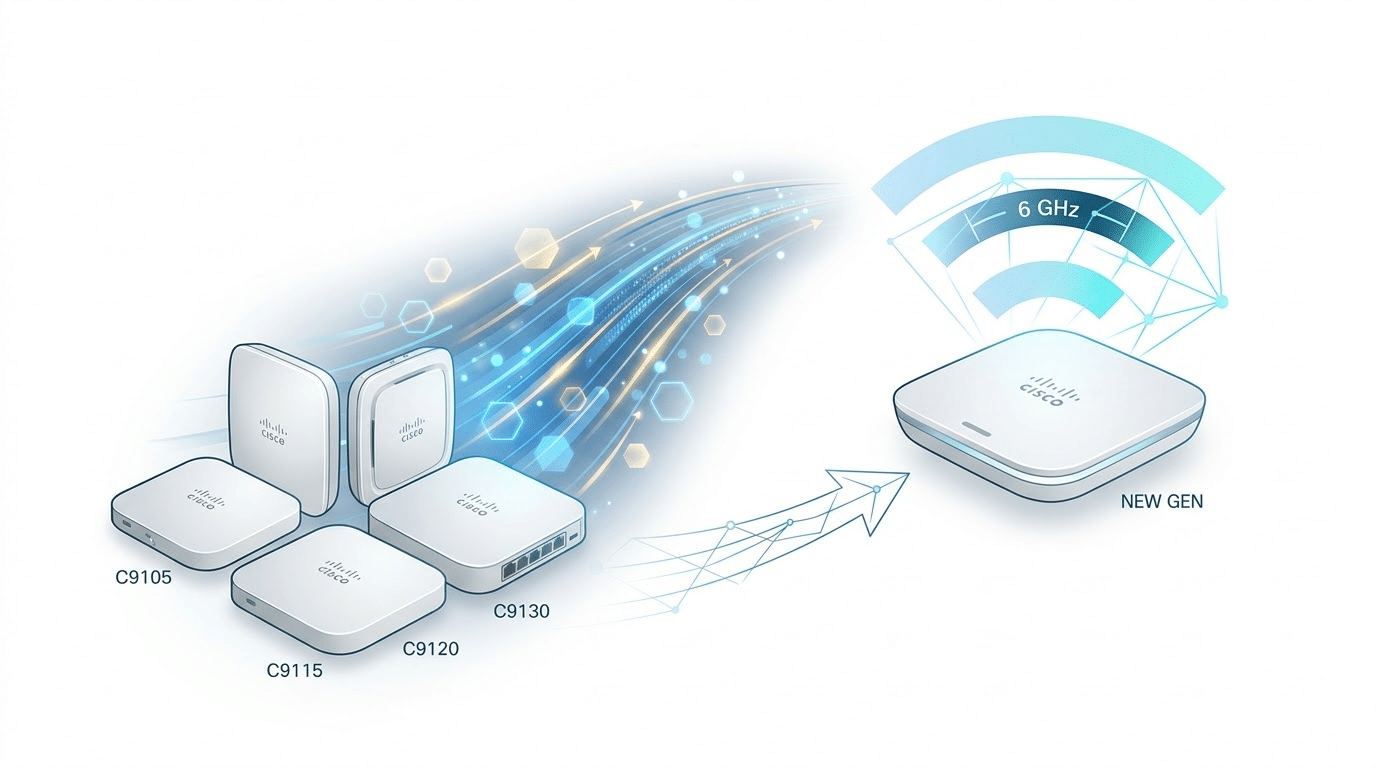
Which Cisco AP Models This Replacement Guide Covers
Cisco C9105 replacement, C9115 replacement, C9120 replacement, and C9130 replacement
This article focuses on four Cisco Catalyst indoor Wi-Fi 6 access points that sit at the center of enterprise refresh planning:
- C9105
- C9115
- C9120
- C9130
Cisco’s official EOL bulletin covers these models as part of the indoor Wi-Fi 6 transition and maps them to newer migration products in the 9170 family. That makes them the most commercially relevant replacement cases for Catalyst-based enterprise wireless teams.
What this guide does not cover
This article does not try to cover every SKU in the bulletin, and it does not focus on Meraki replacements or outdoor APs. Cisco’s notice explicitly excludes MR28 and outdoor MR76, MR78, MR86, and C9124AX from this indoor announcement, so those belong in separate workflows.
For exact hardware and regional SKU comparisons, use the Cisco wireless access point comparison.
Why a 1:1 Cisco AP Replacement Is Usually the Wrong Decision

“What replaces C9120?” is the right keyword, but the wrong way to decide
Searchers naturally want a direct answer such as “what replaces Cisco C9120?” That is a valid search intent, and Cisco’s migration table does in fact provide replacement products. But the enterprise mistake is stopping there. A model number is not a deployment role. Two sites running the same legacy AP can justify very different replacement paths if one is a standard office and the other is a growth-heavy campus floor. Cisco’s own installation and deployment materials for newer AP generations emphasize real deployment context rather than blind one-for-one swap logic.
Replacement should follow site role, not legacy SKU alone
That is the most important principle in this guide. C9105 was often chosen for lighter indoor coverage. C9115 commonly sat in mainstream office environments. C9120 often became the enterprise default. C9130 was more often associated with higher-density or more demanding deployments. If you replace those four models using the same budget rule, you are almost guaranteed to overbuy in some places and underbuild in others. That is how enterprises create a second refresh project before the first one has even delivered full value.
The four checks that matter before you choose a successor
Before you decide what replaces C9105, C9115, C9120, or C9130, validate four things:
- Actual site density
- Refresh horizon
- Power and access-layer readiness
- Software and migration compatibility
These are not academic checks. Cisco’s own EOL notice ties migration decisions to specific replacement products, and Cisco’s newer Wi-Fi 7 access points come with materially different performance profiles and power expectations than the older Wi-Fi 6 platforms they replace.
C9105 Replacement Guide
What the Cisco C9105 was usually deployed for
C9105 was typically a lighter-duty indoor AP choice. In practice, that means branch-style offices, smaller floors, or lower-density enterprise spaces where the organization still wanted a Cisco Catalyst AP but did not need the heavier profile of the upper-tier models. The replacement mistake here is usually not underbuilding. It is overspending.
What replaces Cisco C9105?
Cisco’s EOL notice maps C9105 indoor integrated deployments toward Cisco Wireless 9171I and Cisco Wireless 9172I, while wall-plate-style cases point toward Cisco Wireless 9172H. That official migration direction already tells you something useful: Cisco is not pushing every C9105 site toward the top of the portfolio. It is giving lower-density and role-appropriate successors first.
When C9105 should stay on a lighter replacement path
For most C9105 sites, that lighter path is still the correct one. If the site remains low density, if the environment is cost-sensitive, and if the business does not expect that location to become a premium wireless environment, a lower or mid-tier next-generation AP is usually enough. That is one of the few places in this cluster where restraint is often the smarter decision.
When C9105 should still jump to Wi-Fi 7
There are exceptions. If the site is part of a standardized long-lifecycle redesign, or if the organization wants a uniform next-generation wireless template across many locations, then moving a former C9105 site directly into the Wi-Fi 7 era can still be rational. The point is not that every C9105 needs Wi-Fi 7. The point is that C9105 should not be upgraded by price alone.
C9115 Replacement Guide
What the Cisco C9115 was usually used for
C9115 was one of the most common mainstream enterprise indoor AP choices. It sat comfortably in standard office environments, campus access floors, and medium-density deployments where the organization wanted a strong enterprise-grade platform without always moving to the highest-density AP tier.
What replaces Cisco C9115?
Cisco’s migration table points C9115 indoor integrated cases toward Cisco Wireless 9174I, while external-antenna variants align with Cisco Wireless 9174E. That is important because Cisco is not signaling “replace every C9115 with the cheapest new AP.” It is signaling a modernized but still serious enterprise path.
When C9115 should be replaced with the balanced path
In many environments, C9115 replacement is the most balanced decision in the entire cluster. If the site is medium density, the budget is controlled, and the business wants a clean modern refresh without overengineering, the 9174-class path is usually sensible. This is often where enterprises should modernize confidently but not aggressively.
When C9115 should go beyond a purely conservative refresh
The caution is that many teams mistake “balanced” for “minimal.” If the C9115 site is part of a long-horizon campus refresh, if user density is clearly increasing, or if the organization wants to avoid another wireless refresh in a few years, then even this mainstream replacement case should be reviewed through the Wi-Fi 7 lens. That is where a safe-looking choice can quietly become a short-lived one.
C9120 Replacement Guide
Why C9120 replacement is the most important decision in this article
C9120 is the model where the replacement decision becomes genuinely strategic. It has broad enterprise relevance, and it usually sits in the middle of the portfolio in a way that makes both conservative and ambitious upgrade paths look plausible. That is why so many buyers search for C9120 replacement specifically. It is not just a SKU question. It is the crossover point between “good enough” and “build it once.”
What replaces Cisco C9120?
Cisco’s migration table points C9120AXI to Cisco Wireless 9176I, while external or plenum-oriented C9120 variants map toward Cisco Wireless 9174E. That is a stronger migration signal than many buyers expect. Cisco is not treating C9120 as a low-end case. It is moving mainstream enterprise Wi-Fi 6 buyers into much more capable next-generation hardware.
When Wi-Fi 6E is still reasonable for C9120 sites
There are still C9120 environments where a moderate next-generation step is enough. If the floor is mainstream office space, density is controlled, and the refresh horizon is not unusually long, a measured replacement path can work. But this is also where many organizations make the wrong call by pretending every C9120 site has the same future.
When C9120 should go straight to Wi-Fi 7
If the site is part of a long-term enterprise template, if it is a major campus refresh, or if the business expects the wireless layer to absorb more collaboration traffic and more device concurrency, then C9120 should usually be evaluated as a direct Wi-Fi 7 case. This is the model where many enterprises accidentally create a two-step upgrade. They replace Wi-Fi 6 with an intermediate platform, then discover they still need the platform they should have chosen first.
That is why C9120 is the most important decision point in this guide. It is where short-term prudence most easily turns into long-term duplication.
C9130 Replacement Guide
Why C9130 needs a different replacement strategy
C9130 should not be treated like the rest of the list. It was much more often used for higher-density, higher-performance, or more demanding indoor enterprise environments. That means the replacement risk flips. With C9105, the risk is often overspending. With C9130, the risk is under-replacing.
What replaces Cisco C9130?
Cisco maps C9130AXI toward Cisco Wireless 9178I, while certain external-antenna variants map toward Cisco Wireless 9174E, and stadium-oriented variants such as C9130AXE-STA map toward Cisco Wireless 9179F. That tells you Cisco itself sees C9130 replacement as a higher-end migration problem, not a commodity refresh.
Why replacing C9130 with a mid-tier AP is often a downgrade
This is one of the clearest judgment calls in the whole cluster. Replacing C9130 with a mid-tier AP may lower purchase cost, but it frequently lowers the role standard of the site as well. If the old AP was there because the environment was dense, performance-sensitive, or operationally important, then choosing a lesser successor is not a refresh. It is a rollback.
Why C9130 usually justifies the higher-end path
In most real enterprise deployments, C9130 replacement should be thought of as a higher-end Wi-Fi 7 decision. Not because every C9130 site needs the maximum spec sheet, but because the original environment usually justified stronger wireless behavior under load. If the business still needs that kind of environment, a top-tier successor is the safer architectural choice.
Cisco AP Replacement Comparison Table
Official Cisco migration products and real-world replacement logic
| Legacy AP | Original Role | Official Cisco Migration Product | Best-Fit Replacement Logic |
|---|---|---|---|
| C9105AXI | Low-density indoor | 9171I / 9172I | Best for lighter-duty sites and cost-disciplined refreshes |
| C9105AXW | Wall-plate / room-style deployment | 9172H | Best when the site still needs a wall-plate form factor |
| C9115AXI | Mainstream enterprise indoor | 9174I | Balanced replacement for standard office and medium-density sites |
| C9115AXE | External antenna indoor use case | 9174E | Preserve antenna-driven design logic rather than forcing integrated APs |
| C9120AXI | Mainstream enterprise crossover point | 9176I | One of the most important Wi-Fi 6E vs Wi-Fi 7 decision cases |
| C9120AXE / C9120AXP | External/plenum variants | 9174E | Match deployment type, not just generation |
| C9130AXI | Higher-density indoor | 9178I | Usually the clearest high-end replacement path |
| C9130AXE | External antenna high-density use case | 9174E | Maintain deployment intent and coverage model |
| C9130AXE-STA | Stadium / specialized high-density | 9179F | Stadium-class sites should not be downgraded |
This table combines Cisco’s official migration products with the practical site logic an enterprise team actually needs during refresh planning. The Cisco mapping comes directly from the EOL bulletin’s migration section.
Should You Choose Wi-Fi 6E or Wi-Fi 7 for These Models?
When Wi-Fi 6E is still the rational answer
Wi-Fi 6E is still a rational answer for lower-density and moderate-density environments, especially when budget discipline matters and the site does not justify a premium long-horizon design. That is why the lighter C9105 replacement cases and many balanced C9115 refreshes can still fit a more measured path. Cost control is not the enemy. Misalignment is.
When Wi-Fi 7 is the better long-term move
Wi-Fi 7 becomes the better move when the refresh horizon is long, when density is higher, or when the organization wants a more durable wireless standard. That is why the case strengthens as you move from C9115 to C9120 and becomes much clearer for many C9130 environments. The more strategic the site, the less attractive a merely transitional answer becomes.
Fast model-by-model summary
- C9105 → usually lighter next-generation path
- C9115 → balanced replacement case
- C9120 → true crossover point
- C9130 → usually higher-end successor path
For the broader standard-selection decision, see Wi-Fi 6E vs Wi-Fi 7 After Cisco Wi-Fi 6 EOL.
Infrastructure Checks Before Replacing C9105, C9115, C9120, or C9130
Do not ignore power requirements
One of the easiest ways to get a wireless refresh wrong is to treat power as a box-checking exercise. A newer AP that powers on is not the same as a newer AP operating at the level you planned for. Power headroom should be validated as part of the replacement decision, not as a post-procurement surprise.
Make sure the new AP will fit your existing architecture
Replacement is not only a hardware conversation. It is also a migration conversation. Cisco’s newer Wi-Fi 7 AP family is designed to work across Cisco’s current stacks and hybrid environments, but that still does not remove the need to validate your own architecture and code path before execution. Cisco’s installation materials for the 9176I explicitly describe support across Cisco Catalyst and Meraki-based environments.
Recheck placement before assuming a like-for-like swap
A replacement project is often the best moment to ask whether the old AP placement still reflects how the site is actually used. If density, traffic patterns, or room use have changed, then hanging a newer AP in the old location does not automatically create a better design. Refresh projects that ignore this point often carry old design flaws into a new platform.
Common Mistakes in Cisco AP Replacement
Replacing by price instead of role
The fastest path to a bad decision is to compare replacement APs as if they were interchangeable line items. They are not. A lower-cost AP can still be the wrong replacement if it downgrades the role of the site.
Assuming C9120 and C9130 need the same successor logic
They do not. C9120 is the enterprise crossover model. C9130 is much more often a higher-end, density-driven replacement case. Treating them as if they belong in the same budget tier is one of the most common errors in the market.
Upgrading hardware without redesigning the standard
Organizations often say they are “replacing APs,” when what they are really doing is choosing the next wireless standard for a site. If that distinction is missed, the project becomes tactical when it should be architectural.
Choosing Wi-Fi 6E because it feels safer
Sometimes Wi-Fi 6E is the right choice. But in other cases it only feels safer because it looks cheaper and easier. In a long-lifecycle site, that feeling can be misleading.
FAQ
What replaces Cisco C9105?
Cisco maps C9105 integrated indoor deployments toward 9171I or 9172I, while wall-plate-style use cases map toward 9172H.
What replaces Cisco C9115?
Cisco maps C9115AXI toward 9174I and external-antenna variants toward 9174E.
What replaces Cisco C9120?
Cisco maps C9120AXI toward 9176I, while certain external and plenum-style variants map toward 9174E.
What replaces Cisco C9130?
Cisco maps C9130AXI toward 9178I, while some specialized variants map toward 9174E or 9179F.
Should I replace C9120 with Wi-Fi 6E or Wi-Fi 7?
That depends on density, lifecycle horizon, and how strategic the site is. C9120 is usually the most important 6E-versus-7 decision point in this cluster.
Can I keep using C9105, C9115, C9120, or C9130 after EOL?
Yes. Existing deployments can continue operating after EOL milestones, but they should not be the foundation of new enterprise indoor wireless deployments. To see exactly how much time you have left before the End of Security Support date, search for your specific model in our Cisco EOL Checker Tool
Conclusion
This is not really a “what SKU replaces what SKU” page. It is a role-based replacement decision page.
If you treat C9105, C9115, C9120, and C9130 as one generic Wi-Fi 6 group, you will make at least one of two mistakes: you will either overspend on lighter sites or underbuild more strategic ones. Cisco’s official migration products give you the hardware direction, but the right enterprise decision still depends on what role the old AP was actually serving.






