What Is a Core Switch? The Definitive Guide to Network Architecture
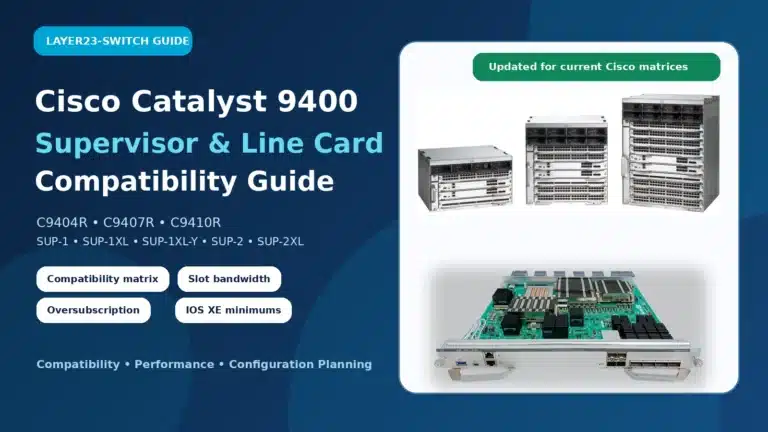
A core switch is a high-capacity, high-performance Layer 3 switch positioned at the physical backbone of an enterprise network. Engineered to aggregate massive volumes of data from distribution switches, it provides ultra-low latency and maximum throughput to ensure uninterrupted routing and packet forwarding across the entire IT infrastructure.
Executive Summary
Designing a scalable enterprise network requires more than just stringing cables between devices; it demands a structured, hierarchical architecture. While edge switches handle user connectivity and routers manage external internet traffic, the core switch acts as the central nervous system bridging your entire local environment. However, understanding when to deploy a dedicated core switch versus a collapsed core architecture can mean the difference between thousands of dollars in wasted IT budget and a crippling network bottleneck. This guide breaks down exactly what a core switch does, how it fits into the three-tier network model, and the exact device-count thresholds that dictate when your business actually needs one.
A core switch sits at the heart of enterprise network architecture, providing high-speed backbone connectivity across the campus. To fully understand its role, it’s important to first distinguish it from other layers—especially in this guide on Core vs Aggregation vs Access Switches, which explains how each layer functions within a hierarchical network design.
The Fundamental Role: What Does a Core Switch Do?
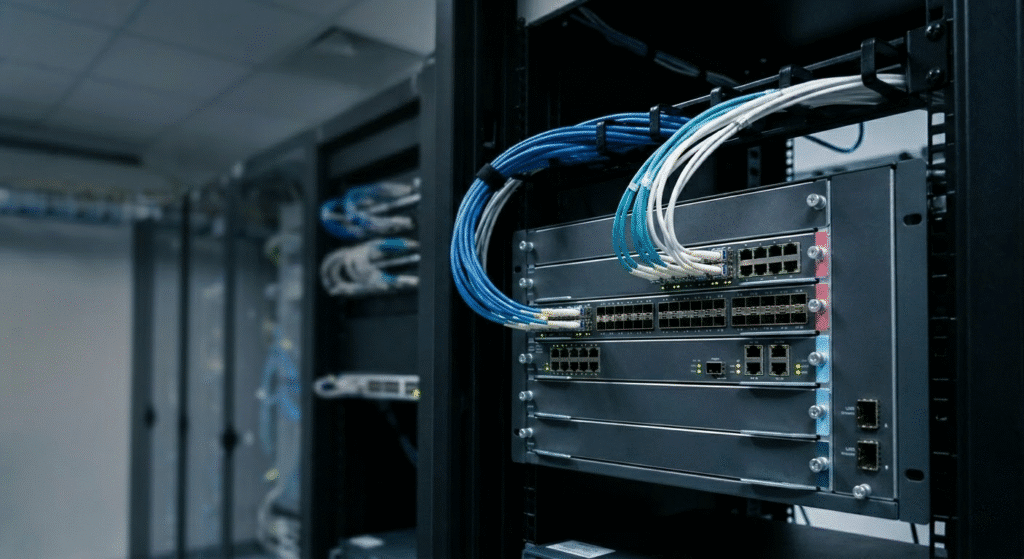
Think of a core switch as the high-speed interstate highway of your network. It does not inspect the cargo or check driver’s licenses; its sole mandate is to move massive amounts of traffic from point A to point B as fast as physically possible. In a large enterprise, the core switch aggregates data from multiple distribution switches and routes it rapidly across the local area network (LAN) or toward the data center.
To maintain ultra-low latency, a true core switch avoids resource-heavy tasks like complex packet inspection, quality of service (QoS) tagging, or granular access control lists (ACLs). Applying these security policies at the core creates processing overhead, which causes the “Routing Paradox”—the more intelligent you make the core, the slower it performs. Instead, a core switch delegates those tasks downward, focusing entirely on rapid data forwarding, high availability, and maintaining maximum wire-speed throughput.
The Hierarchical Network Model: Core vs. Distribution vs. Access
A core switch cannot be understood in isolation. It is the top tier of the classic Cisco three-tier hierarchical network model, designed to organize complex IT environments into manageable, scalable, and predictable layers. (For next-generation data center layouts, see our guide on Spine-Leaf Architecture vs. Traditional 3-Tier Network Design).
The Core Layer (The Backbone)
Sitting at the top of the hierarchy, the core layer acts as the high-speed backbone. It connects multiple distribution layer switches and provides the fastest possible transport between different physical buildings, server farms, and data centers. Fault tolerance is absolute here; if the core goes down, the entire network fails.
The Distribution Layer (Aggregation)
The distribution layer (or aggregation layer) is the absolute boundary between Layer 2 (switching) and Layer 3 (routing) domains. It serves as the intelligent middleman, aggregating uplinks from access switches and applying routing policies, VLAN boundaries, and security ACLs before forwarding the clean traffic up to the core.
The Access Layer (The Edge)
The access layer is the network perimeter. This is where end-user devices—such as laptops, VoIP phones, Wi-Fi access points, and security cameras—connect to the network. Access switches prioritize high port density and often provide Power over Ethernet (PoE) to endpoint devices.
| Architectural Feature | Core Switch Layer | Distribution (Aggregation) Layer | Access (Edge) Layer |
| Network Position | The backbone (Top tier) | The middleman (Middle tier) | The perimeter (Bottom tier) |
| Primary Function | Ultra-fast data transport | Policy enforcement & routing | End-user device connectivity |
| OSI Layer Operation | Layer 3 (IP Routing) | Layer 2 / Layer 3 boundary | Layer 2 (MAC Switching) |
| Port Speed Focus | 40G / 100G / 400G Uplinks | 10G / 25G / 40G | 1G / 2.5G / 10G (mGig) |
| Key Hardware Features | Massive backplane, ASIC routing | Route processors, deep buffers | High port density, PoE/PoE+ |
The Mechanics: Layer 3 Core Switches and ASIC Routing
To achieve backbone speeds, a core switch must operate at Layer 3 of the OSI model, bridging the gap between traditional MAC-based switching and IP-based routing. However, unlike a standard edge router that relies on a software-based CPU to process routing tables, a high-end core switch utilizes Application Specific Integrated Circuits (ASICs).
ASICs are dedicated hardware chips hardcoded to perform Layer 3 IP routing at absolute wire speeds. This hardware-accelerated, non-blocking architecture ensures that even if every port on the switch is transmitting data simultaneously at 100Gbps or 400Gbps, the switch’s internal backplane will not drop a single packet.
Ensuring Uptime: High Availability and Redundancy Protocols
Because the core layer is the linchpin of the enterprise network, downtime is catastrophic. Consequently, core switches are engineered with extreme redundancy at both the physical and logical levels.
Physically, they feature hot-swappable dual power supply units (PSUs) and modular cooling fan trays, allowing technicians to replace failed components without powering down the chassis. Logically, network architects deploy core switches in high-availability (HA) pairs utilizing protocols like Virtual Router Redundancy Protocol (VRRP) or Hot Standby Router Protocol (HSRP). These protocols create a virtual IP gateway, ensuring that if the primary core switch suffers a hardware failure, the secondary switch takes over traffic routing instantly without disconnecting active user sessions.
Topology Variations: Dedicated Core vs. Collapsed Core Architecture
The traditional three-tier model is highly scalable but often too expensive and complex for smaller networks. This reality gave rise to the “Collapsed Core” design. A collapsed core is a streamlined two-tier model that merges the core and distribution functions into a single, high-performance switch layer.
| Design Attribute | Dedicated Core (Three-Tier) | Collapsed Core (Two-Tier) |
| Ideal Environment | Large enterprises, multi-building campus | Small-to-Medium Businesses (SMBs) |
| Hardware Requirements | Separate core and distribution switches | High-end Layer 3 distribution switch |
| Capital Cost (Capex) | Very High | Moderate to Low |
| Scalability | Massive (easy to add distribution blocks) | Limited by the collapsed switch’s capacity |
| Fault Tolerance | Maximum (fully isolated failure domains) | High, provided switches are stacked/paired |
Enterprise Procurement: Does Your Small Business Need a Core Switch?
A common mistake IT buyers make is purchasing a $30,000 enterprise core switch for a network that doesn’t generate enough traffic to justify the hardware. Procurement architecture should be dictated by total endpoint device count and lateral (East-West) traffic volumes.
- < 50 Devices: A core switch is entirely unnecessary. A robust edge router connected to one or two managed Layer 2 access switches is fully sufficient for this footprint.
- 50 – 150 Devices: This is the sweet spot for a collapsed core topology. You can deploy a high-end Layer 3 distribution switch to handle both local routing and access aggregation efficiently.
- > 150 Devices: A dedicated standalone core switch becomes mandatory. At this scale, forcing your distribution switches to handle both edge security policies and heavy backbone routing will exhaust their CPU and memory, creating severe network bottlenecks.
Frequently Asked Questions (FAQ)
What is a core switch?
A core switch is a high-capacity, high-performance primary switch installed at the backbone or physical core of a layered hierarchical network. It is responsible for rapid data switching and routing, acting as a central artery that aggregates data from lower tiers rather than connecting directly to end-user peripherals like computers or printers.
What is the difference between a core switch and a router?
While both route IP traffic, a core switch utilizes specialized ASIC hardware for ultra-fast, wire-speed packet switching within a local area network (LAN). A router relies on software-based CPU processing to manage complex security tasks like NAT, firewalling, and connecting the LAN to external Wide Area Networks (WANs).
Can an aggregation switch be used as a core switch?
Yes. In a collapsed core architecture, a high-performance aggregation (distribution) switch is utilized to perform the functions of both the core and distribution layers simultaneously. This dual-role design is highly cost-effective and prevalent in small to medium-sized campus networks.
Do small networks or SMBs really need a core switch?
Generally, no. Environments with fewer than 50 connected devices typically do not generate enough internal traffic to justify enterprise core hardware, and a robust router with managed access switches is sufficient. Networks scaling between 50 and 150 devices are optimally served by a collapsed core topology, and only networks exceeding 150 devices require a dedicated enterprise core switch to prevent backbone bottlenecks.
What is a collapsed core network architecture?
A collapsed core architecture is a streamlined two-tier model where the functions of the core and distribution layers are physically merged into a single, powerful switch. While a collapsed core reduces hardware costs and management complexity, it inherently sacrifices some degree of hardware redundancy and maximum scalability compared to a traditional three-tier layout.
What is the difference between a core switch and a distribution switch?
A core switch focuses on high-speed transport and fault tolerance at the top tier of the network hierarchy. In contrast, a distribution switch acts as the strategic middle tier that aggregates uplinks from the access layer, enforces Quality of Service (QoS) policies, manages Access Control Lists (ACLs), and handles inter-VLAN routing.
How does a core switch differ from an access switch?
The primary difference lies in their network position and core function. A core switch acts as the central backbone of an enterprise network. An access switch sits at the network’s perimeter where end-user devices (PCs, IP phones, wireless access points) connect, highlighting features specific to edge connectivity such as high port density, port security, and Power over Ethernet (PoE) capabilities.
What makes a core switch a “Layer 3” switch?
Core switches are considered Layer 3 switches because they utilize Application Specific Integrated Circuits (ASICs) to perform hardware-accelerated IP routing. This allows the switch to route traffic between different subnets and Virtual Local Area Networks (VLANs) at wire speeds, which drastically outperforms standard routers that rely on slower, CPU-based software routing.
Why do core switches sometimes do less routing than distribution switches?
This counterintuitive reality in network engineering is known as the “Routing Paradox”. Massive, high-capacity core switches often deliberately offload complex policy routing, packet filtering, and Access Control Lists (ACLs) to the distribution layer in order to maintain pure, unrestricted Layer 2 forwarding speeds across the backbone.
How do core switches ensure network high availability and uptime?
Core switches utilize both physical and logical redundancy mechanisms. Physically, they feature hot-swappable dual power supplies and modular cooling fans. Logically, they implement redundancy protocols like Virtual Router Redundancy Protocol (VRRP) and Hot Standby Router Protocol (HSRP), which allow a secondary core switch to instantly assume control if the primary hardware fails, ensuring uninterrupted network stability.