
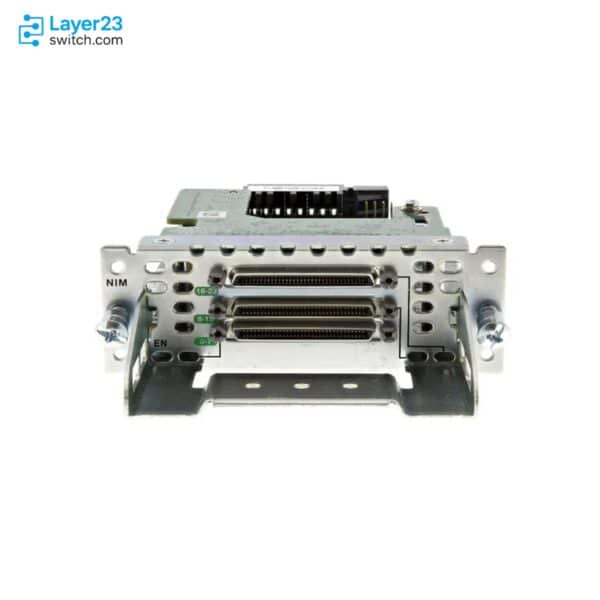
NIM-24A – 24x RS-232 Async Ports – Single-Wide NIM










Why Layer23-Switch
Stocked, Shipped and Supported by One Team
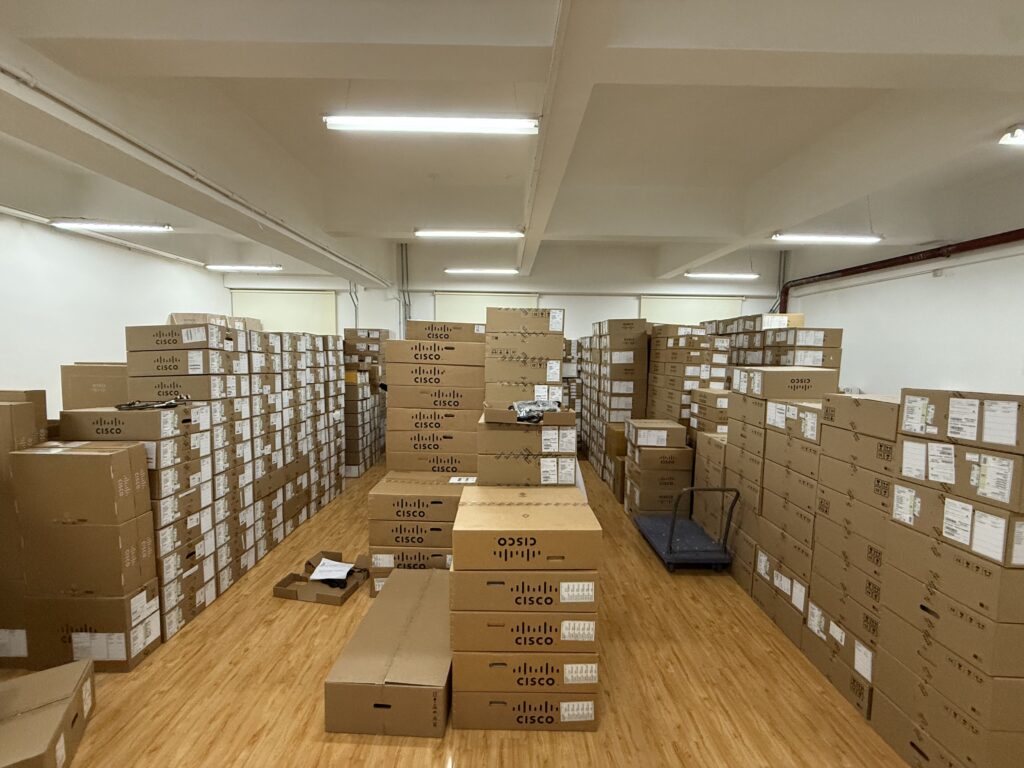
Ships in 1 Business Day
In-stock orders leave our Hong Kong or U.S. warehouse within 1 business day after payment, with tracking by email.
LSCare Warranty
3years on enterprise equipment
Free CCIE Support
Certified engineers help before and after you buy. Reply within 1 business day by email or live chat.
Verify Before You Pay
100%factory-sealed
Get label and serial photos before shipment, and check every serial number with Cisco.
NIM-24A Description
The NIM-24A is a Cisco 24-port asynchronous serial Network Interface Module for terminal-server access to the console ports of remote devices from Cisco 4000 Series ISR routers. The module provides 24 RS-232 ports on three octal-cable sockets, works best at 9600 baud, and fits the NIM slots of the 4221, 4321, 4331, 4351, 4431 and 4451, with up to three modules on the 4351, 4431 and 4451. Socket 2 accepts only the CAB-ASYNC-8 cable, and the module does not support SLIP or PPP.
Quick Specs
|
Parameter |
Specification |
|---|---|
|
Product ID |
NIM-24A |
|
Product type |
Asynchronous serial Network Interface Module |
|
Cisco ordering description |
24-Port Async Serial NIM |
|
Supported interface |
RS-232 |
|
Primary role |
Terminal-server access to remote device console ports |
|
Total ports |
24 async serial ports |
|
Form factor |
Single-wide NIM |
|
Platform support |
Cisco 4000 Series ISR NIM slots; datasheet lists Cisco 4221, 4321, 4331, 4351, 4431, and 4451 |
|
Minimum Cisco IOS software release |
16.3.1 |
|
Cable sockets |
3 asynchronous cable sockets |
|
Cable planning |
CAB-ASYNC-8 can be used on all sockets; CAB-HD8-ASYNC support is socket-limited on NIM-24A |
|
Recommended connection rate |
9600 baud |
Application Scenarios
A router in a branch equipment room connects the console ports of nearby switches, routers and firewalls to its 24 RS-232 ports, so engineers reach those devices over the LAN or WAN even when their data links are down.
A hub site that manages many console lines combines three of these modules on a Cisco 4351 or 4451 with 64-port SM-X service modules to build a 200-port terminal server.
Product Comparison
|
Parameter |
NIM-24A |
SM-X-64A | |
|---|---|---|---|
|
Total ports |
24 RS-232 async serial ports |
16 RS-232 async serial ports |
64 RS-232 async serial ports |
|
Form factor or slot |
Single-wide NIM |
Single-wide NIM |
SM-X service module |
|
Platform support |
Cisco 4221, 4321, 4331, 4351, 4431, and 4451 NIM slots |
Cisco 4221, 4321, 4331, 4351, 4431, and 4451 NIM slots |
Cisco 4331, 4351, and 4451 platforms with an SM-X slot |
|
Maximum modules per ISR in datasheet |
Up to 2 on Cisco 4221, 4321, and 4331; up to 3 on Cisco 4431, 4351, and 4451 |
Up to 2 on Cisco 4221, 4321, and 4331; up to 3 on Cisco 4431, 4351, and 4451 |
Up to 1 on Cisco 4331; up to 2 on Cisco 4351 and 4451 |
|
Cable socket plan |
3 sockets; CAB-ASYNC-8 supported on all sockets and older cable support is socket-limited |
2 sockets; CAB-HD8-ASYNC or CAB-ASYNC-8 on both sockets |
SM-X cable sockets support CAB-HD8-ASYNC or CAB-ASYNC-8 |
|
Minimum Cisco IOS software release |
16.3.1 |
16.3.1 |
16.6.1 |
NIM-24A provides 24 RS-232 async ports in a single-wide NIM, while NIM-16A provides 16, so port count is the first difference. The cabling differs too: NIM-24A has three cable sockets and socket 2 accepts only CAB-ASYNC-8, whereas NIM-16A has two sockets that take CAB-HD8-ASYNC or CAB-ASYNC-8. Sites that need 64 ports in one module move to SM-X-64A, which needs an SM-X slot on a Cisco 4331, 4351 or 4451 and IOS Software 16.6.1. A 200-port terminal server on a Cisco 4351 or 4451 uses three NIM-24A plus two SM-X-64A.
Ordering Checklist
- Supported hosts: Install the module in a NIM slot on a Cisco 4221, 4321, 4331, 4351, 4431 or 4451. The module fits NIM slots on these ISR models only.
Specifications
| Parameter | Specification | Parameter | Specification |
|---|---|---|---|
| Product ID | NIM-24A | Product type | Asynchronous serial Network Interface Module |
| Cisco ordering description | 24-Port Async Serial NIM | Supported interface | RS-232 |
| Total ports | 24 async serial ports | Form factor | Single-wide NIM |
| Supported platform family | Cisco 4000 Series Integrated Services Routers | Listed ISR platforms | Cisco 4221, 4321, 4331, 4351, 4431, and 4451 |
| Minimum Cisco IOS software release | 16.3.1 | Cisco IOS XE feature set | IP Base and up |
| Cable sockets | 3 asynchronous cable sockets | Supported cable SKUs | CAB-ASYNC-8; CAB-HD8-ASYNC only on Cisco-allowed NIM-24A sockets |
| Recommended connection rate | 9600 baud | Higher connection rates | Use only with a low number of simultaneous connections |
| Unsupported protocols | SLIP and PPP are not supported | Interface addressing | interface async slot/subslot/port |
| LED indicators | Module status, port 0-7 status, port 8-15 status, and port 16-23 status | Line numbering | 24 line numbers per subslot on Cisco 4000 Series ISR platforms |
| Slot service procedure | Shut down slot power or use Cisco OIR commands before install or removal | Physical form factor rule | Single-wide NIM and SM-X modules, no slot restrictions |
| Dimensions | 1.25 x 3.5 x 6.7 in. / 32 x 89 x 172 mm | Operating temperature | 0°C to 40°C (32°F to 104°F) |
| Storage temperature | -20°C to 65°C (-4°F to 149°F) | Operating humidity | 10 to 90 percent, noncondensing |
Quality Certifications
Customer Reviews
Questions & Answers
-
Which routers and slots can host NIM-24A?
-
What minimum Cisco IOS release does NIM-24A need?
-
Is NIM-24A listed in the Catalyst 8300 datasheet?
-
What do the green and amber states of the EN LED on NIM-24A mean?
-
How does the port LED of NIM-24A show configuration and traffic?
-
What must be done to the router slot before installing NIM-24A?
Warranty
Layer23-Switch.com offers genuine, high-quality ICT products at competitive wholesale prices—ensuring exceptional value without compromising quality.
All items are brand new, original, and factory-sealed.
Upon request, each unit can be fully tested and verified by a Cisco CCIE-certified engineer to ensure perfect working condition before shipment.
Our Cisco CCIE-certified experts provide free professional support via phone, email, online chat, or remote login—helping you deploy and troubleshoot with confidence.
If you are not satisfied with your purchase, you may request an exchange or full refund. Our customer service team will guide you through the return process quickly and smoothly. Visit Return Policy page for more information.
We support multiple secure payment and logistics options, backed by industry-leading verification:












Visit How to Pay page for more information
Extended, Worry-Free Warranty Coverage Factory New Sealed Enterprise Hardware:
· 3 Years Factory New Sealed
Visit Warranty Policy page for more information
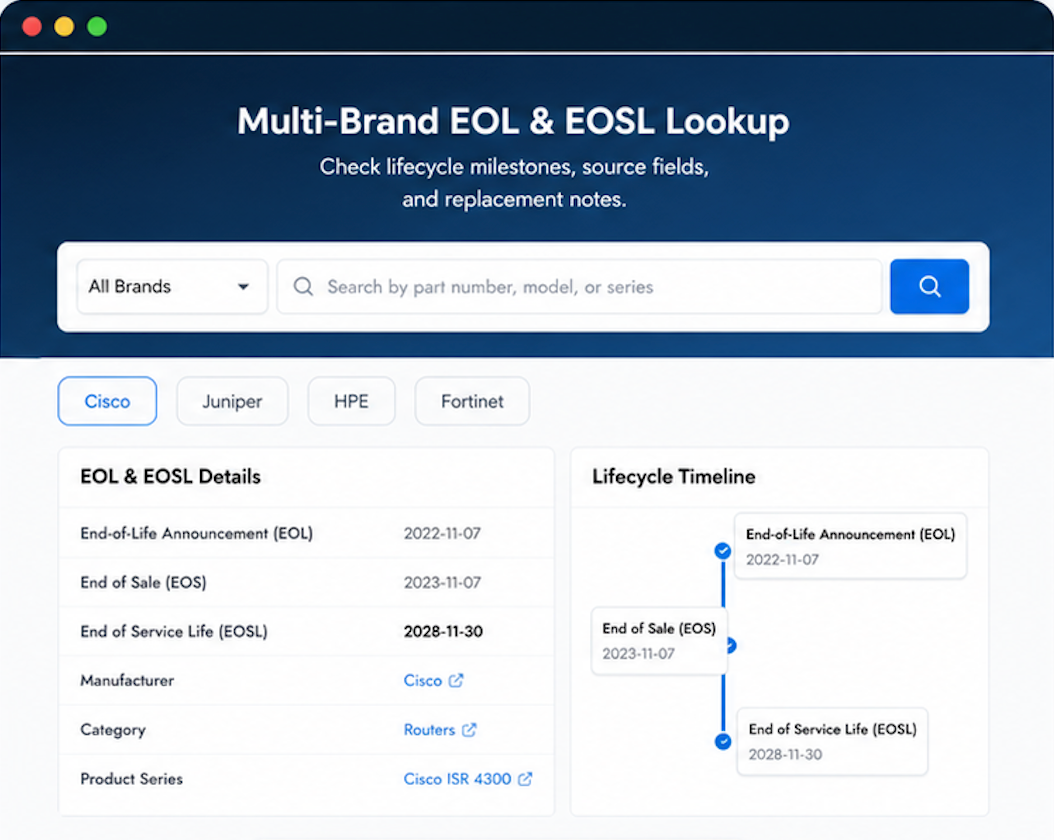
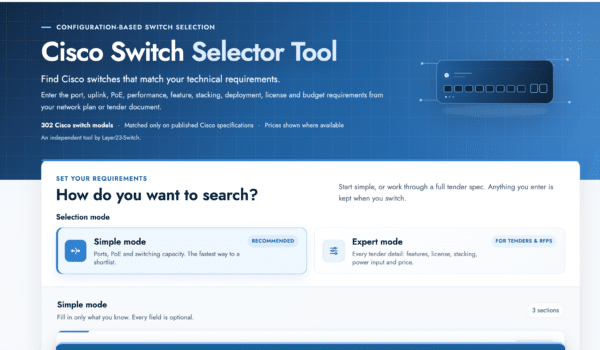
Verify, plan, and comparewith confidence
Use practical tools to check device details, review lifecyclemilestones, and compare hardware before you buy.

Worth giving Layer23 a try. They’ve earned my trust.
Asked if the product matched our requirements. Got a definitive answer. Shipping took a couple extra days, but product itself is perfect.
Even our legal team was comfortable with the purchase terms.