
N9K-C9504-FAN – Nexus 9504 Fan Tray – FAN 1 to FAN 3 – Port-Side Intake








Why Layer23-Switch
Stocked, Shipped and Supported by One Team
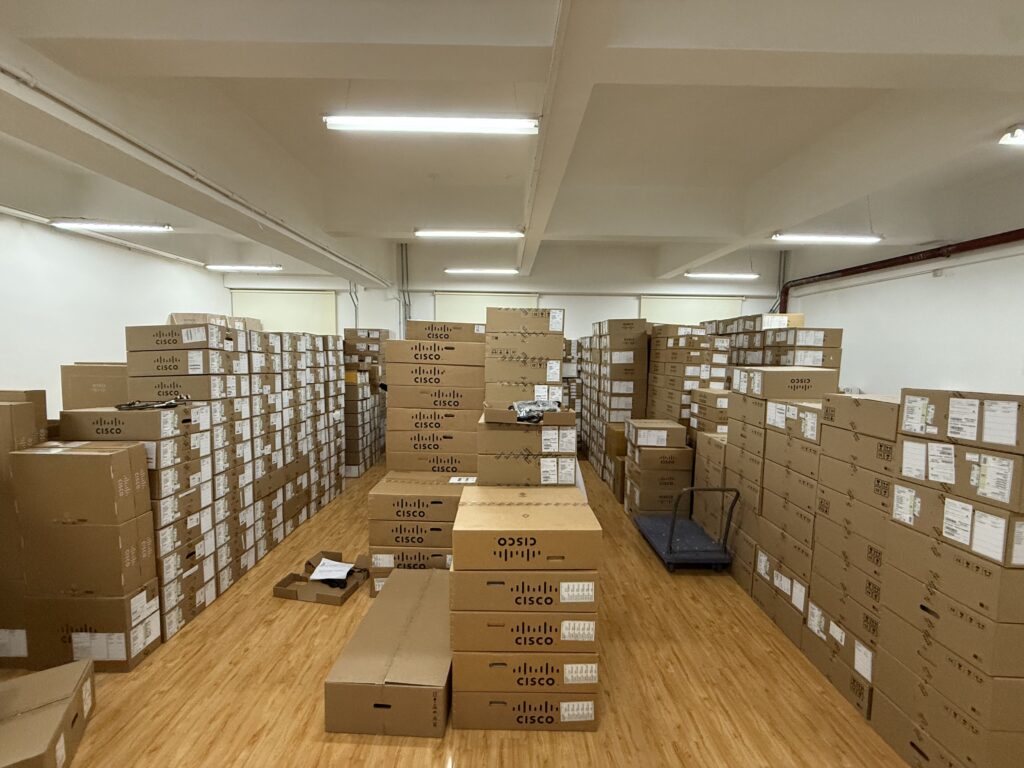
Ships in 1 Business Day
In-stock orders leave our Hong Kong or U.S. warehouse within 1 business day after payment, with tracking by email.
LSCare Warranty
3years on enterprise equipment
Free CCIE Support
Certified engineers help before and after you buy. Reply within 1 business day by email or live chat.
Verify Before You Pay
100%factory-sealed
Get label and serial photos before shipment, and check every serial number with Cisco.
N9K-C9504-FAN Description
The N9K-C9504-FAN is a Cisco Nexus 9500 Series fan tray for the Nexus 9504 chassis in data center racks. The hot-swappable tray fills one of three fan positions, FAN 1 to FAN 3, moves air port-side intake, and each tray covers two fabric module slots. It serves N9K-C9504-FM, N9K-C9504-FM-E, N9K-C9504-FM-R and N9K-C9504-FM-S fabric modules, but not the FM-G modules, which need a second-generation fan tray.
Quick Specs
|
Parameter |
Specification |
|---|---|
|
Product ID |
N9K-C9504-FAN |
|
Product type |
Nexus 9504 chassis fan tray |
|
Supported chassis |
Cisco Nexus 9504 |
|
Chassis fan tray count |
3 fan trays |
|
Fan tray positions |
FAN 1 to FAN 3 |
|
Fabric module compatibility |
N9K-C9504-FM, N9K-C9504-FM-E, N9K-C9504-FM-R, N9K-C9504-FM-S |
|
FM-G exception |
N9K-C9504-FM-G requires N9K-C9504-FAN2 fan trays |
|
Fabric module blank |
N9K-C9504-FM-CV with N9K-C9504-FM or N9K-C9504-FM-E |
|
Airflow |
Port-side intake |
|
Serviceability |
Hot-swappable fan tray |
|
Typical / maximum power |
95 W / 150 W |
|
Spare part format |
N9K-C9504-FAN= |
Application Scenarios
In a running Nexus 9504 chassis, a failed tray can be swapped while the other two keep the chassis cooled, provided only one tray is out and it is back within three minutes.
A Nexus 9504 populated with N9K-C9504-FM-E fabric modules uses three of these trays for port-side-intake airflow, with N9K-C9504-FM-CV blanks covering empty fabric slots.
Product Comparison
|
Parameter |
N9K-C9504-FAN |
N9K-C9504-FAN2 | |
|---|---|---|---|
|
Supported chassis |
Cisco Nexus 9504 |
Cisco Nexus 9504 |
Cisco Nexus 9516 |
|
Fabric module compatibility |
N9K-C9504-FM, N9K-C9504-FM-E, N9K-C9504-FM-R, N9K-C9504-FM-S |
N9K-C9504-FM-G |
N9K-C9516-FM-E, N9K-C9516-FM-E2 |
|
Empty fabric slot hardware |
N9K-C9504-FM-CV |
N9K-C9504-FAN-PWR |
N9K-C9516-FM-CV for FM 1, FM 3 and FM 5; N9K-C9516-FM-Z for FM 2, FM 4 and FM 6 |
|
Typical power consumption |
95 W |
306 W |
330 W |
|
Maximum power consumption |
150 W |
600 W |
451 W |
|
Fan trays per chassis |
3 |
3 |
3 |
|
Airflow |
Port-side intake |
Port-side intake |
Port-side intake |
|
Serviceability |
Hot-swappable |
Hot-swappable |
Hot-swappable |
N9K-C9504-FAN and N9K-C9504-FAN2 fit the same Nexus 9504 chassis, and the fabric module family separates them: N9K-C9504-FAN serves N9K-C9504-FM, N9K-C9504-FM-E, N9K-C9504-FM-R and N9K-C9504-FM-S, while N9K-C9504-FAN2 is required with N9K-C9504-FM-G. Empty fabric slots take N9K-C9504-FM-CV with N9K-C9504-FAN and N9K-C9504-FAN-PWR with N9K-C9504-FAN2. N9K-C9504-FAN2 also draws more, 306 W typical and 600 W maximum against 95 W and 150 W, which matters for a chassis power budget built around FM-G. N9K-C9516-FAN belongs to the Nexus 9516 and cannot replace a Nexus 9504 tray, so a 9516 build orders it instead. All three trays are hot-swappable with port-side intake, so the fabric modules, not airflow, decide the order.
Ordering Checklist
- Host chassis: Use this tray in a Nexus 9504, which takes three fan trays (FAN 1 to FAN 3). The tray is chassis-specific; N9K-C9508-FAN and N9K-C9516-FAN are for other chassis.
- Fabric module pairing: Pair the tray with N9K-C9504-FM, N9K-C9504-FM-E, N9K-C9504-FM-R or N9K-C9504-FM-S; N9K-C9504-FM-G needs N9K-C9504-FAN2. FM-G modules do not work with this first-generation tray.
Specifications
| Parameter | Specification | Parameter | Specification |
|---|---|---|---|
| Product ID | N9K-C9504-FAN | Product type | Fan tray |
| Supported chassis | Cisco Nexus 9504 | Chassis line-card slots | 4 |
| Fan tray quantity in chassis | 3 | Fan tray positions | FAN 1 to FAN 3 |
| System report slots | Slots 41, 42, and 43 | Cisco ordering description | Fan Tray for Cisco Nexus 9504 Chassis |
| Spare part format | N9K-C9504-FAN= | Serviceability | Hot-swappable |
| Fabric module compatibility | N9K-C9504-FM, N9K-C9504-FM-E, N9K-C9504-FM-R, N9K-C9504-FM-S | Fabric module blank | N9K-C9504-FM-CV with N9K-C9504-FM or N9K-C9504-FM-E |
| FM-G fan tray requirement | N9K-C9504-FAN2 | FM-G empty-slot hardware | N9K-C9504-FAN-PWR |
| Airflow | Port-side intake | Fabric module access | Each fan tray covers two fabric module slots |
| Typical power consumption | 95 W | Maximum power consumption | 150 W |
| Software status command | show environment fan | Fan failure indicator | Fan Status LED turns red |
| Fan status monitoring | System messages, Call Home alerts, and SNMP notifications | Removal guidance | Remove only one fan tray at a time during operation |
| Replacement timing guidance | Replacement recommended within three minutes during operation | Installation verification | Status LED turns green after installation |
Quality Certifications
Customer Reviews
Questions & Answers
-
Which chassis and fabric modules does N9K-C9504-FAN work with?
-
Which slots does N9K-C9504-FAN occupy in a Nexus 9504 chassis?
-
How does a Nexus 9504 report a failed N9K-C9504-FAN?
-
Which slot numbers does N9K-C9504-FAN show in the Nexus 9504 system report?
-
How is a replacement N9K-C9504-FAN confirmed after installation in a running Nexus 9504?
Warranty
Layer23-Switch.com offers genuine, high-quality ICT products at competitive wholesale prices—ensuring exceptional value without compromising quality.
All items are brand new, original, and factory-sealed.
Upon request, each unit can be fully tested and verified by a Cisco CCIE-certified engineer to ensure perfect working condition before shipment.
Our Cisco CCIE-certified experts provide free professional support via phone, email, online chat, or remote login—helping you deploy and troubleshoot with confidence.
If you are not satisfied with your purchase, you may request an exchange or full refund. Our customer service team will guide you through the return process quickly and smoothly. Visit Return Policy page for more information.
We support multiple secure payment and logistics options, backed by industry-leading verification:












Visit How to Pay page for more information
Extended, Worry-Free Warranty Coverage Factory New Sealed Enterprise Hardware:
· 3 Years Factory New Sealed
Visit Warranty Policy page for more information
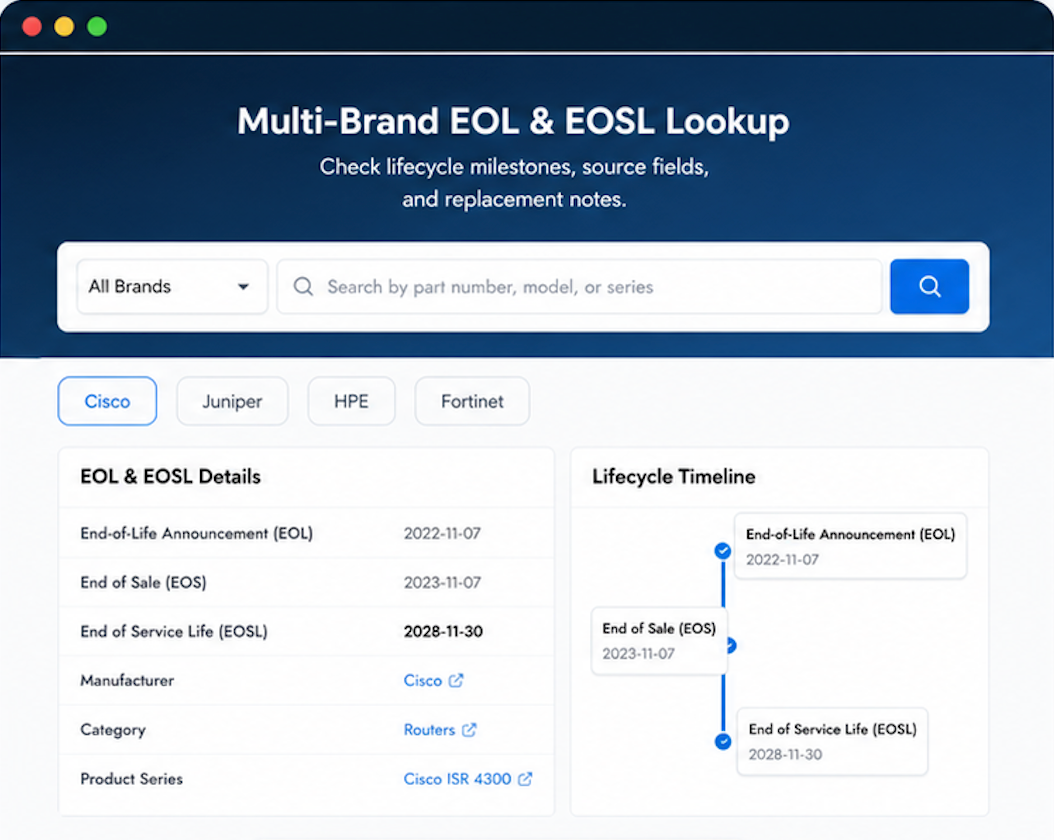
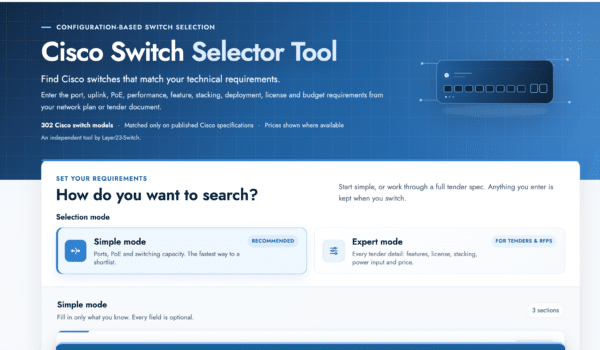
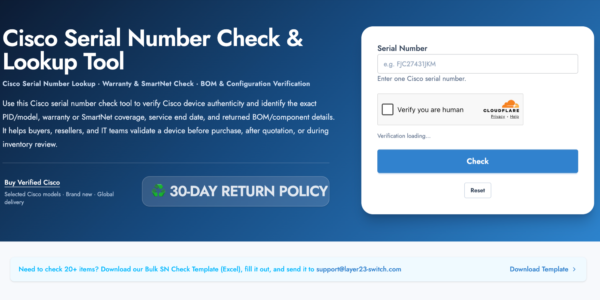
Verify, plan, and comparewith confidence
Use practical tools to check device details, review lifecyclemilestones, and compare hardware before you buy.

Reasonable pricing that still leaves room for vendor reliability.
We’ve built a procurement rhythm around Layer23. They never miss.
Installation was so straightforward we finished early.