
N9K-C9508-FAN – Nexus 9508 Fan Tray – FAN 1 to FAN 3 – Port-Side Intake








Why Layer23-Switch
Stocked, Shipped and Supported by One Team
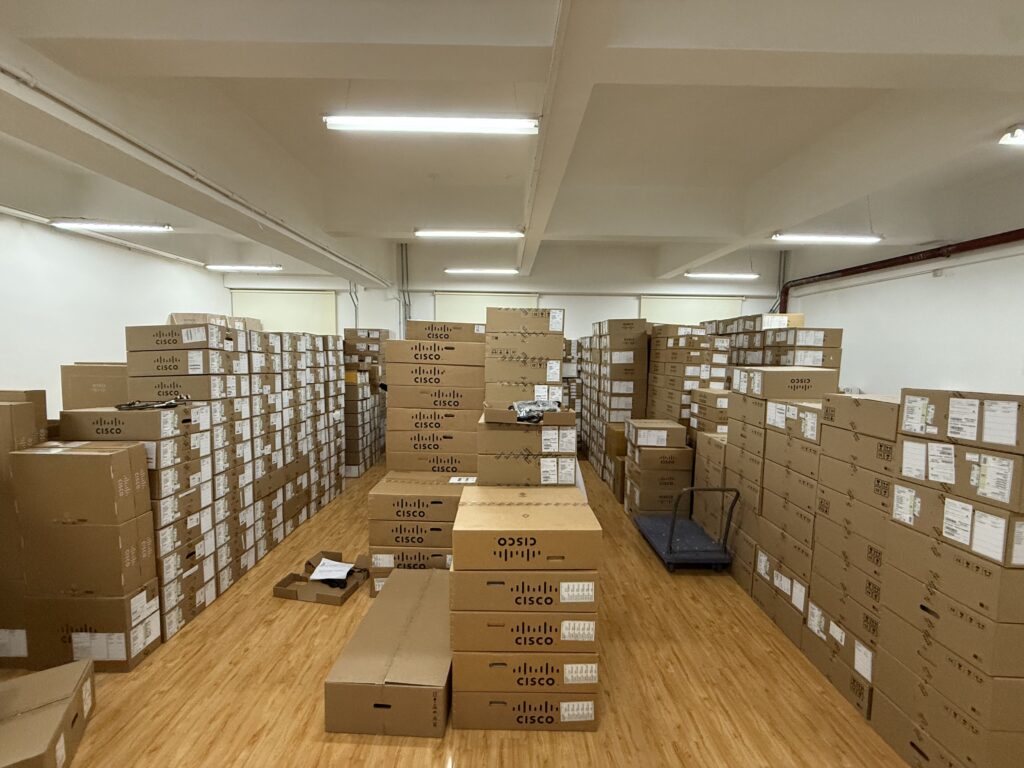
Ships in 1 Business Day
In-stock orders leave our Hong Kong or U.S. warehouse within 1 business day after payment, with tracking by email.
LSCare Warranty
3years on enterprise equipment
Free CCIE Support
Certified engineers help before and after you buy. Reply within 1 business day by email or live chat.
Verify Before You Pay
100%factory-sealed
Get label and serial photos before shipment, and check every serial number with Cisco.
N9K-C9508-FAN Description
The N9K-C9508-FAN is a Cisco Nexus 9500 Series fan tray for the Nexus 9508 chassis in data center racks. The hot-swappable tray weighs 9.59 lb, draws 176 W typical and 250 W maximum, and moves air port-side intake through one of three fan positions. It pairs with N9K-C9508-FM, N9K-C9508-FM-E, N9K-C9508-FM-E2 and N9K-C9508-FM-R fabric modules, but not the FM-G modules, which need a second-generation fan tray.
Quick Specs
|
Parameter |
Specification |
|---|---|
|
Product ID |
N9K-C9508-FAN |
|
Product type |
Nexus 9508 chassis fan tray |
|
Supported chassis |
Cisco Nexus 9508 |
|
Chassis fan tray count |
3 fan trays |
|
Fan tray positions |
FAN 1 to FAN 3 |
|
Fabric module compatibility |
N9K-C9508-FM, N9K-C9508-FM-E, N9K-C9508-FM-E2, N9K-C9508-FM-R; N9K-C9508-FM-S is also a listed Nexus 9508 fabric module |
|
Empty fabric slot hardware |
N9K-C9508-FM-Z, N9K-C9508-FM-CV |
|
FM-G exception |
N9K-C9508-FM-G requires N9K-C9508-FAN2 |
|
Airflow |
Port-side intake |
|
Weight |
4.4 kg (9.59 lb) |
|
Typical / maximum power |
176 W / 250 W |
|
Serviceability |
Hot-swappable fan tray |
Application Scenarios
A failed tray in a running Nexus 9508 chassis can be replaced while the other two keep airflow going, with only one tray out at a time and the swap finished within three minutes.
A Nexus 9508 built on N9K-C9508-FM-E2 fabric modules uses three of these trays to cool the 8-slot chassis, and each tray also covers the power connector of two fabric slots behind it.
Product Comparison
|
Parameter |
N9K-C9508-FAN |
N9K-C9508-FAN2 | |
|---|---|---|---|
|
Supported chassis |
Cisco Nexus 9508 |
Cisco Nexus 9508 |
Cisco Nexus 9516 |
|
Fabric module compatibility |
N9K-C9508-FM, N9K-C9508-FM-E, N9K-C9508-FM-E2, N9K-C9508-FM-R |
N9K-C9508-FM-G |
N9K-C9516-FM-E, N9K-C9516-FM-E2 |
|
Empty fabric slot hardware |
N9K-C9508-FM-Z, N9K-C9508-FM-CV |
N9K-C9508-FAN-PWR |
N9K-C9516-FM-CV for FM 1, FM 3 and FM 5; N9K-C9516-FM-Z for FM 2, FM 4 and FM 6 |
|
Typical power consumption |
176 W |
450 W |
330 W |
|
Maximum power consumption |
250 W |
900 W |
451 W |
|
Airflow |
Port-side intake |
Port-side intake |
Port-side intake |
N9K-C9508-FAN and N9K-C9508-FAN2 fit the same Nexus 9508 chassis, and the fabric module family separates them: N9K-C9508-FAN serves N9K-C9508-FM, -FM-E, -FM-E2 and -FM-R, while N9K-C9508-FAN2 is required with N9K-C9508-FM-G, whose empty slots take N9K-C9508-FAN-PWR instead of the N9K-C9508-FM-Z and N9K-C9508-FM-CV blanks used with N9K-C9508-FAN. N9K-C9508-FAN2 also draws more: 450 W typical and 900 W maximum against 176 W and 250 W, which matters for a chassis power budget built around FM-G. N9K-C9516-FAN belongs to the Nexus 9516 and cannot replace a Nexus 9508 tray, so a 9516 build orders it instead.
Ordering Checklist
- Host chassis: Use this tray in a Nexus 9508, which takes three fan trays (FAN 1 to FAN 3). The tray is chassis-specific; N9K-C9504-FAN and N9K-C9516-FAN are for other chassis.
- Fabric module pairing: Pair the tray with N9K-C9508-FM, N9K-C9508-FM-E, N9K-C9508-FM-E2 or N9K-C9508-FM-R, with N9K-C9508-FM-Z blanks where a slot behind a tray is empty; N9K-C9508-FM-G needs N9K-C9508-FAN2. FM-G modules do not work with this first-generation tray.
Specifications
| Parameter | Specification | Parameter | Specification |
|---|---|---|---|
| Product ID | N9K-C9508-FAN | Product type | Fan tray |
| Supported chassis | Cisco Nexus 9508 | Chassis line-card slots | 8 |
| Fan tray quantity in chassis | 3 | Fan tray positions | FAN 1 to FAN 3 |
| Cisco ordering description | Fan Tray for Cisco Nexus 9508 Chassis | Spare part format | N9K-C9508-FAN= |
| Fabric module compatibility | N9K-C9508-FM, N9K-C9508-FM-E, N9K-C9508-FM-E2, N9K-C9508-FM-R; N9K-C9508-FM-S is also a listed Nexus 9508 fabric module | FM-G fan tray requirement | N9K-C9508-FAN2 |
| Fabric module access | Each fan tray covers two fabric module slots | Airflow | Port-side intake |
| Weight | 4.4 kg (9.59 lb) | Typical power consumption | 176 W |
| Maximum power consumption | 250 W | Serviceability | Hot-swappable |
| Software status command | show environment fan | Operational LED state | FAN LED green |
| Fan failure LED state | FAN LED red | No-power check | Verify fabric module or N9K-C9508-FM-Z power connector behind the fan tray |
| Removal guidance | Remove only one fan tray at a time during operation | Replacement timing guidance | Replacement recommended within three minutes during operation |
| Installation verification | Fan tray STATUS LED turns green | Adjacent fan tray SKU | N9K-C9508-FAN2 for N9K-C9508-FM-G fabric modules |
Quality Certifications
Customer Reviews
Questions & Answers
-
Which chassis and fabric modules does N9K-C9508-FAN work with?
-
What happens to the N9K-C9508-FAN trays when a Nexus 9508 is fitted with N9K-C9508-FM-G fabric modules?
-
Which PID orders a spare N9K-C9508-FAN for a Nexus 9508?
-
Which command and LED states show whether an N9K-C9508-FAN tray is working?
-
What should be checked when an installed N9K-C9508-FAN shows no power?
Warranty
Layer23-Switch.com offers genuine, high-quality ICT products at competitive wholesale prices—ensuring exceptional value without compromising quality.
All items are brand new, original, and factory-sealed.
Upon request, each unit can be fully tested and verified by a Cisco CCIE-certified engineer to ensure perfect working condition before shipment.
Our Cisco CCIE-certified experts provide free professional support via phone, email, online chat, or remote login—helping you deploy and troubleshoot with confidence.
If you are not satisfied with your purchase, you may request an exchange or full refund. Our customer service team will guide you through the return process quickly and smoothly. Visit Return Policy page for more information.
We support multiple secure payment and logistics options, backed by industry-leading verification:












Visit How to Pay page for more information
Extended, Worry-Free Warranty Coverage Factory New Sealed Enterprise Hardware:
· 3 Years Factory New Sealed
Visit Warranty Policy page for more information
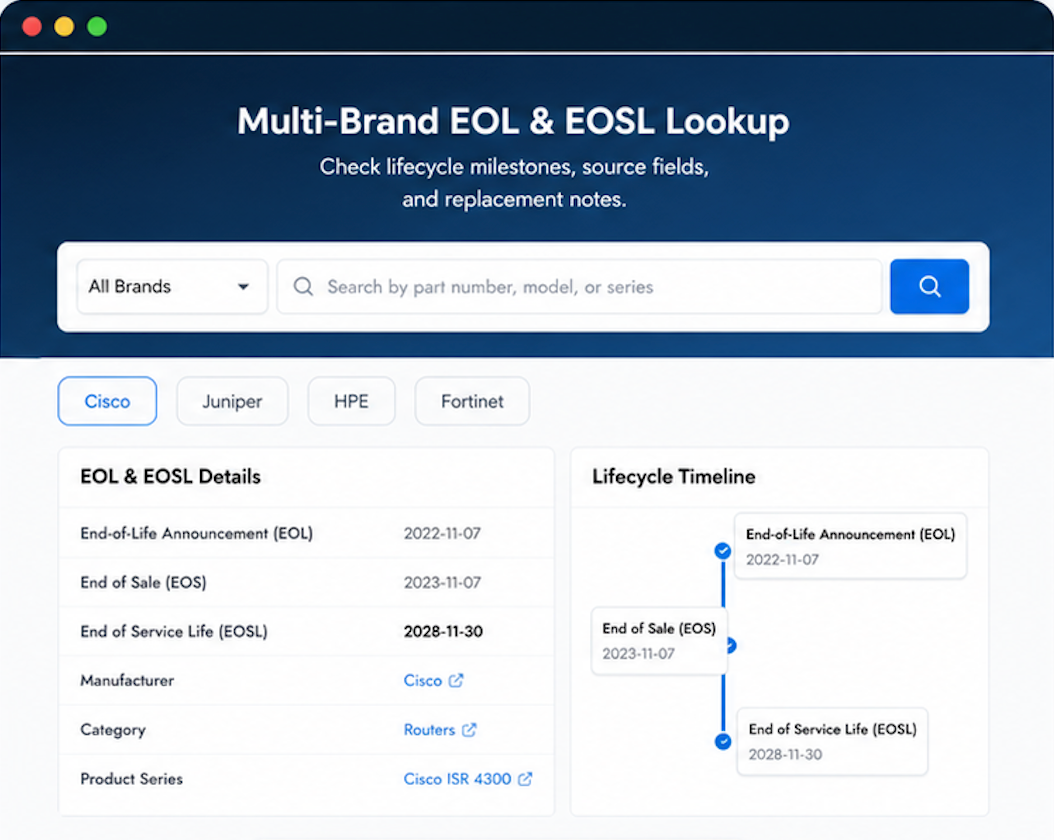
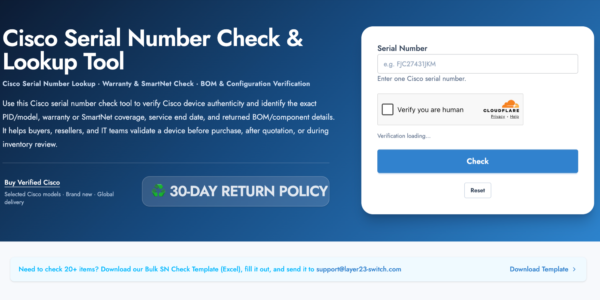
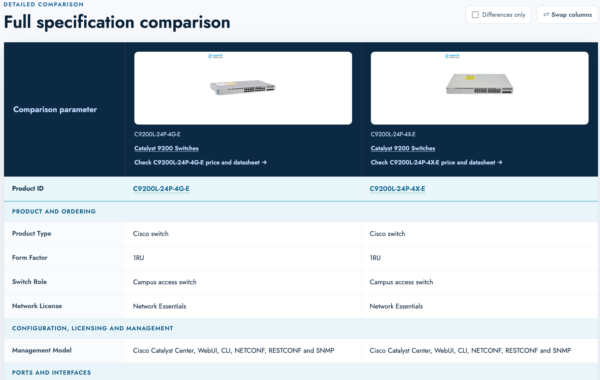
Verify, plan, and comparewith confidence
Use practical tools to check device details, review lifecyclemilestones, and compare hardware before you buy.


Layer23 turned my skepticism into loyalty. That’s not easy to do.
Needed to adjust our order after it was confirmed. They handled the change smoothly.
I’ve ordered from a dozen resellers over the years. Layer23 is in the top tier.