
N9K-C9516-FAN – Nexus 9516 Fan Tray – FAN 1 to FAN 3 – Port-Side Intake








Why Layer23-Switch
Stocked, Shipped and Supported by One Team
Ships in 1 Business Day
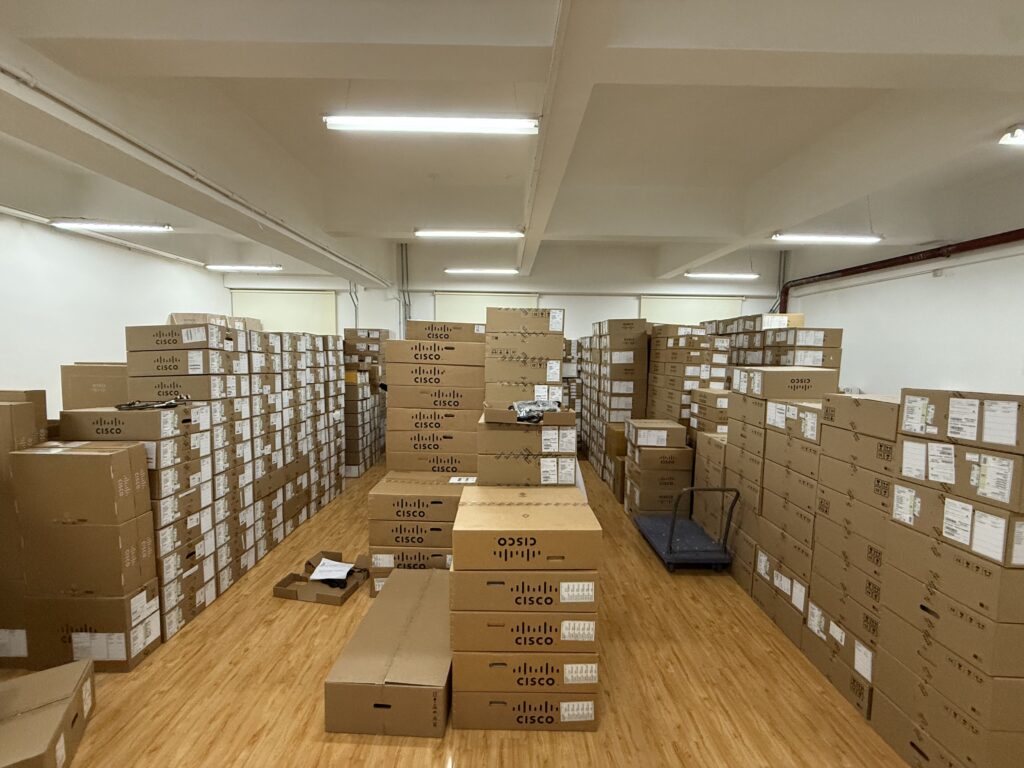
In-stock orders leave our Hong Kong or U.S. warehouse within 1 business day after payment, with tracking by email.
LSCare Warranty
3years on enterprise equipment
Free CCIE Support
Certified engineers help before and after you buy. Reply within 1 business day by email or live chat.
Verify Before You Pay
100%factory-sealed
Get label and serial photos before shipment, and check every serial number with Cisco.
N9K-C9516-FAN Description
The N9K-C9516-FAN is a Cisco Nexus 9500 Series fan tray for the Nexus 9516 16-slot modular switch chassis. The chassis holds three trays in positions FAN 1 to FAN 3, and each tray draws air in from the port side, uses 330 W typical and 451 W maximum, and is hot swappable. Slots FM 2, FM 4 and FM 6 must hold a fabric module or an N9K-C9516-FM-Z blank, which powers the fan tray in front of them.
Quick Specs
|
Parameter |
Specification |
|---|---|
|
Product ID |
N9K-C9516-FAN |
|
Product type |
Nexus 9516 chassis fan tray |
|
Supported chassis |
Cisco Nexus 9516 |
|
Chassis line-card slots |
16 |
|
Chassis fan tray count |
3 fan trays |
|
Fan tray positions |
FAN 1 to FAN 3 |
|
System report modules |
Modules 41 to 43 |
|
Even fabric-slot power requirement |
FM 2, FM 4, or FM 6 requires a functioning fabric module or N9K-C9516-FM-Z |
|
Airflow |
Port-side intake |
|
Typical power consumption |
330 W |
|
Maximum power consumption |
451 W |
|
Serviceability |
Hot-swappable fan tray |
Application Scenarios
A data center team running a Nexus 9516 spine replaces a failed tray in FAN 1, FAN 2 or FAN 3 while the chassis stays in service. Only one tray comes out at a time, and the replacement goes back in within three minutes.
In a core built out with 16 line cards and six fabric modules, the three trays pull air in from the port side across the whole chassis. Each tray draws 330 W typical and 451 W maximum, which the chassis power plan has to carry.
Product Comparison
|
Parameter |
N9K-C9516-FAN | ||
|---|---|---|---|
|
Supported chassis |
Cisco Nexus 9516 |
Cisco Nexus 9508 |
Cisco Nexus 9504 |
|
Chassis line-card slots |
16 |
8 |
4 |
|
Airflow |
Port-side intake |
Port-side intake |
Port-side intake |
|
Typical power consumption |
330 W |
176 W |
95 W |
|
Maximum power consumption |
451 W |
250 W |
150 W |
|
Hot swappable |
Yes |
Yes |
Yes |
N9K-C9516-FAN is the fan tray for the 16-slot Nexus 9516 and draws 330 W typical and 451 W maximum, while N9K-C9508-FAN serves the 8-slot Nexus 9508 at 176 W typical and 250 W maximum; every tray in this family is hot-swappable with port-side intake, so the chassis model alone decides the part. A Nexus 9504 needs N9K-C9504-FAN, and a Nexus 9504 or Nexus 9508 populated with FM-G fabric modules needs the second-generation N9K-C9504-FAN2 or N9K-C9508-FAN2 instead. Cisco lists no second-generation tray for the 16-slot chassis, so N9K-C9516-FAN covers every Nexus 9516 regardless of fabric module type.
Ordering Checklist
- Host chassis: Use in a Cisco Nexus 9516 only, with three trays in FAN 1 to FAN 3. Slots FM 2, FM 4 and FM 6 must hold a fabric module or N9K-C9516-FM-Z, which powers the tray in front of them; an empty slot leaves it unpowered.
Specifications
| Parameter | Specification | Parameter | Specification |
|---|---|---|---|
| Product ID | N9K-C9516-FAN | Product type | Fan tray |
| Supported chassis | Cisco Nexus 9516 | Chassis line-card slots | 16 |
| Fan tray quantity in chassis | 3 | Fan tray positions | FAN 1 to FAN 3 |
| System report module numbers | Modules 41 to 43 | Cisco ordering description | Fan Tray for Cisco Nexus 9516 Chassis |
| Spare part format | N9K-C9516-FAN= | Airflow | Port-side intake |
| Typical power consumption | 330 W | Maximum power consumption | 451 W |
| Serviceability | Hot-swappable | Software status command | show environment fan |
| Fan failure indicator | Fan Status LED turns red | Fan status monitoring | System messages, Call Home alerts, and SNMP notifications |
| Even fabric-slot power requirement | FM 2, FM 4, or FM 6 requires a functioning fabric module or N9K-C9516-FM-Z | Odd empty fabric-slot airflow blank | N9K-C9516-FM-CV for FM 1, FM 3, or FM 5 when empty |
| Replacement guidance | Remove only one fan tray at a time during operation | Replacement timing guidance | Replacement recommended within three minutes during operation |
| Installation hardware | Four captive screws on the fan tray front | Installation verification | Fan tray STATUS LED turns green |
Quality Certifications
Customer Reviews
Questions & Answers
-
Which chassis does N9K-C9516-FAN fit?
-
How much does one N9K-C9516-FAN weigh?
-
Which blank covers an empty FM 1, FM 3 or FM 5 slot in a Nexus 9516 that uses N9K-C9516-FAN?
-
How does a Nexus 9516 report a failed N9K-C9516-FAN?
-
How is an N9K-C9516-FAN secured in the chassis?
Warranty
Layer23-Switch.com offers genuine, high-quality ICT products at competitive wholesale prices—ensuring exceptional value without compromising quality.
All items are brand new, original, and factory-sealed.
Upon request, each unit can be fully tested and verified by a Cisco CCIE-certified engineer to ensure perfect working condition before shipment.
Our Cisco CCIE-certified experts provide free professional support via phone, email, online chat, or remote login—helping you deploy and troubleshoot with confidence.
If you are not satisfied with your purchase, you may request an exchange or full refund. Our customer service team will guide you through the return process quickly and smoothly. Visit Return Policy page for more information.
We support multiple secure payment and logistics options, backed by industry-leading verification:












Visit How to Pay page for more information
Extended, Worry-Free Warranty Coverage Factory New Sealed Enterprise Hardware:
· 3 Years Factory New Sealed
Visit Warranty Policy page for more information
Verify, plan, and comparewith confidence
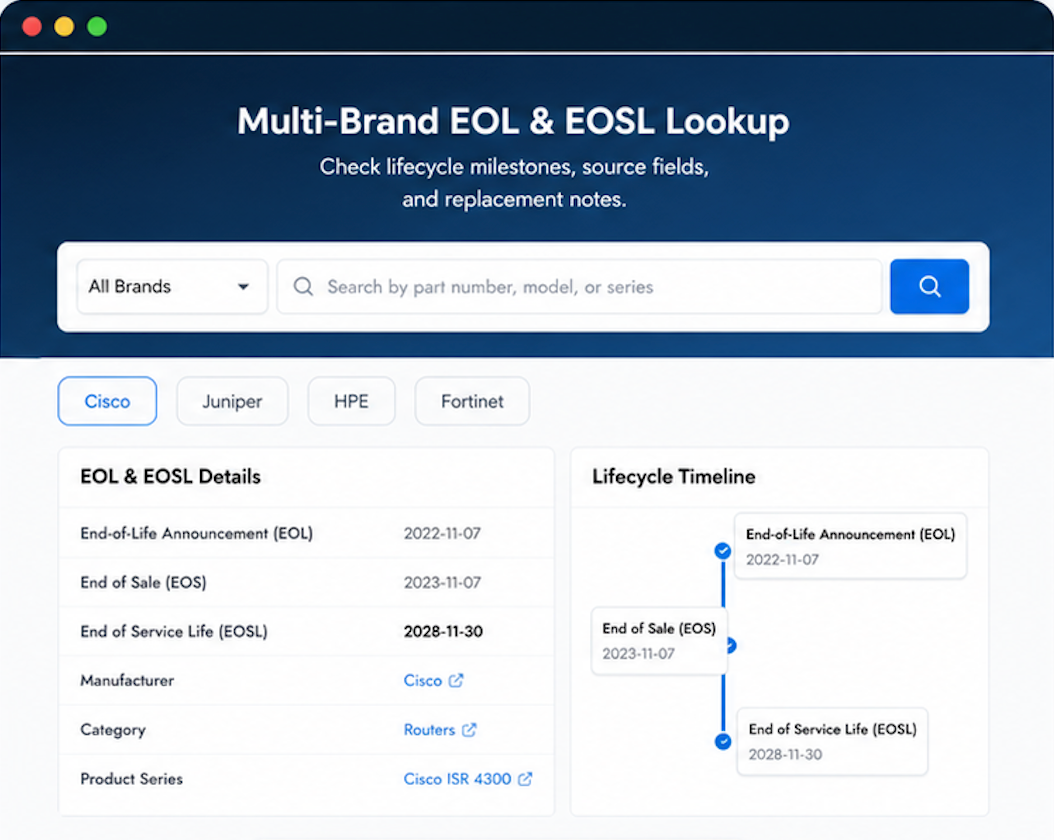
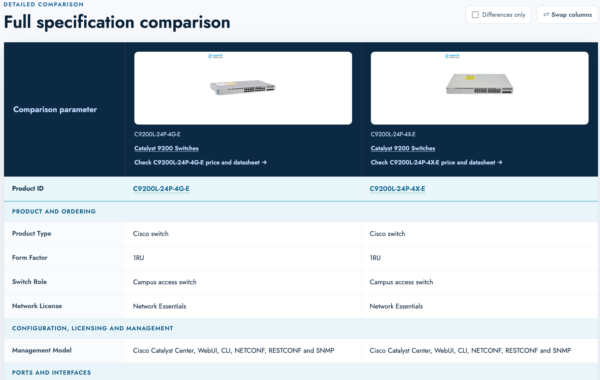
Use practical tools to check device details, review lifecyclemilestones, and compare hardware before you buy.



We’ve ordered from many vendors. Layer23 shipping process stands out. Would have liked a tracking update sooner, but the product is great.
I recommended Layer23 to our sister company after our experience.
Layer23 is doing the right things at every step. Worth supporting.