
C9200-NM-BLANK – No Ports – Blank Network Module – Catalyst 9200 Uplink Slot Cover








Why Layer23-Switch
Stocked, Shipped and Supported by One Team
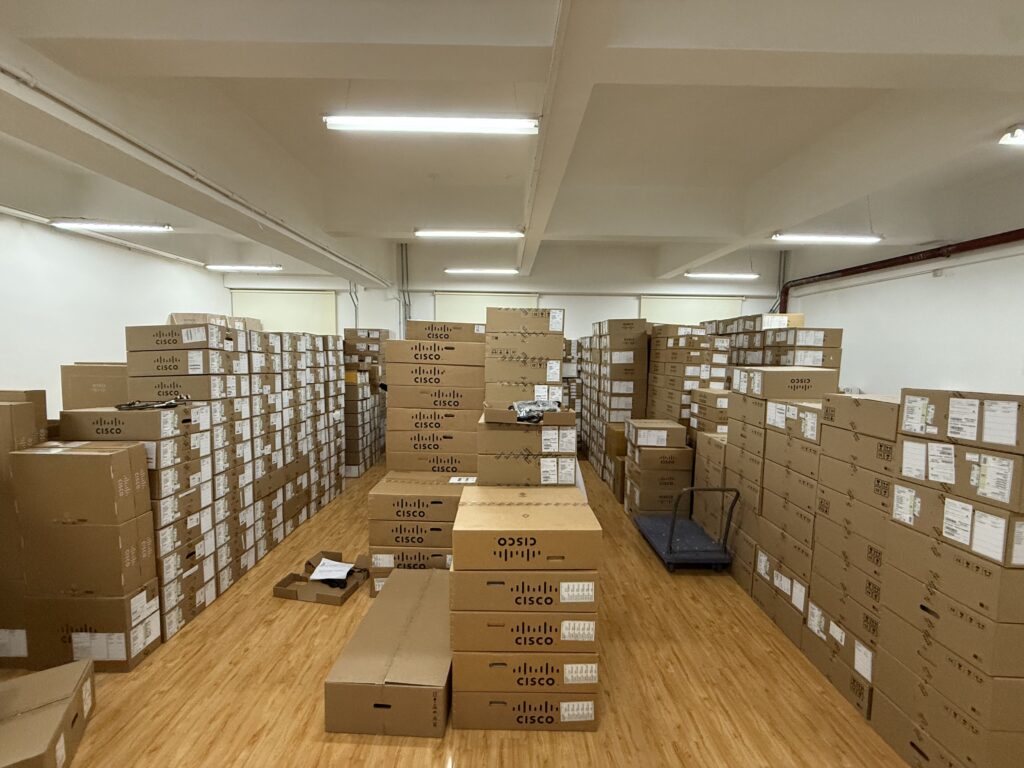
Ships in 1 Business Day
In-stock orders leave our Hong Kong or U.S. warehouse within 1 business day after payment, with tracking by email.
LSCare Warranty
3years on enterprise equipment
Free CCIE Support
Certified engineers help before and after you buy. Reply within 1 business day by email or live chat.
Verify Before You Pay
100%factory-sealed
Get label and serial photos before shipment, and check every serial number with Cisco.
C9200-NM-BLANK Description
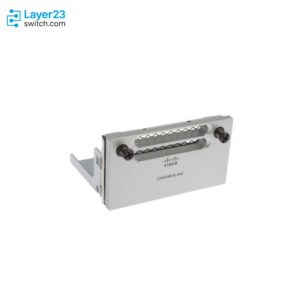
The C9200-NM-BLANK is a Cisco Catalyst 9200 Series blank network module for modular-uplink access switches that run without uplink ports. The blank has no ports or SFP slots and fills the single network module slot, which must hold a module or a blank at all times for the switch to stay within its EMC, safety and thermal specifications. The blank applies only to Catalyst 9200 modular-uplink models, because Catalyst 9200L and Catalyst 9200CX switches have fixed uplinks.
Quick Specs
|
Parameter |
Specification |
|---|---|
|
Product ID |
C9200-NM-BLANK |
|
Cisco ordering description |
Catalyst 9200 BLANK Network Module |
|
Spare PID |
C9200-NM-BLANK= |
|
Ports |
None; no uplink ports or SFP slots |
|
Compatible platform |
Catalyst 9200 modular-uplink switches, one network module slot per switch |
|
Platform boundary |
Not applicable to Catalyst 9200L or Catalyst 9200CX, which have fixed uplinks |
|
Slot requirement |
The uplink slot holds a network module or a blank at all times |
Application Scenarios
In a Catalyst 9200 stack where only some members carry uplink network modules, the remaining members hold the blank in their network module slots.
When a network module is removed from a running switch for replacement or reuse elsewhere, the blank closes the empty slot until a network module goes back in.
Selection Guide
C9200-NM-BLANK suits Catalyst 9200 modular-uplink switches whose network module slot needs no ports. Slots that need four 1G SFP uplinks on 1G-access models take C9200-NM-4G, and 1G/10G SFP+ uplinks take C9200-NM-4X. On C9200-24PXG-E and C9200-48PXG-E, 25G and 40G uplinks come from C9200-NM-2Y and C9200-NM-2Q.
Ordering Checklist
- Catalyst 9200 hosts: Catalyst 9200 modular-uplink switches such as C9200-24T-E, C9200-24P-A, C9200-48T-E and C9200-48P-A. Catalyst 9200L and Catalyst 9200CX models have fixed uplinks and take no network module.
Specifications
| Parameter | Specification | Parameter | Specification |
|---|---|---|---|
| Product ID | C9200-NM-BLANK | Spare PID | C9200-NM-BLANK= |
| Cisco ordering description | Catalyst 9200 BLANK Network Module | Network module description | No network module |
| Ports | None; no uplink ports or SFP slots | Compatible platform | Catalyst 9200 modular-uplink switches |
| Network module slots per switch | 1 | Platform boundary | Not applicable to Catalyst 9200L or Catalyst 9200CX, which have fixed uplinks |
| Slot requirement | A network module or a blank in the uplink slot at all times | Compliance role | Keeps the switch within EMC, safety and thermal specifications when no uplink module is installed |
| Network module installation | Blank removed and kept when a network module is installed | Network module removal | Replacement network module or blank installed in the vacated slot |
Get More Information
Need pricing, stock, or shipping details for the C9200-NM-BLANK ? Layer23-Switch can help you check current availability, lead time, and delivery options for this. Send us the part number, quantity, and destination country via live chat or email [email protected] for a fast quotation.
Quality Certifications
Customer Reviews
Questions & Answers
-
Does the ordering guide add C9200-NM-BLANK to a Catalyst 9200 order by default?
-
Should C9200-NM-BLANK be removed from a switch that uses no uplink ports?
-
Which Catalyst 9200 switches accept C9200-NM-BLANK?
-
Does C9200-NM-BLANK add uplink ports to a Catalyst 9200 switch?
Warranty
Layer23-Switch.com offers genuine, high-quality ICT products at competitive wholesale prices—ensuring exceptional value without compromising quality.
All items are brand new, original, and factory-sealed.
Upon request, each unit can be fully tested and verified by a Cisco CCIE-certified engineer to ensure perfect working condition before shipment.
Our Cisco CCIE-certified experts provide free professional support via phone, email, online chat, or remote login—helping you deploy and troubleshoot with confidence.
If you are not satisfied with your purchase, you may request an exchange or full refund. Our customer service team will guide you through the return process quickly and smoothly. Visit Return Policy page for more information.
We support multiple secure payment and logistics options, backed by industry-leading verification:












Visit How to Pay page for more information
Extended, Worry-Free Warranty Coverage Factory New Sealed Enterprise Hardware:
· 3 Years Factory New Sealed
Visit Warranty Policy page for more information
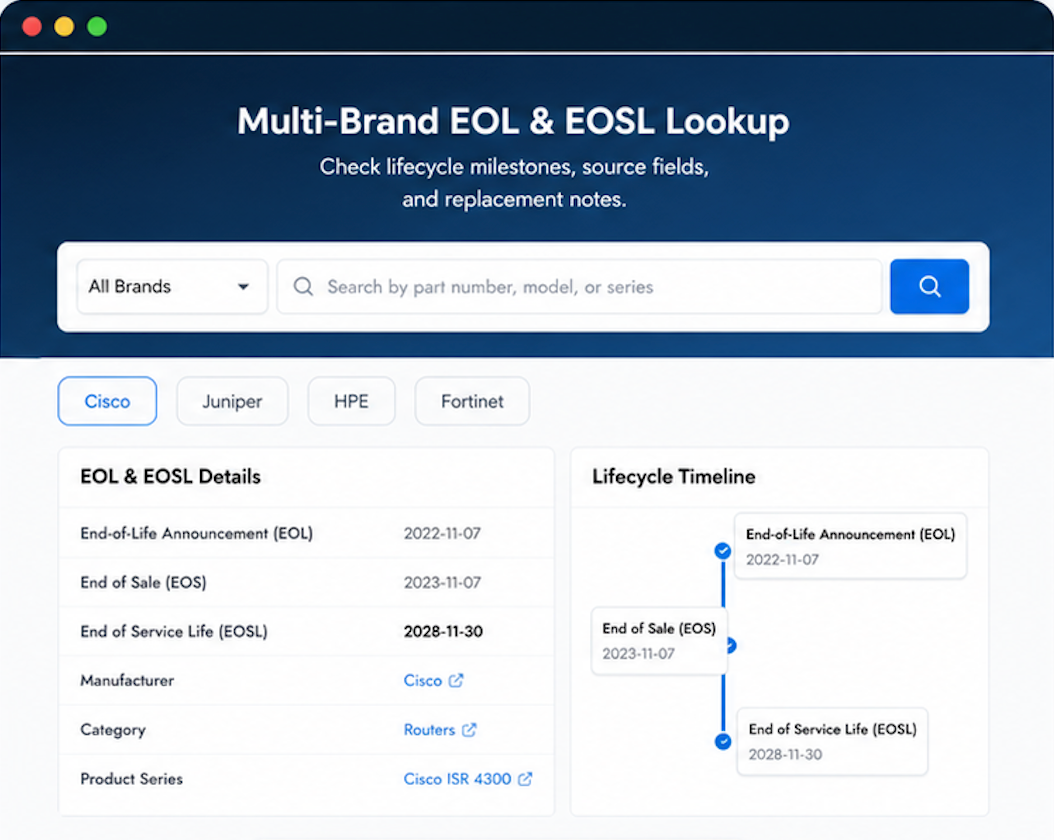
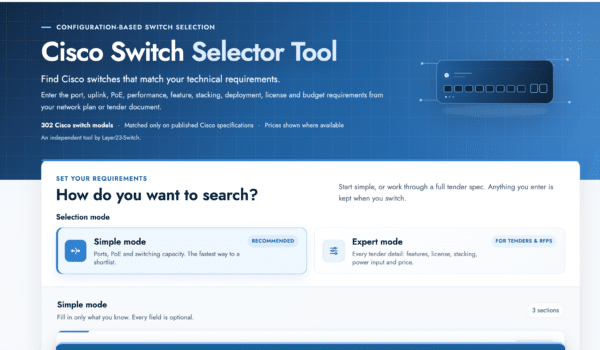
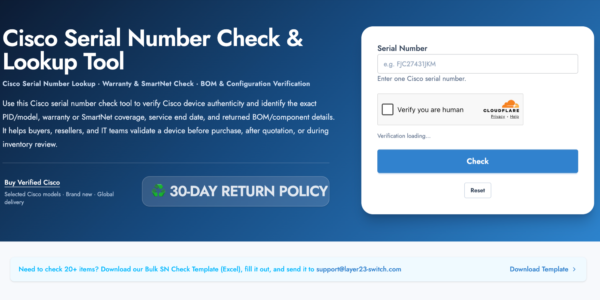
Verify, plan, and comparewith confidence
Use practical tools to check device details, review lifecyclemilestones, and compare hardware before you buy.
Standard Services
Personalized Service, Superior Product Maintenance for Ultimate Satisfaction.
- Projects and Technical Support
- Easy Purchasing Supply
- Product Lifecycle Protection
- Exclusive F3 Team Support
Customized Support for Your Needs with CCIE, HCIE, HPE ASE, etc.
Built to last. Same impression as products from the manufacturer directly.
Their team treats every customer like they want repeat business — because they do.
Solid vendor, solid product, solid service. The trifecta.
Heavenly service. Arrived very quickly.
Simple transaction. Got what I ordered quickly.