
C9115AXI-A – Wi-Fi 6 4×4:4 AP – Internal Antennas – 2.5G PoE Uplink








Why Layer23-Switch
Stocked, Shipped and Supported by One Team
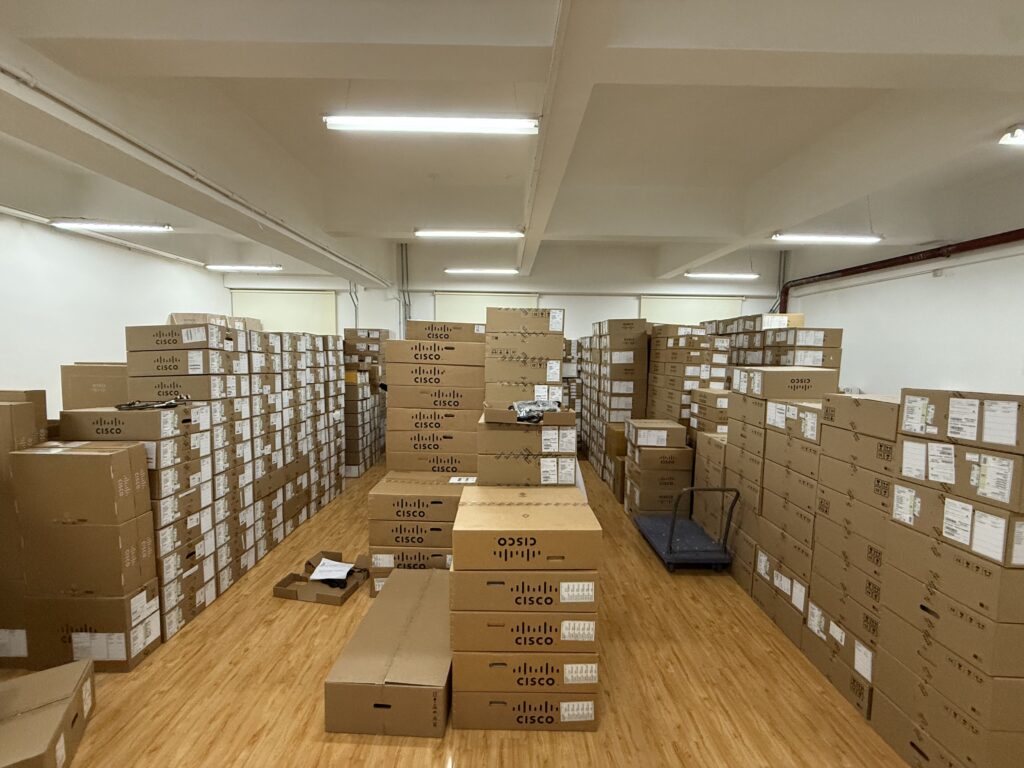
Ships in 1 Business Day
In-stock orders leave our Hong Kong or U.S. warehouse within 1 business day after payment, with tracking by email.
LSCare Warranty
3years on enterprise equipment
Free CCIE Support
Certified engineers help before and after you buy. Reply within 1 business day by email or live chat.
Verify Before You Pay
100%factory-sealed
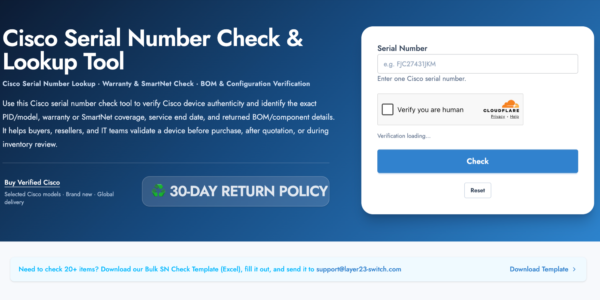
Get label and serial photos before shipment, and check every serial number with Cisco.
C9115AXI-A Description
The C9115AXI-A is a Cisco Catalyst 9115AX Series indoor Wi-Fi 6 access point with four integrated internal antennas for controller-managed campus and branch WLANs. The access point has 4x4 MIMO with four spatial streams, one 100/1000/2500 Multigigabit Ethernet uplink, an RJ-45 console port and a USB 2.0 port. The 4x4 radios, 2.5G link and USB need 802.3at power at up to 20.4W, while 802.3af input drops the radios to 2x2, the link to 1G and disables USB.
Quick Specs
|
Parameter |
Specification |
|---|---|
|
Product ID |
C9115AXI-A |
|
Product type |
Indoor Wi-Fi 6 wireless access point |
|
Exact model record |
C9115AXI-A listed in Cisco Industry Canada model records |
|
Ordering pattern |
Full SKU with a regulatory-domain suffix, such as C9115AXI-A |
|
Management model |
Controller-based access point |
|
Software support |
Cisco Unified Wireless Network Software Release 8.9 or later and Cisco IOS XE Software Release 16.11 or later |
|
Supported controllers |
Cisco Catalyst 9800 Series plus Cisco 3504, 5520, 8540, and Virtual Wireless Controller |
|
Wireless standard |
Wi-Fi 6 / IEEE 802.11ax |
|
Radio and MIMO profile |
Dual-band 2.4 GHz and 5 GHz radios with 4×4 MIMO and four spatial streams |
|
Antenna design |
Four integrated dual-band internal antennas on Catalyst 9115AXI access points |
|
Ethernet interfaces |
1 x 100/1000/2500 Multigigabit Ethernet RJ-45, RJ-45 console, and USB 2.0 |
|
PoE feature mode |
802.3at supports 4×4 radios, 2.5G link, USB, and 20.4W max PoE draw; 802.3af reduces radios to 2×2, link to 1G, disables USB, and lists 13W max PoE draw |
Application Scenarios
In a lecture hall or classroom block, the access point mounts on the ceiling and serves many clients with 4×4 radios, with its 2.5G uplink keeping up with the aggregate traffic.
A branch office with a Catalyst 9800 or AireOS controller can hang the access point from the ceiling on the AIR-AP-BRACKET-1 low-profile bracket and power it from an 802.3at switch port.
A wiring closet with multigigabit switch ports lets the access point run its full 2.5G link and USB, which an 802.3af port would reduce to 1G with USB disabled.
Product Comparison
|
Parameter |
C9115AXI-A |
C9115AXE-A | |
|---|---|---|---|
|
Wi-Fi standard |
IEEE 802.11ax (Wi-Fi 6) |
IEEE 802.11ax (Wi-Fi 6) |
IEEE 802.11ax (Wi-Fi 6) |
|
Radio / spatial streams |
4×4 MIMO, 4 spatial streams |
4×4 MIMO, 4 spatial streams |
4×4 MIMO, 4 spatial streams |
|
Antenna |
4 integrated dual-band internal |
4 RP-TNC connectors for external dual-band antennas |
4 integrated dual-band internal |
|
Interfaces |
1 x 100/1000/2500 Multigigabit Ethernet |
1 x 100/1000/2500 Multigigabit Ethernet |
1 x 100/1000/2500 Multigigabit Ethernet |
|
Maximum PoE draw (802.3at) |
20.4W |
21.4W |
20.4W |
|
Dimensions |
8.0 x 8.0 x 1.5 in. |
8.0 x 8.0 x 1.7 in. |
8.0 x 8.0 x 1.5 in. |
|
Weight |
1.98 lb. |
2.43 lb. |
1.98 lb. |
|
Operating temperature |
32 to 122 F (0 to 50 C) |
Not published |
32 to 122 F (0 to 50 C) |
C9115AXI-A and C9115AXE-A are both 4×4 Wi-Fi 6 access points with the -A suffix and a 100/1000/2500 uplink, but C9115AXI-A has four integrated antennas while C9115AXE-A exposes four RP-TNC connectors for external dual-band antennas. Designs that use external or directional antennas need C9115AXE-A, which is slightly larger at 1.7 in. and 2.43 lb. against 1.5 in. and 1.98 lb. and lists 21.4W of 802.3at draw against 20.4W. C9115AXI-H matches C9115AXI-A in hardware and differs only in the -H regulatory suffix, so it is the model for -H countries.
Ordering Checklist
- Subscription: Order one LIC-CW-E (Essentials) or LIC-CW-A (Advantage) subscription per AP under Cisco Networking Subscription; unified licensing needs IOS XE 17.15.x or later. The controller boots without a license, but each joining AP needs its own subscription.
Specifications
| Parameter | Specification | Parameter | Specification |
|---|---|---|---|
| Product ID | C9115AXI-A | Product type | Indoor Wi-Fi 6 wireless access point |
| Exact model record | C9115AXI-A listed in Cisco Industry Canada model records | Ordering pattern | Full SKU with a regulatory-domain suffix, such as C9115AXI-A |
| Management model | Controller-based access point | Minimum software release | Cisco Unified Wireless Network Software Release 8.9 or later; Cisco IOS XE Software Release 16.11 or later |
| Supported controllers | Cisco Catalyst 9800 Series, Cisco 3504, 5520, 8540, and Virtual Wireless Controller | Wireless standard | Wi-Fi 6 / IEEE 802.11ax |
| Radio design | Dedicated 2.4 GHz radio and 5 GHz radio | MIMO profile | 4×4 MIMO with four spatial streams on both bands |
| Internal antennas | Four integrated dual-band antennas on Catalyst 9115AXI access points | 2.4 GHz antenna gain | 3 dBi peak gain for integrated internal antennas |
| 5 GHz antenna gain | 4 dBi peak gain for integrated internal antennas | Ethernet uplink | 1 x 100/1000/2500 Multigigabit Ethernet RJ-45 |
| Console port | RJ-45 management console port | USB port | USB 2.0 |
| Status indicator | Multi-color status LED | PoE input options | 802.3at PoE+, 802.3bt Cisco UPOE, AIR-PWRINJ6=, 802.3af PoE, or AIR-PWRINJ5= |
| 802.3at feature mode | 4×4 radios, 2.5G link speed, USB enabled, and 20.4W max PoE consumption for Catalyst 9115I | 802.3af feature mode | 2×2 radios, 1G link speed, USB disabled, and 13W max PoE consumption |
| Power negotiation note | LLDP/CDP should be enabled for proper power negotiation | Dimensions | 8.0 x 8.0 x 1.5 in. (20.3 x 20.3 x 3.8 cm) |
| Weight | 1.98 lb. (0.9 kg) | Operating temperature | 32 to 122 F (0 to 50 C) |
| Operating humidity | 10% to 90% noncondensing | Storage temperature | -22 to 158 F (-30 to 70 C) |
| Operating altitude test | 40 C at 9843 ft. | Environmental feature shift | Above 40 C ambient, radios shift from 4×4 to 2×2, Ethernet downgrades to 1G, and USB is disabled |
| DRAM | 2048 MB DRAM and 1024 MB flash | Mounting bracket options | AIR-AP-BRACKET-1 low-profile bracket or AIR-AP-BRACKET-2 universal bracket |
Get More Information
Need pricing, stock, or shipping details for the C9115AXI-A ? Layer23-Switch can help you check current availability, lead time, and delivery options for this. Send us the part number, quantity, and destination country via live chat or email [email protected] for a fast quotation.
Quality Certifications
Customer Reviews
Questions & Answers
-
Which operating modes does C9115AXI-A support?
-
Is C9115AXI-A rated for plenum installation?
-
How long must the mode button be held to factory reset C9115AXI-A?
-
Which cabling does C9115AXI-A need for its 2.5G uplink?
-
Can C9115AXI-A be mounted above a ceiling tile?
Warranty
Layer23-Switch.com offers genuine, high-quality ICT products at competitive wholesale prices—ensuring exceptional value without compromising quality.
All items are brand new, original, and factory-sealed.
Upon request, each unit can be fully tested and verified by a Cisco CCIE-certified engineer to ensure perfect working condition before shipment.
Our Cisco CCIE-certified experts provide free professional support via phone, email, online chat, or remote login—helping you deploy and troubleshoot with confidence.
If you are not satisfied with your purchase, you may request an exchange or full refund. Our customer service team will guide you through the return process quickly and smoothly. Visit Return Policy page for more information.
We support multiple secure payment and logistics options, backed by industry-leading verification:












Visit How to Pay page for more information
Extended, Worry-Free Warranty Coverage Factory New Sealed Enterprise Hardware:
· 3 Years Factory New Sealed
Visit Warranty Policy page for more information
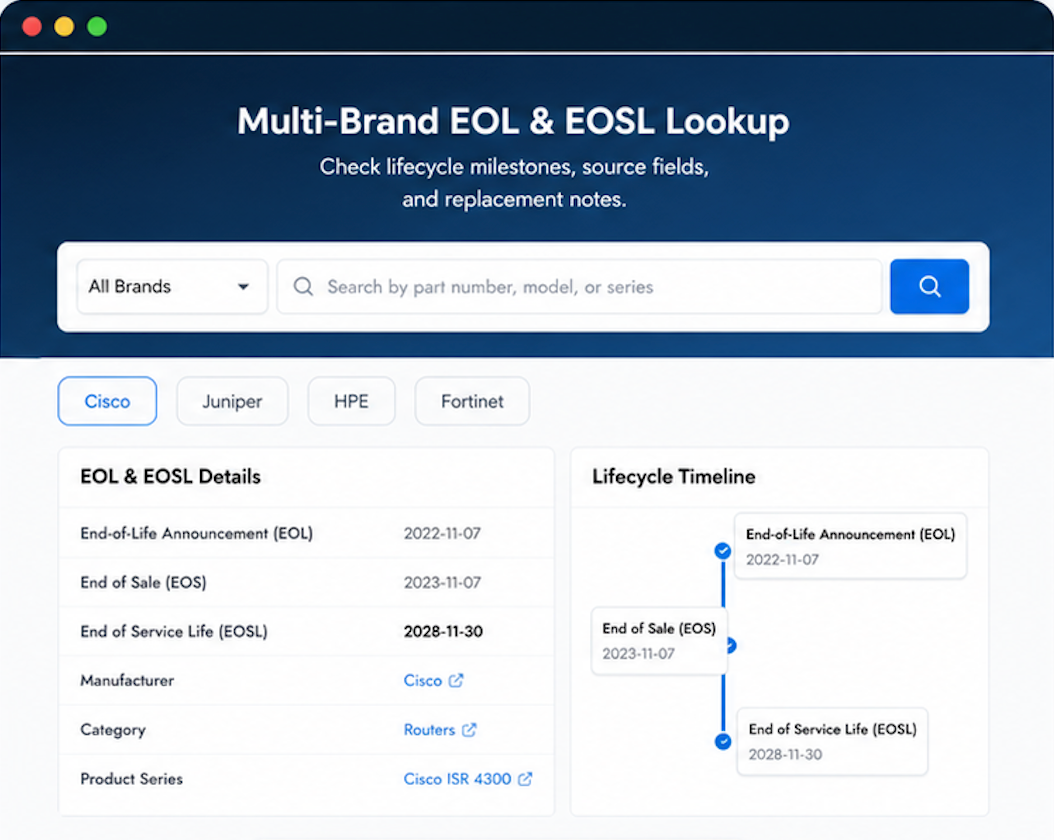
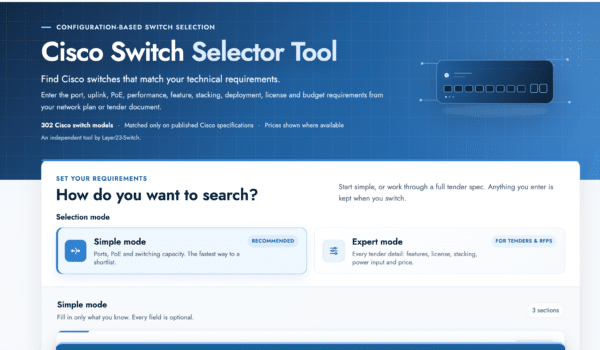
Verify, plan, and comparewith confidence
Use practical tools to check device details, review lifecyclemilestones, and compare hardware before you buy.
Standard Services
Personalized Service, Superior Product Maintenance for Ultimate Satisfaction.
- Projects and Technical Support
- Easy Purchasing Supply
- Product Lifecycle Protection
- Exclusive F3 Team Support
Customized Support for Your Needs with CCIE, HCIE, HPE ASE, etc.

Had a question after delivery. Layer23 responded the same day with a helpful answer.
Reorders flow smoothly because the first order set the right expectations.
Our CFO noticed the savings compared to our previous vendor.
Items were in stock and shipped same day. Greatly appreciated.
Kept me in the loop the whole time. Good communication.