
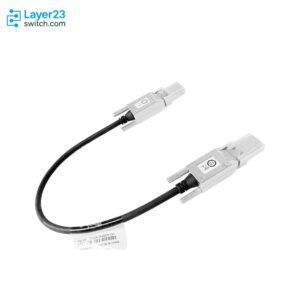
STACK-T4-50CM – 50 cm Data Stack Cable – Catalyst 9200 and 9200L Stack Kit Default – StackWise-160/80








Why Layer23-Switch
Stocked, Shipped and Supported by One Team
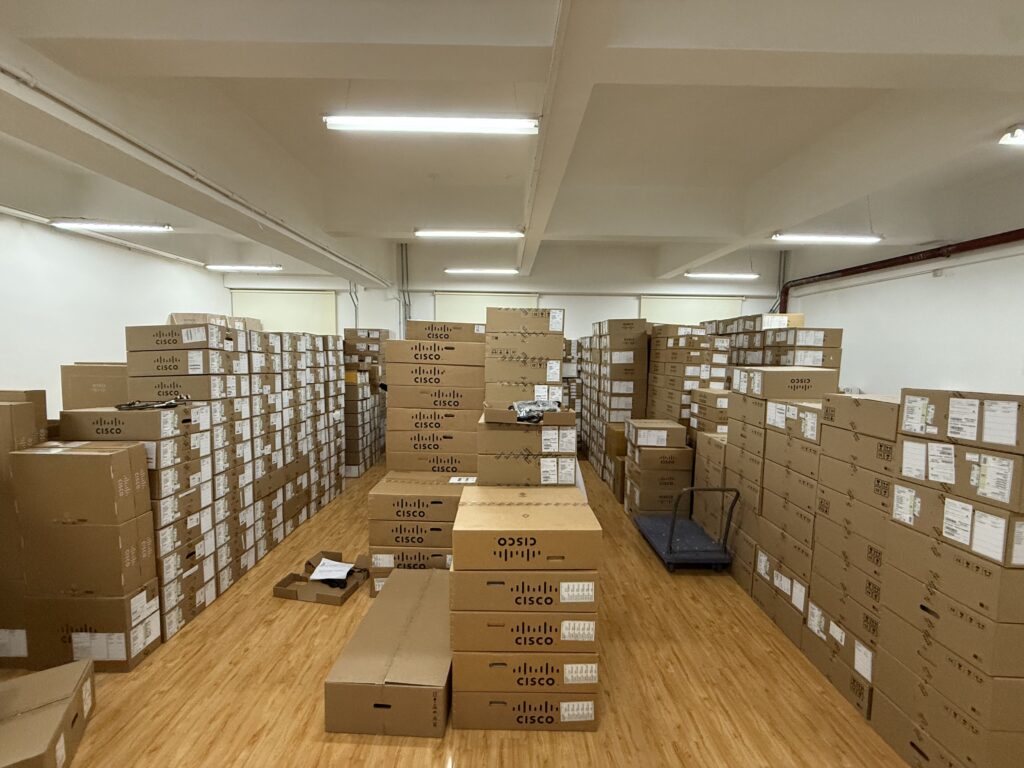
Ships in 1 Business Day
In-stock orders leave our Hong Kong or U.S. warehouse within 1 business day after payment, with tracking by email.
LSCare Warranty
3years on enterprise equipment
Free CCIE Support
Certified engineers help before and after you buy. Reply within 1 business day by email or live chat.
Verify Before You Pay
100%factory-sealed
Get label and serial photos before shipment, and check every serial number with Cisco.
STACK-T4-50CM Description
The STACK-T4-50CM is a Cisco 50 cm data stack cable for linking closely mounted Catalyst 9200 Series or Catalyst 9200L Series switches into one stack. The copper cable ships as the default cable in both Catalyst 9200 stack kits and carries StackWise-160 at 160 Gbps or StackWise-80 at 80 Gbps across up to eight switches. A stack holds one series at one license level, so the cable does not join a Catalyst 9200 to a Catalyst 9200L, and Catalyst 9200CX and Catalyst 2960-X switches cannot stack with either.
Quick Specs
|
Parameter |
Specification |
|---|---|
|
Product ID |
STACK-T4-50CM |
|
Cable length |
50 cm |
|
Cable type |
Copper Cisco StackWise data stack cable |
|
Compatible platform |
Catalyst 9200 and Catalyst 9200L Series switches |
|
Stacking architecture |
StackWise-160 (160 Gbps) on Catalyst 9200; StackWise-80 (80 Gbps) on Catalyst 9200L |
|
Stack kit role |
Default cable in C9200-STACK-KIT and C9200L-STACK-KIT |
|
Maximum stack size |
Up to 8 switches |
|
Spare product ID |
STACK-T4-50CM= |
Application Scenarios
In a branch wiring closet, Catalyst 9200 access switches mounted close together in one rack are joined port to port with the 50 cm cable. The members then run as one StackWise-160 switch with a single management and control plane.
A small office running Catalyst 9200L fixed-uplink switches builds its StackWise-80 ring by using both rear stack ports on every member, with one cable from each switch to the next and a final cable closing the loop back to the first.
Product Comparison
|
Parameter |
STACK-T4-50CM | ||
|---|---|---|---|
|
Cable length |
50 cm |
1 m |
3 m |
|
Cable type |
50CM Type 3 Stacking Cable |
1M Type 3 Stacking Cable |
3M Type 3 Stacking Cable |
|
Compatible platform |
Catalyst 9200 and Catalyst 9200L |
Catalyst 9200 and Catalyst 9200L |
Catalyst 9200 and Catalyst 9200L |
|
Stacking architecture |
StackWise-160 / StackWise-80 |
StackWise-160 / StackWise-80 |
StackWise-160 / StackWise-80 |
|
Stack kit cable |
Default cable in C9200-STACK-KIT and C9200L-STACK-KIT |
Optional length |
Optional length |
Length separates STACK-T4-50CM from STACK-T4-1M and STACK-T4-3M, which are the same Type 3 data stack cable for Catalyst 9200 and Catalyst 9200L switches at 1 m and 3 m. STACK-T4-50CM is also the cable that C9200-STACK-KIT and C9200L-STACK-KIT ship with, while the 1 m and 3 m lengths are optional. Where two stack ports sit farther apart than 50 cm, the link moves to STACK-T4-1M, and runs beyond 1 m move to STACK-T4-3M. All three lengths carry StackWise-160 between Catalyst 9200 members and StackWise-80 between Catalyst 9200L members, and none of them joins the two series in one stack.
Ordering Checklist
- Catalyst 9200 hosts: Catalyst 9200 modular-uplink switches such as C9200-24T-A and C9200-48P-E, stacked on StackWise-160 with the data stack adapters from C9200-STACK-KIT.
- Catalyst 9200L hosts: Catalyst 9200L fixed-uplink switches such as C9200L-24T-4G-E and C9200L-48P-4X-A, stacked on StackWise-80 with C9200L-STACK-KIT. Catalyst 9200CX compact switches do not stack.
Specifications
| Parameter | Specification | Parameter | Specification |
|---|---|---|---|
| Product ID | STACK-T4-50CM | Spare product ID | STACK-T4-50CM= |
| Cisco ordering description | 50CM Type 3 Stacking Cable | Data sheet description | Data stack 50 cm cable, default cable with Stack Kit |
| Cable length | 50 cm | Cable type | Copper Cisco StackWise data stack cable |
| Compatible platform | Catalyst 9200 (modular uplink) and Catalyst 9200L (fixed uplink) Series switches | Stack kit | C9200-STACK-KIT for Catalyst 9200; C9200L-STACK-KIT for Catalyst 9200L |
| Stack kit contents | Two data stack adapters and one data stack cable; 50 cm default cable, 1 m and 3 m optional | Stacking architecture | StackWise-160 on Catalyst 9200; StackWise-80 on Catalyst 9200L |
| Stack bandwidth | 160 Gbps (StackWise-160); 80 Gbps (StackWise-80) | Maximum stack size | Up to 8 switches |
| Stack ports | Two rear-panel stack ports per switch, identical on all Catalyst 9200 Series models; either cable end connects to either port | Stack cables per switch | Maximum of two |
| Stack membership | Same series and same license level; Catalyst 9200 and Catalyst 9200L cannot be mixed | Stacking not supported | Catalyst 9200CX compact switches |
| Backward compatibility | Not backward compatible with Catalyst 2960-X Series stacking |
Quality Certifications
Customer Reviews
Questions & Answers
-
How long is STACK-T4-50CM and what speed does it carry?
-
Is STACK-T4-50CM included in C9200-STACK-KIT, and what else does the kit hold?
-
Can C9200-STACK-KIT with STACK-T4-50CM be used on a Catalyst 9200L stack?
-
Which Catalyst 9200 switches with modular uplinks can STACK-T4-50CM stack?
-
Which Catalyst 9200L fixed-uplink switches can STACK-T4-50CM stack?
Warranty
Layer23-Switch.com offers genuine, high-quality ICT products at competitive wholesale prices—ensuring exceptional value without compromising quality.
All items are brand new, original, and factory-sealed.
Upon request, each unit can be fully tested and verified by a Cisco CCIE-certified engineer to ensure perfect working condition before shipment.
Our Cisco CCIE-certified experts provide free professional support via phone, email, online chat, or remote login—helping you deploy and troubleshoot with confidence.
If you are not satisfied with your purchase, you may request an exchange or full refund. Our customer service team will guide you through the return process quickly and smoothly. Visit Return Policy page for more information.
We support multiple secure payment and logistics options, backed by industry-leading verification:












Visit How to Pay page for more information
Extended, Worry-Free Warranty Coverage Factory New Sealed Enterprise Hardware:
· 3 Years Factory New Sealed
Visit Warranty Policy page for more information
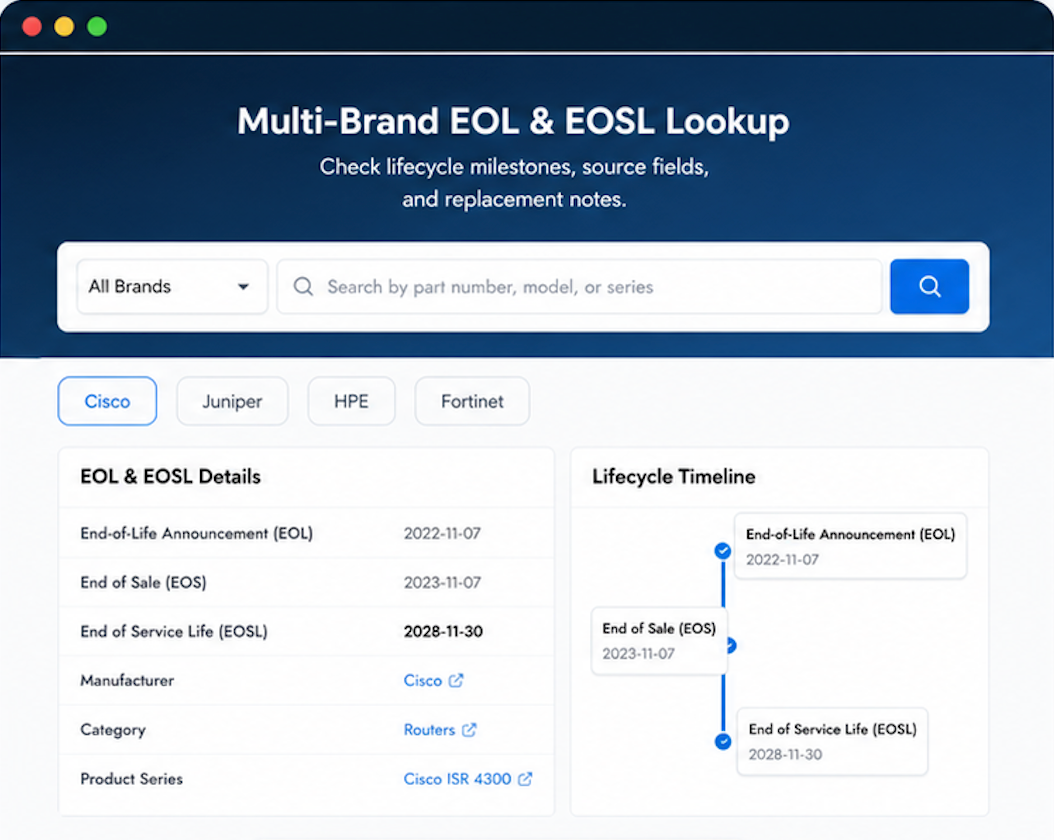
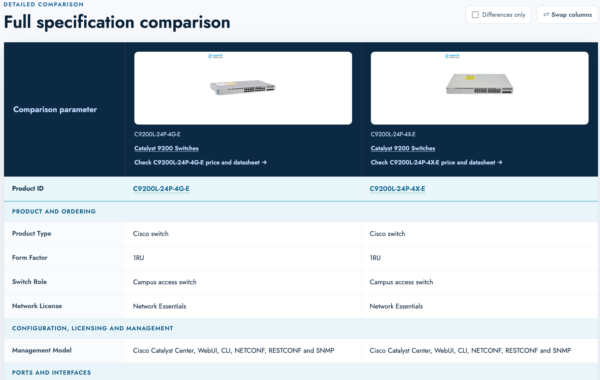
Verify, plan, and comparewith confidence
Use practical tools to check device details, review lifecyclemilestones, and compare hardware before you buy.

The product slotted right into our environment. Would have liked a tracking update sooner, but the product is great.
Our long-term plan includes Layer23 as a key supply partner.
Layer23’s track record with us is unblemished. That’s a high bar to maintain.
Shipping to Canada was fast.
Strong packaging. Good.