
C9400X-SUP-2 – 240 Gbps Per Slot – 4x 100G/40G Uplinks – Access Layer Catalyst 9400 Supervisor








Why Layer23-Switch
Stocked, Shipped and Supported by One Team
Ships in 1 Business Day
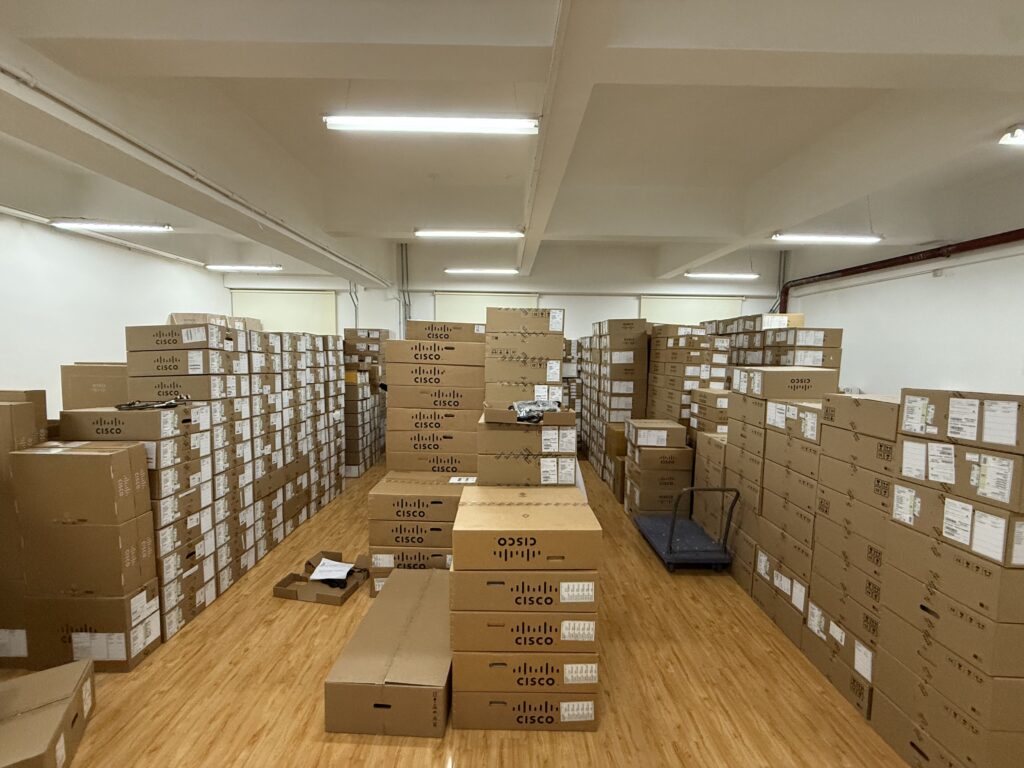
In-stock orders leave our Hong Kong or U.S. warehouse within 1 business day after payment, with tracking by email.
LSCare Warranty
3years on enterprise equipment
Free CCIE Support
Certified engineers help before and after you buy. Reply within 1 business day by email or live chat.
Verify Before You Pay
100%factory-sealed
Get label and serial photos before shipment, and check every serial number with Cisco.
C9400X-SUP-2 Description
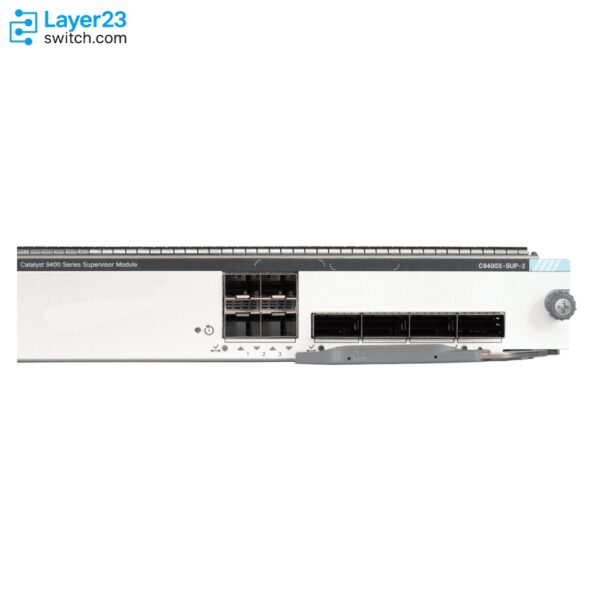
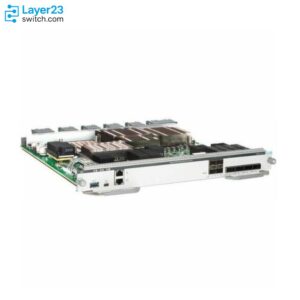
The C9400X-SUP-2 is a Cisco Catalyst 9400 Series Supervisor 2 module for C9404R, C9407R and C9410R chassis in campus access roles that need 100G uplinks. The module has up to 4 non-blocking 100/40GE and up to 4 non-blocking 25/10GE uplinks, 9.6 Tbps of centralized wired capacity and 240 Gbps per line-card slot on every chassis. It supports 14 line cards and requires Cisco IOS XE 17.7.1.
Quick Specs
|
Parameter |
Specification |
|---|---|
|
Product ID |
C9400X-SUP-2 |
|
ASIC |
Cisco Unified Access Data Plane 3.0sec |
|
Bandwidth per line-card slot |
240 Gbps on C9404R, C9407R and C9410R alike |
|
Centralized wired capacity |
Up to 9.6 Tbps, with a 3 Bpps forwarding rate for IPv4 and IPv6 |
|
Uplinks |
Up to 4 non-blocking 100/40 Gigabit Ethernet and up to 4 non-blocking 25/10 Gigabit Ethernet |
|
Supported line cards |
14 cards, including C9400-LC-48HX, C9400-LC-48XS, C9400-LC-24XY, C9400-LC-12QC and C9400-LC-48TX |
|
Table scale |
128,000 MAC addresses, 256,000 IPv4 routes and 256,000 IPv6 routes with a Custom SDM template |
|
Memory and buffer |
16 GB DRAM, 20 GB flash, up to 960 GB SSD, 108 MB packet buffer |
|
Minimum software release |
Cisco IOS XE 17.7.1 |
|
MTBF |
304,308 hours |
Application Scenarios
In a C9404R, C9407R or C9410R access chassis, the supervisor connects the closet to the aggregation layer over 100/40GE uplinks and gives each line-card slot 240 Gbps regardless of chassis size.
A chassis whose uplinks are moving from 10G and 40G toward 25G and 100G can run both uplink families from the same supervisor.
Product Comparison
|
Parameter |
C9400X-SUP-2 | ||
|---|---|---|---|
|
ASIC |
UADP 3.0sec |
UADP 3.0sec |
UADP 2.0 |
|
Per-slot switching capacity |
240 Gbps on all three chassis |
480 Gbps on all three chassis |
240 Gbps (C9404R), 120 Gbps (C9407R), 80 Gbps (C9410R) |
|
Centralized wired capacity |
Up to 9.6 Tbps |
Up to 9.6 Tbps |
Up to 1.44 Tbps |
|
Forwarding rate |
3 Bpps for IPv4 and IPv6 |
3 Bpps for IPv4 and IPv6 |
900 Mpps for IPv4 |
|
Uplink ports |
Up to 4 x 100/40GE and up to 4 x 25/10GE |
Up to 4 x 100/40GE and up to 4 x 25/10GE |
Up to 2 x 40GE QSFP and up to 8 x 10GE SFP+ |
|
Supported line cards |
14 |
14 |
9 |
C9400X-SUP-2 and C9400X-SUP-2XL share the same UADP 3.0sec ASIC, 9.6 Tbps capacity, 3 Bpps forwarding and 14 supported line cards, so the only separating parameter is slot rate: 240 Gbps here against 480 Gbps on all three chassis. A chassis whose busiest line card never fills 240 Gbps gains nothing from C9400X-SUP-2XL, and a slot that must run a card at full rate is the case for C9400X-SUP-2XL. The older C9400-SUP-1XL supports only nine line cards, so C9400-LC-48HX, C9400-LC-48XS, C9400-LC-24XY, C9400-LC-12QC and C9400-LC-48TX require C9400X-SUP-2 or C9400X-SUP-2XL. It also reaches 240 Gbps per slot only in a C9404R and drops to 80 Gbps in a C9410R.
Ordering Checklist
- Catalyst 9400 chassis: Seat C9400X-SUP-2 in the supervisor slots of C9404R (slots 2 or 3), C9407R (slots 3 or 4) and C9410R (slots 5 or 6). Slots are fixed per chassis, and line cards are not supported in them.
- Catalyst 9400 line cards: All 14 line cards seat with this engine: C9400-LC-48U, C9400-LC-48T, C9400-LC-48UX, C9400-LC-24XS, C9400-LC-48P, C9400-LC-24S, C9400-LC-48S, C9400-LC-48H and C9400-LC-48HN, plus C9400-LC-48HX, C9400-LC-48XS, C9400-LC-24XY, C9400-LC-12QC and C9400-LC-48TX. An engine from the C9400-SUP-1 class supports only the first nine.
Specifications
| Parameter | Specification | Parameter | Specification |
|---|---|---|---|
| Product ID | C9400X-SUP-2 | Cisco ordering description | Cisco Catalyst 9400 Series Supervisor 2 Module, spare part number C9400X-SUP-2=, redundant supervisor PID C9400X-SUP-2/2 |
| ASIC | Cisco Unified Access Data Plane 3.0sec | CPU | Intel 2.4-GHz x86 |
| SSD storage | Up to 960 GB SATA SSD local storage for container-based application hosting | Bandwidth per line-card slot | 240 Gbps on C9404R, C9407R and C9410R alike |
| Centralized wired capacity | Up to 9.6 Tbps | Forwarding rate | 3 Bpps for IPv4 and IPv6 |
| Uplink ports | Up to 4 non-blocking 100/40 Gigabit Ethernet and up to 4 non-blocking 25/10 Gigabit Ethernet | Single-supervisor uplink combinations | 4x 10/25GE plus 3x 40/100GE active with one 100GE port disabled, or 4x 40/100GE active with the 10/25GE ports disabled |
| Supported line cards | 14 cards, adding C9400-LC-48HX, C9400-LC-48XS, C9400-LC-24XY, C9400-LC-12QC and C9400-LC-48TX to the nine supported by the C9400-SUP-1 class | MAC addresses | Up to 128,000 with a Custom SDM template |
| IPv4 routes | Up to 256,000 with a Custom SDM template | IPv6 routes | Up to 256,000 with a Custom SDM template |
| Multicast routes | Up to 32,000 | IGMP/MLD snooping entries | 32,000/16,000 |
| QoS entries | Up to 27,000 | ACL entries | 27,000 |
| DRAM | 16 GB | Flash | 20 GB |
| Packet buffer | 108 MB | VLAN IDs | 4096 |
| PVST instances | 300 | Switched virtual interfaces | 1,000 |
| Jumbo frames | 9216 bytes | ASIC template support | Flexible ASIC templates are currently not supported in software on this engine, which uses Custom ASIC templates instead |
| High availability | 1+1 supervisor redundancy with NSF/SSO for continuous forwarding during switchover and ISSU under 200 msec on dual engines | Supervisor slot positions | Slots 2 or 3 on C9404R, slots 3 or 4 on C9407R and slots 5 or 6 on C9410R, with line cards not supported in those slots |
| Compatible chassis | C9404R, C9407R and C9410R, providing 2, 5 and 8 line-card slots respectively | Minimum software release | Cisco IOS XE 17.7.1 on all three chassis |
| MTBF | 304,308 hours | Dimensions (H x W x D) | 1.7 x 15.0 x 13.41 in. (4.32 x 38.1 x 34.06 cm) to the faceplate and 1.7 x 15.0 x 15.7 in. (4.32 x 38.1 x 39.88 cm) to the ejector |
| Weight | 5.2 kg (11.5 lb) | Rack units | 1 RU |
| Operating temperature | -5 to +45°C up to 6,000 feet and -5 to +40°C up to 10,000 feet | Storage temperature | -40 to 70°C |
| Operating humidity | 10 to 95 percent, noncondensing | Operating altitude | -60 to 3,000 m |
| SSD options | C9400-SSD-240GB, C9400-SSD-480GB and C9400-SSD-960GB M2 SATA memory | Management interfaces | Bluetooth dongle support as a wireless management interface and an embedded WebUI in the default image with no additional license |
| Optics support reference | Supported optical modules and their minimum software releases are published in the Cisco transceiver module device support tables rather than in the supervisor engine data sheet |
Get More Information
Need pricing, stock, or shipping details for the C9400X-SUP-2 ? Layer23-Switch can help you check current availability, lead time, and delivery options for this. Send us the part number, quantity, and destination country via live chat or email [email protected] for a fast quotation.
Quality Certifications
Customer Reviews
Questions & Answers
-
How much AC input power does C9400X-SUP-2 draw for chassis power planning?
-
Which uplink combinations can a single C9400X-SUP-2 run?
-
How much uplink bandwidth does a chassis with two C9400X-SUP-2 supervisors provide?
-
How many full 90W ports can C9400X-SUP-2 power in a C9410R with C9400-LC-48HN?
-
How many 25G and 100G ports can a Catalyst 9400 system reach with C9400X-SUP-2?
-
Which second-supervisor PID is ordered for C9400X-SUP-2?
-
What VLAN, PVST and jumbo frame limits apply on C9400X-SUP-2?
-
What slot bandwidth does C9400-LC-48UX get on C9400X-SUP-2?
-
Which custom SDM ranges does C9400X-SUP-2 offer for routes and MAC addresses?
Warranty
Layer23-Switch.com offers genuine, high-quality ICT products at competitive wholesale prices—ensuring exceptional value without compromising quality.
All items are brand new, original, and factory-sealed.
Upon request, each unit can be fully tested and verified by a Cisco CCIE-certified engineer to ensure perfect working condition before shipment.
Our Cisco CCIE-certified experts provide free professional support via phone, email, online chat, or remote login—helping you deploy and troubleshoot with confidence.
If you are not satisfied with your purchase, you may request an exchange or full refund. Our customer service team will guide you through the return process quickly and smoothly. Visit Return Policy page for more information.
We support multiple secure payment and logistics options, backed by industry-leading verification:












Visit How to Pay page for more information
Extended, Worry-Free Warranty Coverage Factory New Sealed Enterprise Hardware:
· 3 Years Factory New Sealed
Visit Warranty Policy page for more information
Verify, plan, and comparewith confidence
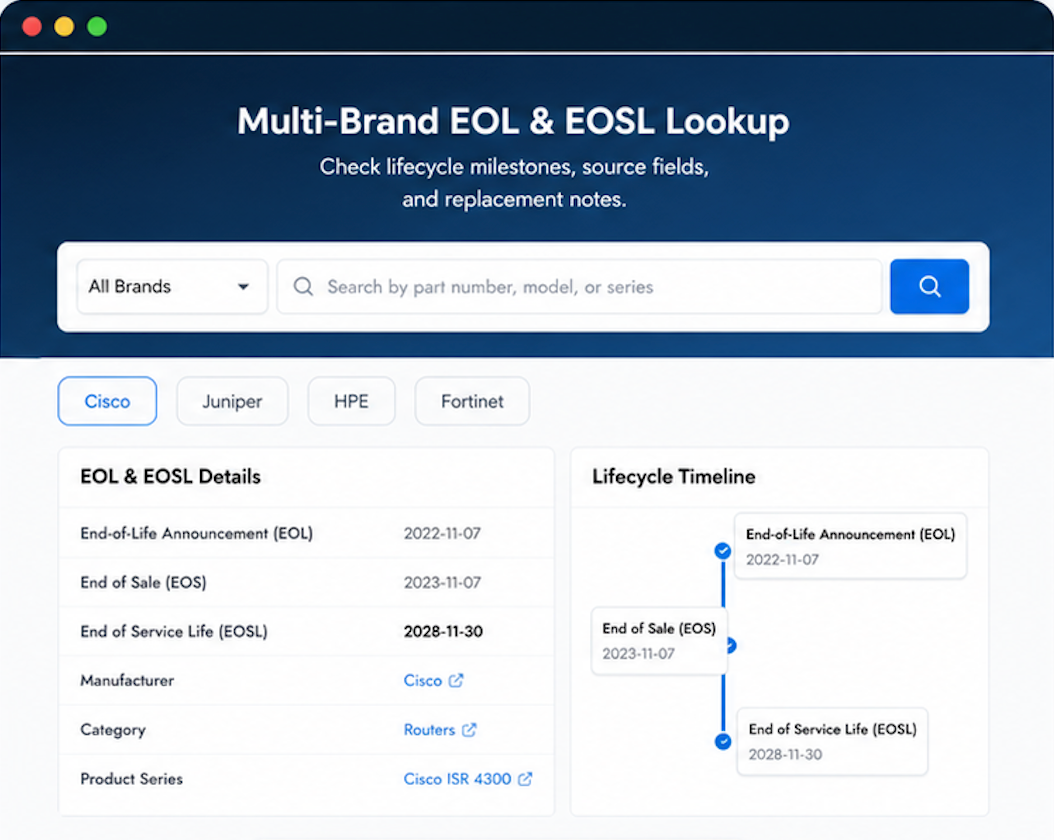
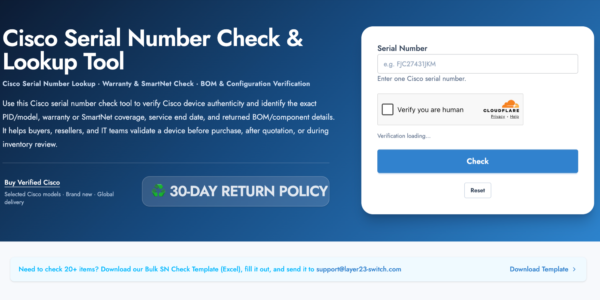
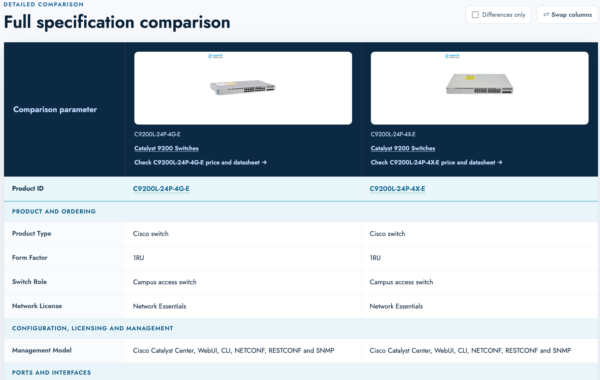
Use practical tools to check device details, review lifecyclemilestones, and compare hardware before you buy.

Standard Services
Personalized Service, Superior Product Maintenance for Ultimate Satisfaction.
- Projects and Technical Support
- Easy Purchasing Supply
- Product Lifecycle Protection
- Exclusive F3 Team Support
Customized Support for Your Needs with CCIE, HCIE, HPE ASE, etc.
Layer23’s pricing is competitive without sacrificing product quality. That’s rare.
Hardware has the heft and feel of a genuine premium product.
Our experience with Layer23 shipping has been remarkably consistent.
It belongs in a rack! And it got here safely.
Service was impeccable. Delivered with speed.