
C9610-SSD-480G-V1 – 480GB SATA SSD – Supervisor Storage – C9610R








Why Layer23-Switch
Stocked, Shipped and Supported by One Team
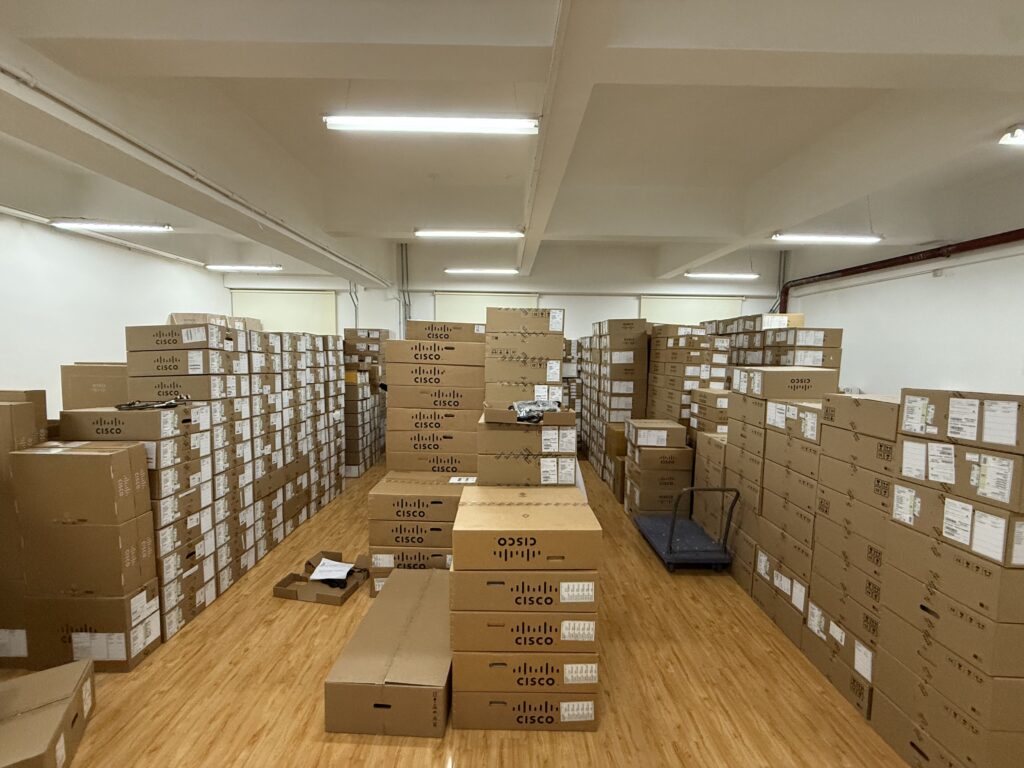
Ships in 1 Business Day
In-stock orders leave our Hong Kong or U.S. warehouse within 1 business day after payment, with tracking by email.
LSCare Warranty
3years on enterprise equipment
Free CCIE Support
Certified engineers help before and after you buy. Reply within 1 business day by email or live chat.
Verify Before You Pay
100%factory-sealed
Get label and serial photos before shipment, and check every serial number with Cisco.
C9610-SSD-480G-V1 Description
The C9610-SSD-480G-V1 is a Cisco C9610 Series 480GB SATA SSD module for supervisor-local storage in C9610R modular campus core chassis. The module installs in the front-panel SATA SSD slot of a C9610-SUP-3 or C9610-SUP-3XL supervisor, formats as EXT4 by default with EXT2 and EXT3 also supported, and runs on Cisco IOS XE 17.18.1 or later. The SSD firmware cannot be upgraded, and the module cannot be read from ROMMON, so it cannot serve as a boot device.
Quick Specs
|
Parameter |
Specification |
|---|---|
|
Product ID |
C9610-SSD-480G-V1 |
|
Product type |
SATA SSD module |
|
SSD storage |
480GB |
|
Storage interface |
SATA |
|
Hardware role |
Supervisor-local storage |
|
Supported platform |
Cisco C9610 Series Smart Switches |
|
Supervisor engine support |
Cisco C9610 supervisor engine modules |
|
Field-replaceable unit |
Yes |
|
Hot-swap support |
Supported with SSD status/eject procedure |
|
Default file system format |
EXT4 |
|
Supported extended file systems |
EXT2, EXT3, and EXT4 |
|
IOS XE file operations |
Read, write, delete, copy, and format |
|
Minimum software release for feature support |
Cisco IOS XE 17.18.1 |
Application Scenarios
On a C9610R core switch, the module gives the supervisor local disk for packet captures and analysis files that engineers collect while troubleshooting, handled with the IOS XE read, write and copy file operations.
In a campus core that runs hosted applications, the module holds application data and monitoring files on the supervisor itself, with S.M.A.R.T. drive health available from the CLI.
Product Comparison
|
Parameter |
C9610-SSD-480G-V1 | ||
|---|---|---|---|
|
SSD storage |
480GB |
960GB |
480GB |
|
Storage interface |
SATA |
SATA |
SATA |
|
Supported platform |
Cisco C9610 Series Smart Switches |
Cisco C9610 Series Smart Switches |
Cisco Catalyst 9550 Series |
|
Supported supervisor engines |
Cisco C9610 supervisor engine modules |
Cisco C9610 supervisor engine modules |
Not published |
|
Default file system |
EXT4 |
EXT4 |
Not published |
|
Minimum software release |
Cisco IOS XE 17.18.1 |
Cisco IOS XE 17.18.1 |
Not published |
C9610-SSD-480G-V1 and C9610-SSD-960G-V1 are the same C9610 SATA SSD module, EXT4 by default and supported from Cisco IOS XE 17.18.1, and only the capacity differs: 480GB here against 960GB. The 480GB module suits supervisors that hold containers, packet captures or monitoring data within 480GB, while storage plans above that need C9610-SSD-960G-V1, which is also the largest SSD Cisco lists for C9610-SUP-3 and C9610-SUP-3XL. C9K-F3-SSD-480GB, shown in the table as a 480GB pluggable module, is not on Cisco’s list of SATA SSDs for C9610; Cisco lists it for the Catalyst 9550 series, so a C9610 supervisor takes C9610-SSD-480G-V1 instead.
Ordering Checklist
- C9610 supervisors: Use C9610-SUP-3 and C9610-SUP-3XL in a C9610R, on Cisco IOS XE 17.18.1 or later. The module fits the SATA SSD slot on the supervisor front only and is supported from 17.18.1.
- Optional supervisor slot: Add the SSD as its own line next to each supervisor that needs local storage. The supervisor ships without it, and it is not in the Cisco C9610 ordering guide table.
- Catalyst 9550 SSDs: Use the C9610-SSD- parts, not the C9K-F3 or C9K-F4 SSD models listed on the same SATA SSD page, which are for the C9550 series, not C9610.
Specifications
| Parameter | Specification | Parameter | Specification |
|---|---|---|---|
| Product ID | C9610-SSD-480G-V1 | Product type | SATA SSD module |
| Cisco ordering description | Cisco C9610 Series Smart Switches 480GB SSD storage | SSD storage | 480GB |
| Storage interface | SATA | Hardware role | Supervisor-local storage |
| Supported platform | Cisco C9610 Series Smart Switches | Supervisor engine support | Cisco C9610 supervisor engine modules |
| Field-replaceable unit | Yes | Hot-swap support | Supported with SSD status/eject procedure |
| Default file system format | EXT4 | Supported extended file systems | EXT2, EXT3, and EXT4 |
| IOS XE file operations | Read, write, delete, copy, and format | Health monitoring | S.M.A.R.T monitoring through CLI |
| Minimum software release for feature support | Cisco IOS XE 17.18.1 | Related C9610 SSD capacity | 960GB with C9610-SSD-960G-V1 |
Quality Certifications
Customer Reviews
Questions & Answers
-
Which supervisors and chassis take C9610-SSD-480G-V1?
-
Which Cisco IOS XE release does C9610-SSD-480G-V1 need?
-
Which blank cover and spare PID go with C9610-SSD-480G-V1 on a C9610 supervisor?
-
Does Cisco name a 240GB SSD for the C9610 supervisor slot next to C9610-SSD-480G-V1?
-
Can C9610-SSD-480G-V1 serve as the boot device for a C9610-SUP-3XL?
-
Which supervisors and software release does C9610-SSD-480G-V1 need in a C9610R?
Warranty
Layer23-Switch.com offers genuine, high-quality ICT products at competitive wholesale prices—ensuring exceptional value without compromising quality.
All items are brand new, original, and factory-sealed.
Upon request, each unit can be fully tested and verified by a Cisco CCIE-certified engineer to ensure perfect working condition before shipment.
Our Cisco CCIE-certified experts provide free professional support via phone, email, online chat, or remote login—helping you deploy and troubleshoot with confidence.
If you are not satisfied with your purchase, you may request an exchange or full refund. Our customer service team will guide you through the return process quickly and smoothly. Visit Return Policy page for more information.
We support multiple secure payment and logistics options, backed by industry-leading verification:












Visit How to Pay page for more information
Extended, Worry-Free Warranty Coverage Factory New Sealed Enterprise Hardware:
· 3 Years Factory New Sealed
Visit Warranty Policy page for more information
Verify, plan, and comparewith confidence
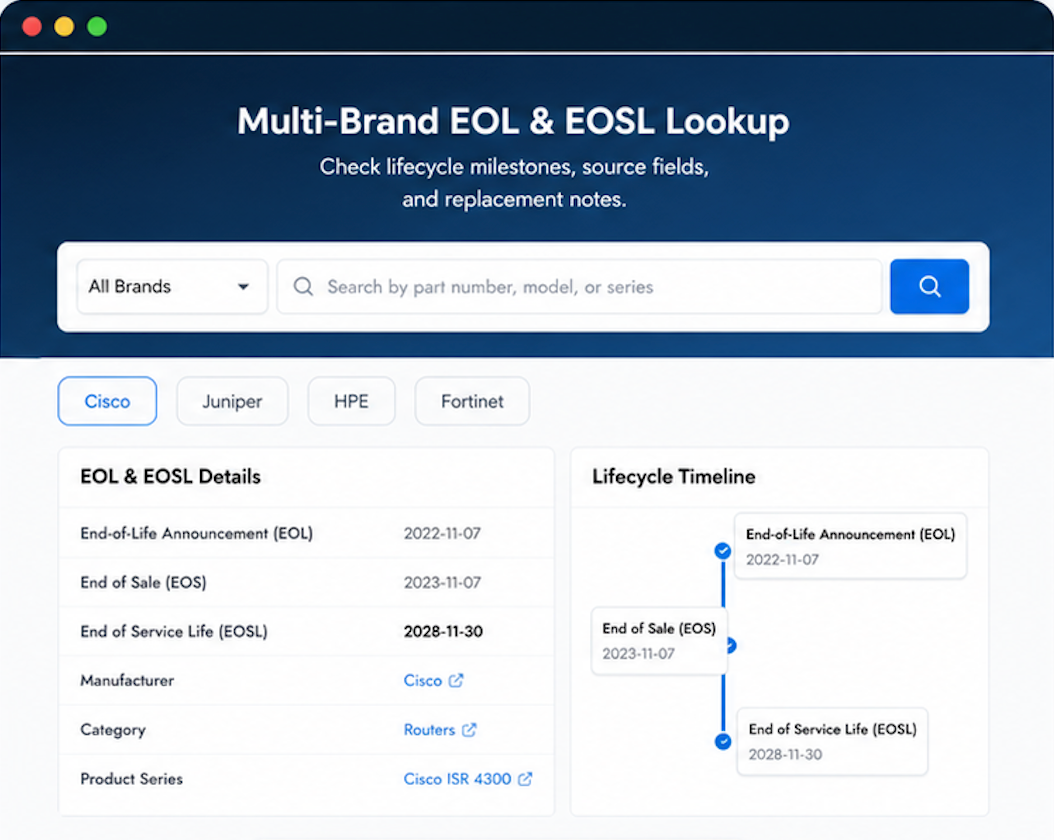
Use practical tools to check device details, review lifecyclemilestones, and compare hardware before you buy.

Sales process was smooth — no unnecessary back-and-forth or confusion.
We always verify before deployment. This one checked out immediately.
We were going to delay this project due to budget. Layer23’s pricing let us proceed. Invoice formatting was a bit different from what our AP system expects, but workable.