
CW9176I-RTG – Wi-Fi 7 Tri-Band 4×4 AP – 1x10G mGig Uplink – GNSS/IoT/UWB Radios







Why Layer23-Switch
Stocked, Shipped and Supported by One Team
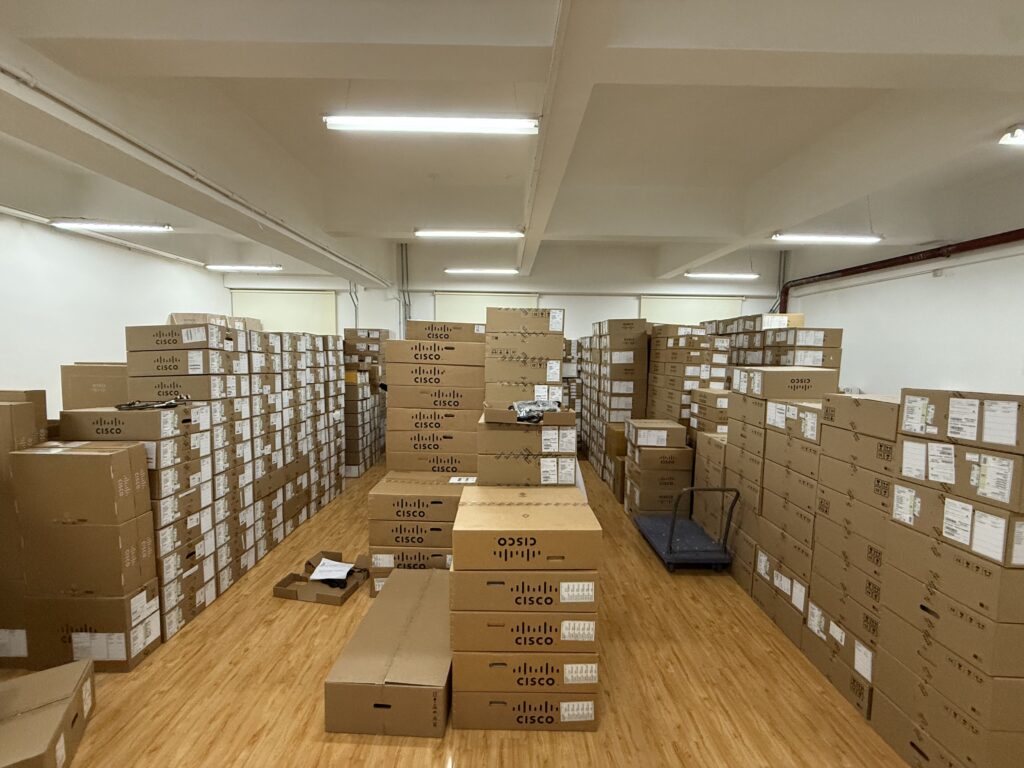
Ships in 1 Business Day
In-stock orders leave our Hong Kong or U.S. warehouse within 1 business day after payment, with tracking by email.
LSCare Warranty
3years on enterprise equipment
Free CCIE Support
Certified engineers help before and after you buy. Reply within 1 business day by email or live chat.
Verify Before You Pay
100%factory-sealed
Get label and serial photos before shipment, and check every serial number with Cisco.
CW9176I-RTG Description
The CW9176I-RTG is a Cisco Wireless 9176 Series Wi-Fi 7 indoor access point with internal omnidirectional antennas for enterprise floors. The access point runs three 4x4 radios on 2.4, 5 and 6 GHz for up to 18 Gbps of 802.11be PHY rate, and it uplinks over one 10G Multigigabit port. Full tri-band 4x4 operation needs a 39W 802.3bt Class 5 UPOE port, and controller-based deployment needs Cisco IOS XE 17.15.2 or later.
Quick Specs
|
Parameter |
Specification |
|---|---|
|
Product ID |
CW9176I-RTG (Ready To Go single-unit form of CW9176I) |
|
Wireless standard |
Wi-Fi 7 (802.11be) with 4096-QAM, MLO, and preamble puncturing |
|
Radio architecture |
Tri-band 4×4 MU-MIMO, four spatial streams on 2.4, 5, and 6 GHz |
|
Maximum PHY rate |
18 Gbps tri-band; 23 Gbps in dual 5 GHz mode |
|
Channel widths |
320 MHz on 6 GHz, 160 MHz on 5 GHz, 20 MHz on 2.4 GHz |
|
Ethernet uplink |
1x 100M/1G/2.5G/5G/10G Multigigabit RJ-45; 10G needs Cat6/Cat6A |
|
Additional radios |
GNSS, dedicated IoT radio, and UWB |
|
PoE requirement |
39W UPOE (802.3bt Class 5) full feature; 25.5W PoE+ with reduced radios, 2.5G link and USB off; the PoE power table applies from Cisco IOS XE 17.15.3 |
|
Management |
Catalyst 9800 Series or Catalyst 9000 embedded controller, or Meraki cloud |
|
Minimum software release |
Cisco IOS XE 17.15.2 |
Application Scenarios
On an open-plan office floor, the access point serves laptops and phones from three 4×4 radios, and 6 GHz channels up to 320 MHz take the heaviest clients off the 5 GHz band.
In a hospital ward or a manufacturing cell, the UWB, IoT and GNSS radios locate tagged equipment while the Wi-Fi radios keep staff devices connected.
A branch office run from the Meraki cloud can use the same access point that a campus runs under a Catalyst 9800 controller, because the management mode is chosen at deployment.
Product Comparison
|
Parameter |
CW9176I-RTG | ||
|---|---|---|---|
|
Wireless standards |
IEEE 802.11be (Wi-Fi 7) |
IEEE 802.11be (Wi-Fi 7) |
IEEE 802.11be (Wi-Fi 7) |
|
Radio architecture |
Tri-radio 4×4 on 2.4, 5 and 6 GHz |
Tri-radio 4×4, or quad-radio with a second 4×4 5 GHz radio |
2×2 on 2.4 GHz, 4×4 on 5 GHz, 4×4 on 6 GHz |
|
802.11be PHY data rate |
Up to 18 Gbps; 23 Gbps in dual 5 GHz mode |
Up to 24 Gbps in quad-radio mode |
About 17.5 Gbps |
|
Ethernet interfaces |
1x 100M/1G/2.5G/5G/10G Multigigabit (RJ-45) |
2x 100M/1G/2.5G/5G/10G Multigigabit (RJ-45), link and power redundant |
1x 100M/1G/2.5G/5G Multigigabit (RJ-45) |
|
Maximum PoE draw |
39W (802.3bt Class 5 UPOE) |
47W (802.3bt Class 6 UPOE) |
37W (802.3bt Class 5 UPOE or DC) |
|
Antenna peak gain |
2.4 GHz 5 dBi; 5 GHz 5 dBi; 6 GHz 6 dBi |
2.4 GHz 4 dBi; 5 GHz 5 dBi; 6 GHz 6 dBi |
2.4 GHz 5 dBi; 5 GHz 5 dBi; 6 GHz 6 dBi |
|
Operating temperature |
0 to 50°C |
0 to 50°C |
0 to 50°C |
|
Additional radios |
GNSS, IoT, UWB |
GNSS/GPS, IoT, UWB, AI/ML scan radio |
IoT and scan radios; no UWB or GNSS |
|
Minimum software release |
Cisco IOS XE 17.15.2 |
Cisco IOS XE 17.15.2 |
Cisco IOS XE 17.18.2 |
CW9176I-RTG runs three 4×4 radios on 2.4, 5 and 6 GHz at up to 18 Gbps over one 10G Multigigabit port, while CW9178I-RTG adds a second 4×4 5 GHz radio in quad-radio mode for up to 24 Gbps and two link- and power-redundant 10G uplinks. Cells that need that fourth serving radio or a redundant wired uplink move to CW9178I-RTG, which draws up to 47W on 802.3bt Class 6 UPOE against 39W on Class 5. A floor that needs only a 5G uplink within a 37W draw can use CW9174I-RTG, but it has no UWB radio, so asset-location designs stay on CW9176I-RTG or CW9178I-RTG. CW9174I-RTG also needs Cisco IOS XE 17.18.2, while CW9176I-RTG and CW9178I-RTG start at 17.15.2, so a controller held on 17.15.x rules it out.
Ordering Checklist
- Subscription line: Order LIC-CW-E (Cisco Wireless Essentials) or LIC-CW-A (Cisco Wireless Advantage), or opt out of software deliberately at purchase. Full features need an active subscription, and an opted-out order leaves the AP without one.
- Switch port power: Use a 39W 802.3bt Class 5 UPOE port, or a CW-INJ-8 injector where the port is PoE+ or lower. On 802.3at the AP runs at 25.5W with the 2.4 GHz radio at 2×2, a 2.5G link and USB off; 802.3af at 13.95W is for staging only.
- Controller release: Run a Catalyst 9800 Series or Catalyst 9000 embedded wireless controller on Cisco IOS XE 17.15.2 or later; Meraki cloud has no firmware gate. A controller on an older release cannot take the AP.
- Ordering form: Choose CW9176I-RTG as the single-unit Ready To Go form, or CW9176I-CFG as the configure-to-order form of the same hardware. RTG is a packaging form and does not mean the AP is approved in every country, so confirm the regulatory domain for the destination.
- Uplink cabling: Use Cat6 or Cat6A on runs that must carry 10G, because Cat5e supports up to 5G. Cat5e runs cap the 10G Multigigabit port at 5 Gbps.
- Mounting bracket: Brackets from older Cisco access points can be reused with the 9176 Series. Reusing installed brackets avoids ordering mounting hardware twice.
Specifications
| Parameter | Specification | Parameter | Specification |
|---|---|---|---|
| Product ID | CW9176I-RTG | Ordering forms | CW9176I-RTG (Ready To Go, single unit); CW9176I-CFG (configure-to-order) |
| Product role | Indoor Wi-Fi 7 (802.11be) access point with internal omnidirectional antennas | Regulatory domain | Global use; management mode determined at deployment; country approval is confirmed per destination, RTG is an ordering form only |
| 802.11be radio design | Tri-band 4×4 MU-MIMO, four spatial streams (2.4/5 GHz XOR, 5 GHz, 6 GHz) | 802.11be features | 4096-QAM, MLO, preamble puncturing, uplink/downlink OFDMA, TWT, BSS coloring, MRC |
| Channel widths | 320 MHz (6 GHz), 160 MHz (5 GHz), 20 MHz (2.4 GHz) | 802.11be PHY data rate | Up to 18 Gbps tri-band; up to 23 Gbps in dual 5 GHz mode |
| 802.11ax radio | 4×4 four spatial streams, uplink/downlink OFDMA, 1024-QAM | 802.11ax PHY data rate | Up to 10.1 Gbps; up to 14.4 Gbps in dual 5 GHz mode |
| Wireless security | WPA3 | Ethernet uplink | 1x 100M/1G/2.5G/5G/10G Multigigabit (RJ-45); 10G requires Cat6/Cat6A, Cat5e supports up to 5G |
| Console port | RJ-45, 115200 bps default | USB | USB 2.0 at 9W |
| Additional radios | GNSS/GPS, dedicated IoT radio, UWB | UPOE power draw | 39W maximum (802.3bt Class 5; all radios 4×4, 10G link, USB on); PoE power table applies from Cisco IOS XE 17.15.3 |
| PoE+ power draw | 25.5W (2.4 GHz at 2×2, 2.5G link, USB off); PoE power table applies from Cisco IOS XE 17.15.3 | 802.3af power draw | 13.95W (configuration staging only, radios off, 1G link) |
| Power injector option | CW-INJ-8 | Power saving | AP Power Save Mode (radios off during off-hours) |
| Indicators | Status LED (boot loader, association, and operating states) | Dimensions (W x L x H) | 9.5 x 9.5 x 2.0 in (24 x 24 x 5.1 cm), without mounting bracket |
| Weight | 3.4 lb (1.56 kg) | Operating temperature | 0 to 50°C |
| Operating humidity | 10% to 90% noncondensing | Operating altitude | 3000 m at 40°C |
| Supported controllers | Catalyst 9800 Series (physical or virtual); Catalyst 9000 embedded wireless controller in SDA mode | Cloud management | Cisco Meraki (no minimum firmware gate) |
| Minimum software release | Cisco IOS XE 17.15.2 (controller-based deployment) | License requirement | Cisco Wireless Essentials (LIC-CW-E) or Cisco Wireless Advantage (LIC-CW-A) subscription |
| Integrated antenna gain | 2.4 GHz 5 dBi; 5 GHz 5 dBi; 6 GHz 6 dBi, omnidirectional in azimuth | Location antenna gain | IoT 4 dBi; UWB 7 dBi; GNSS L1 3 dBi and L5 3 dBi |
| Transmit power settings | 23 dBm (200 mW) maximum to -4 dBm minimum on 2.4, 5, and 6 GHz | Bluetooth | BLE 5.3, upgradeable to BLE 6 with a future software update |
| 802.11ac PHY data rate | Up to 3.4 Gbps (dual 4×4 160 MHz on 5 GHz) | 802.11n PHY data rate | Up to 1.5 Gbps |
| Typical power consumption | 17.7W on UPOE; 17.2W on PoE+ | Idle power consumption | 15.5W on UPOE; 15.4W on PoE+ |
| Storage temperature | -30 to 70°C | Storage altitude | 4570 m at 25°C |
| Accelerometer | Built-in, for post-deployment installation verification | Safety compliance | IEC/EN/UL/CSA 62368-1, UL 2043, Class III equipment |
| Radio compliance | EN 300 328, EN 301 893, EN 303 687, 47 CFR FCC Part 15, CISPR 32, ICES-003 | Certifications | Wi-Fi Alliance Wi-Fi 7 (R1), Wi-Fi 6 (R2), Wi-Fi 6E, WPA3-R3; Bluetooth SIG BLE |
Get More Information
Need pricing, stock, or shipping details for the CW9176I-RTG ? Layer23-Switch can help you check current availability, lead time, and delivery options for this. Send us the part number, quantity, and destination country via live chat or email [email protected] for a fast quotation.
Quality Certifications
Customer Reviews
Questions & Answers
-
How is CW9176I-RTG classified?
-
Which Ethernet uplink does CW9176I-RTG provide?
-
Which management platforms support CW9176I-RTG?
-
How should CW9176I-RTG and CW9178I-RTG be distinguished?
-
Does CW9176I-RTG include UWB and GNSS radios?
-
Which subscription is required for CW9176I-RTG?
-
Which location-aware deployments benefit from CW9176I-RTG?
-
How much power is needed for full radio operation on CW9176I-RTG?
Warranty
Layer23-Switch.com offers genuine, high-quality ICT products at competitive wholesale prices—ensuring exceptional value without compromising quality.
All items are brand new, original, and factory-sealed.
Upon request, each unit can be fully tested and verified by a Cisco CCIE-certified engineer to ensure perfect working condition before shipment.
Our Cisco CCIE-certified experts provide free professional support via phone, email, online chat, or remote login—helping you deploy and troubleshoot with confidence.
If you are not satisfied with your purchase, you may request an exchange or full refund. Our customer service team will guide you through the return process quickly and smoothly. Visit Return Policy page for more information.
We support multiple secure payment and logistics options, backed by industry-leading verification:












Visit How to Pay page for more information
Extended, Worry-Free Warranty Coverage Factory New Sealed Enterprise Hardware:
· 3 Years Factory New Sealed
Visit Warranty Policy page for more information
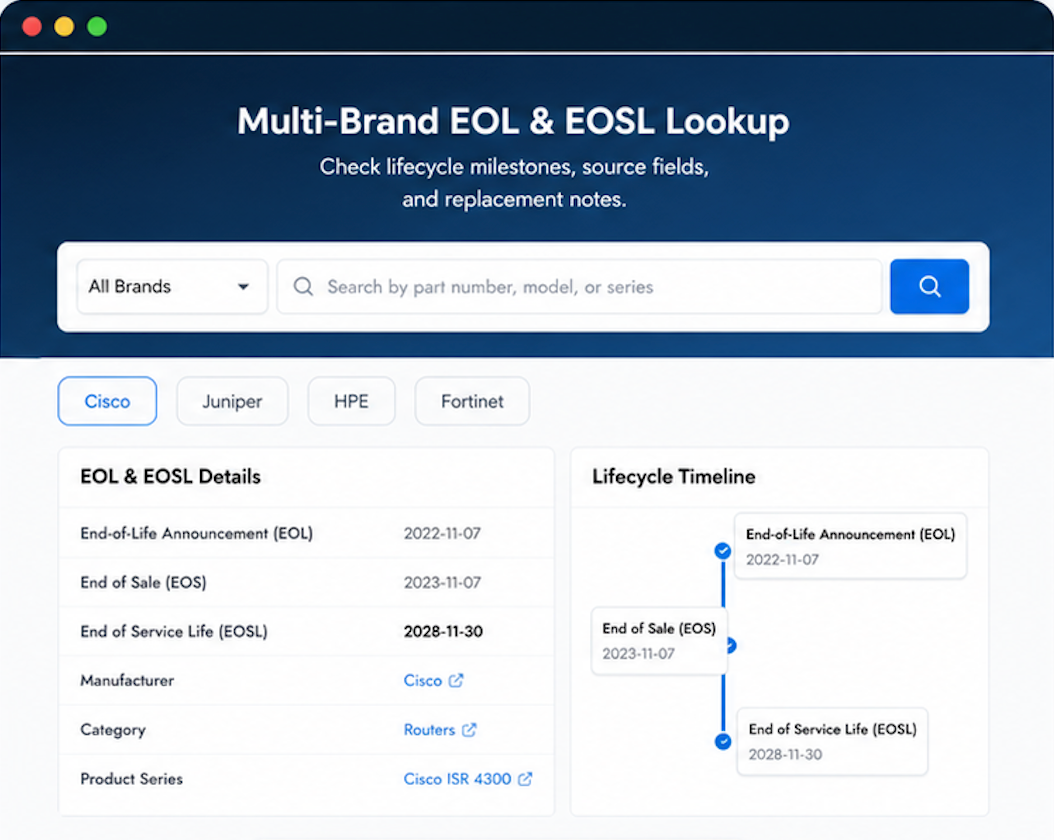
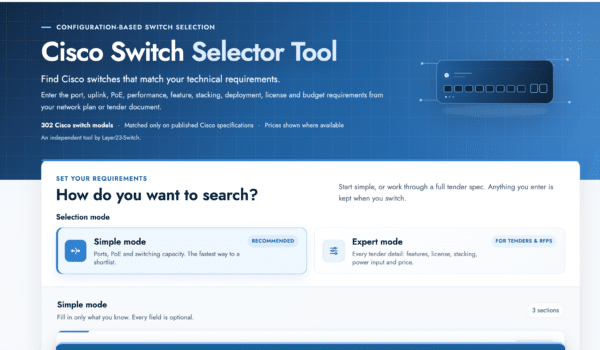
Verify, plan, and comparewith confidence
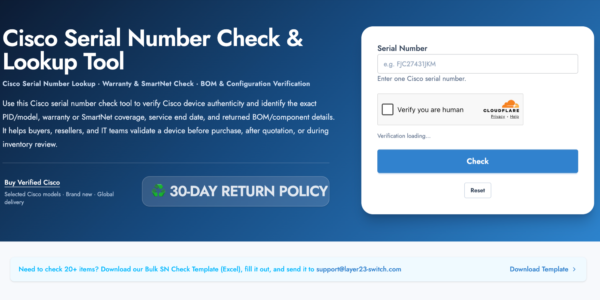
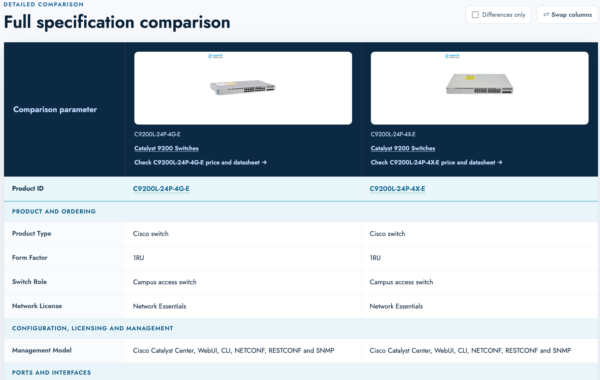
Use practical tools to check device details, review lifecyclemilestones, and compare hardware before you buy.
Standard Services
Personalized Service, Superior Product Maintenance for Ultimate Satisfaction.
- Projects and Technical Support
- Easy Purchasing Supply
- Product Lifecycle Protection
- Exclusive F3 Team Support
Customized Support for Your Needs with CCIE, HCIE, HPE ASE, etc.
A pleasure to deal with.
Website worked fine on my phone. Great selection and quick service!
spot on.
prompt service
Great selection and quick service!