
C8455-G2 – 8x1G SFP – 2×1/10G SFP+ – 2×10/25G SFP28 – 1RU Campus Edge Router








Why Layer23-Switch
Stocked, Shipped and Supported by One Team
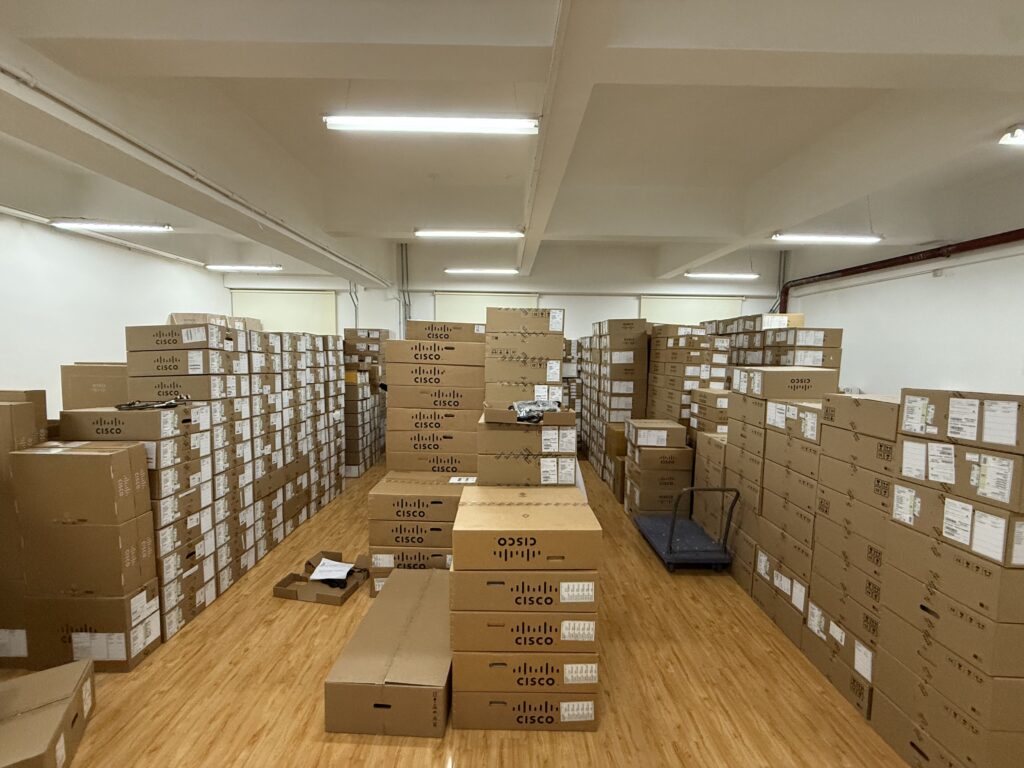
Ships in 1 Business Day
In-stock orders leave our Hong Kong or U.S. warehouse within 1 business day after payment, with tracking by email.
LSCare Warranty
3years on enterprise equipment
Free CCIE Support
Certified engineers help before and after you buy. Reply within 1 business day by email or live chat.
Verify Before You Pay
100%factory-sealed
Get label and serial photos before shipment, and check every serial number with Cisco.
C8455-G2 Description
The C8455-G2 is a Cisco 8400 Series Secure Router, a 1 RU fixed platform for campus edge sites that terminate optical circuits. The router has 8 x 1 GE SFP, 2 x 1/10 GE SFP+ and 2 x 10/25 GE SFP28 WAN ports, forwards up to 67 Gbps with up to 31 Gbps of IPsec across 3,500 tunnels, and starts with 32 GB of DRAM. The chassis has no expansion or cellular slots and takes a 250W AC, 400W DC or 400W HVDC supply.
Quick Specs
|
Parameter |
Specification |
|---|---|
|
Product ID |
C8455-G2 |
|
Platform type |
1 RU fixed form factor |
|
WAN ports |
8 x 1 GE (SFP), 2 x 1/10 GE (SFP+), 2 x 10/25 GE (SFP28) |
|
Expansion and cellular slots |
None on the 8400 Series |
|
Power supply |
250W AC, 400W DC, or 400W HVDC |
|
Forwarding throughput |
Up to 67 Gbps at 512 bytes |
|
IPsec throughput |
Up to 31 Gbps at 512 bytes |
|
DRAM |
32 GB default |
|
IPv4/IPv6 routes |
5.8M |
|
NEBS criteria levels |
GR-1089 and GR-63 |
|
Weight |
12.5 lbs with two AC power supplies and the fan tray |
|
Minimum software release |
Cisco IOS XE 17.15.3 |
Product Performance
Key Features
Two 10/25 GE SFP28 ports are built into the chassis. A 25G handoff does not use a module slot, because the platform has none.
All twelve WAN ports are SFP, SFP+ or SFP28 cages. Media and reach are set by the optic chosen for each port.
The router runs from a 250W AC, 400W DC or 400W HVDC supply. AC, DC and HVDC facilities use the same platform with a different supply.
The chassis carries GR-1089 and GR-63 NEBS criteria levels. The operating altitude range runs from -500 to 10,000 feet.
DRAM is 32 GB by default and storage starts at 64 GB, with 600 GB and 2 TB options. An M.2 storage slot is present.
The routing table holds 5.8M IPv4 and IPv6 routes, and the router terminates up to 3,500 IPsec tunnels at up to 31 Gbps of IPsec throughput.
Application Scenarios
At the edge of a campus, the router terminates 1 GE and 10 GE circuits on its SFP and SFP+ ports and hands off at 25 GE toward the core on its two SFP28 ports.
A plant room fed by 400W DC or 400W HVDC power runs the router from the matching supply and meets the GR-1089 and GR-63 NEBS criteria levels.
An installation anywhere from 500 feet below sea level to 10,000 feet above stays inside the router’s published altitude range.
Product Comparison
|
Parameter |
C8455-G2 | ||
|---|---|---|---|
|
Power supply |
250W AC, 400W DC, 400W HVDC |
400W AC, 400W DC, 400W HVDC |
750 W AC, 950 W DC |
|
Forwarding (512B) |
Up to 67 Gbps |
Up to 91 Gbps |
Up to 115 Gbps |
|
IPsec (512B) |
Up to 31 Gbps |
Up to 45 Gbps |
Up to 48 Gbps |
|
IPsec tunnels |
3,500 |
3,500 |
10,000 |
|
IPv4/IPv6 routes |
5.8M |
5.8M |
8M |
|
DRAM |
32 GB default |
32 GB default, 64 GB from Cisco IOS XE 17.18.3 |
32 GB default, 64 GB |
|
Dimensions (H x W x D) |
1.73 in x 17.50 in x 12 in |
1.73 in x 17.50 in x 16.25 in |
1.73 in x 17.50 in x 18.46 in |
|
Minimum software release |
Cisco IOS XE 17.15.3 |
Cisco IOS XE 17.15.3 |
Cisco IOS XE 17.15.4 |
C8455-G2 and C8475-G2 share the 8400 Series, the 5.8M route table and the Cisco IOS XE 17.15.3 floor, so the split is port density: C8455-G2 has 2 x 10/25 GE SFP28 and 2 x 1/10 GE SFP+ ports against 4 and 8 on C8475-G2, which also forwards 91 Gbps against 67 Gbps. Sites that terminate more than two 25 GE circuits, or want a 64 GB DRAM option from Cisco IOS XE 17.18.3, should order C8475-G2. IPsec scale is the ceiling neither 8400 model lifts, at 3,500 tunnels: hubs with more spokes, or needing 8M routes and 10,000 tunnels, move to C8550-G2, which drops 25 GE and has 12 x 1/10GE ports. C8455-G2 is the one with the lighter 250W AC supply and the shorter 12 in. chassis, while C8475-G2 steps to 400W AC and 16.25 in. of depth.
Ordering Checklist
- Power supply: Choose 250W AC, 400W DC or 400W HVDC. The supply type must match the site feed, and the AC option here is the 250W unit.
- Storage: Choose 64 GB (default), 600 GB or 2 TB on the order.
Optional Add-ons
|
Add-on |
Description |
|---|---|
|
400W DC power supply |
DC input option in place of the 250W AC supply. |
|
400W HVDC power supply |
High-voltage DC input option for HVDC facilities. |
|
600 GB storage |
Capacity option above the 64 GB default. |
|
2 TB storage |
Largest published storage option for the 8400 Series. |
Specifications
| Parameter | Specification | Parameter | Specification |
|---|---|---|---|
| Product ID | C8455-G2 | Series | Cisco 8400 Series Secure Routers |
| Product type | 1 RU fixed form factor | WAN ports | 8 x 1 GE (SFP), 2 x 1/10 GE (SFP+), 2 x 10/25 GE (SFP28) |
| Expansion slots | None on the 8400 Series | Cellular slot | None on the 8400 Series |
| Management port | 1 x RJ45 out-of-band management | Console port | 1 x RJ45 and 1 x micro-USB |
| Storage interface | USB 3.0 Type-C | M.2 storage slot | Present |
| Asset tag | RFID | DRAM | 32 GB default |
| SSD storage | 64 GB default, with 600 GB and 2 TB options | Power supply | 250W AC, 400W DC, or 400W HVDC |
| Forwarding (512B) | Up to 67 Gbps | IPsec (512B) | Up to 31 Gbps |
| SD-WAN (512B) | Up to 15.5 Gbps | Security (EMIX) | Up to 9.5 Gbps |
| SD-WAN measurement basis | IPsec, QoS, Deep Packet Inspection and Flexible NetFlow enabled | IPv4/IPv6 routes | 5.8M |
| IPsec tunnels | 3,500 | Dimensions (H x W x D) | 1.73 in x 17.50 in x 12 in |
| Rack units | 1 RU | Weight | 12.5 lbs with two AC power supplies and the fan tray |
| Operating temperature | 32 to 104°F | Storage temperature | -40 to 150°F |
| Relative humidity | 10 to 85 percent operating; 5 to 95 percent storage | Operating altitude | -500 to 10,000 feet |
| NEBS criteria levels | GR-1089 and GR-63 | Minimum software release | Cisco IOS XE 17.15.3 |
| Minimum SD-WAN manager release | Cisco Catalyst SD-WAN Manager 20.15.3 | Meraki-managed sibling | 8455-G2-MX runs MX 19.2 under the Cisco Meraki dashboard |
Quality Certifications
Customer Reviews
Questions & Answers
-
What forwarding and IPsec throughput does C8455-G2 reach?
-
Which power supply PIDs can be ordered for C8455-G2?
-
What input does the HVDC supply PWR-CC1-400WHV accept on C8455-G2?
-
Which interface numbers are the SFP28 ports on C8455-G2?
-
Which IOS XE software image PIDs can be ordered with C8455-G2?
-
Which M.2 storage PIDs can be ordered for C8455-G2?
-
Which license tags apply to C8455-G2?
-
Which rack mount kit PID is the default for C8455-G2?
Warranty
Layer23-Switch.com offers genuine, high-quality ICT products at competitive wholesale prices—ensuring exceptional value without compromising quality.
All items are brand new, original, and factory-sealed.
Upon request, each unit can be fully tested and verified by a Cisco CCIE-certified engineer to ensure perfect working condition before shipment.
Our Cisco CCIE-certified experts provide free professional support via phone, email, online chat, or remote login—helping you deploy and troubleshoot with confidence.
If you are not satisfied with your purchase, you may request an exchange or full refund. Our customer service team will guide you through the return process quickly and smoothly. Visit Return Policy page for more information.
We support multiple secure payment and logistics options, backed by industry-leading verification:












Visit How to Pay page for more information
Extended, Worry-Free Warranty Coverage Factory New Sealed Enterprise Hardware:
· 3 Years Factory New Sealed
Visit Warranty Policy page for more information
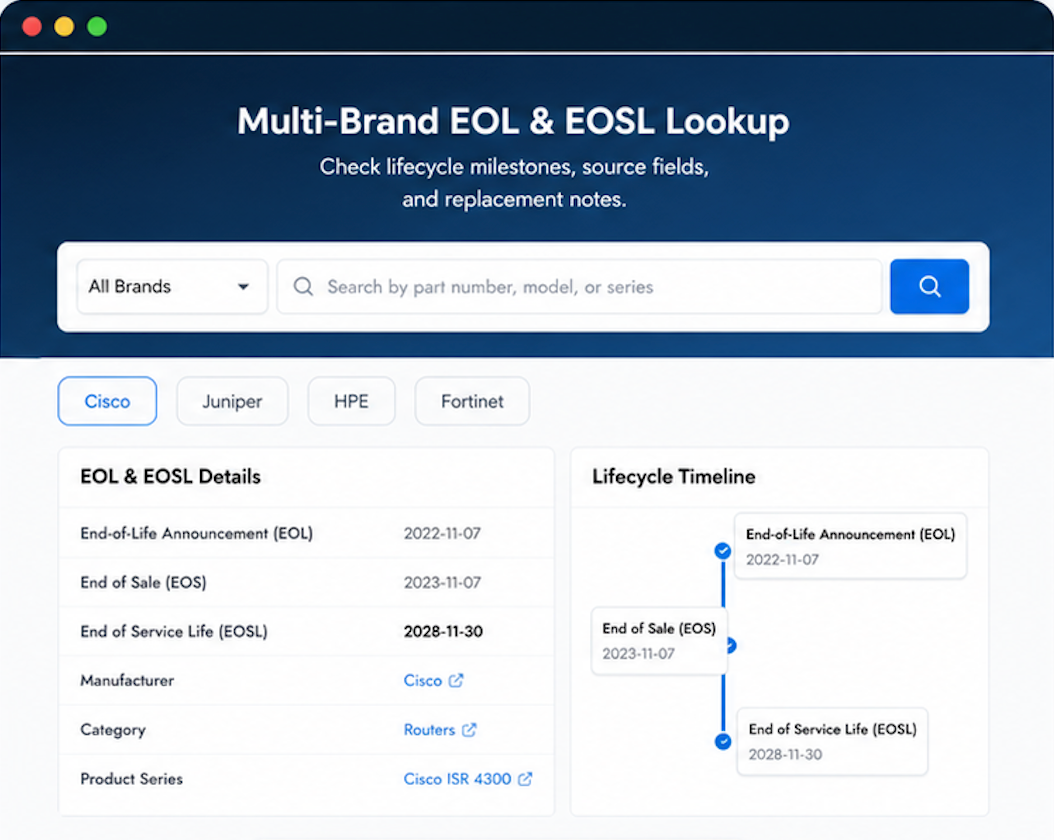
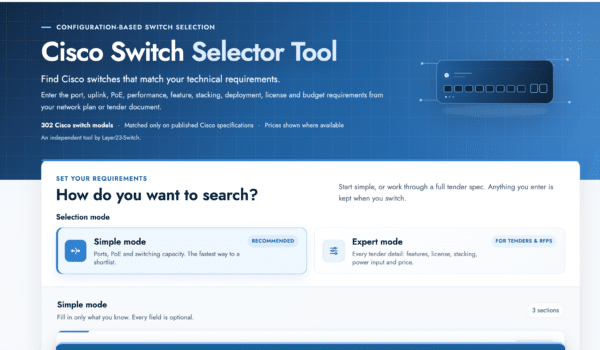
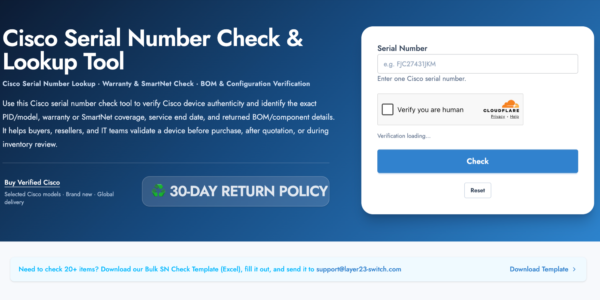
Verify, plan, and comparewith confidence
Use practical tools to check device details, review lifecyclemilestones, and compare hardware before you buy.

the price is what brought us here, shipping was fair.
nice and simple.
Quick quote, no messing about