
CS-BAR-T-K9 – 12MP Camera 120-Degree View – Table Room Navigator – Cisco Room Bar








Why Layer23-Switch
Stocked, Shipped and Supported by One Team
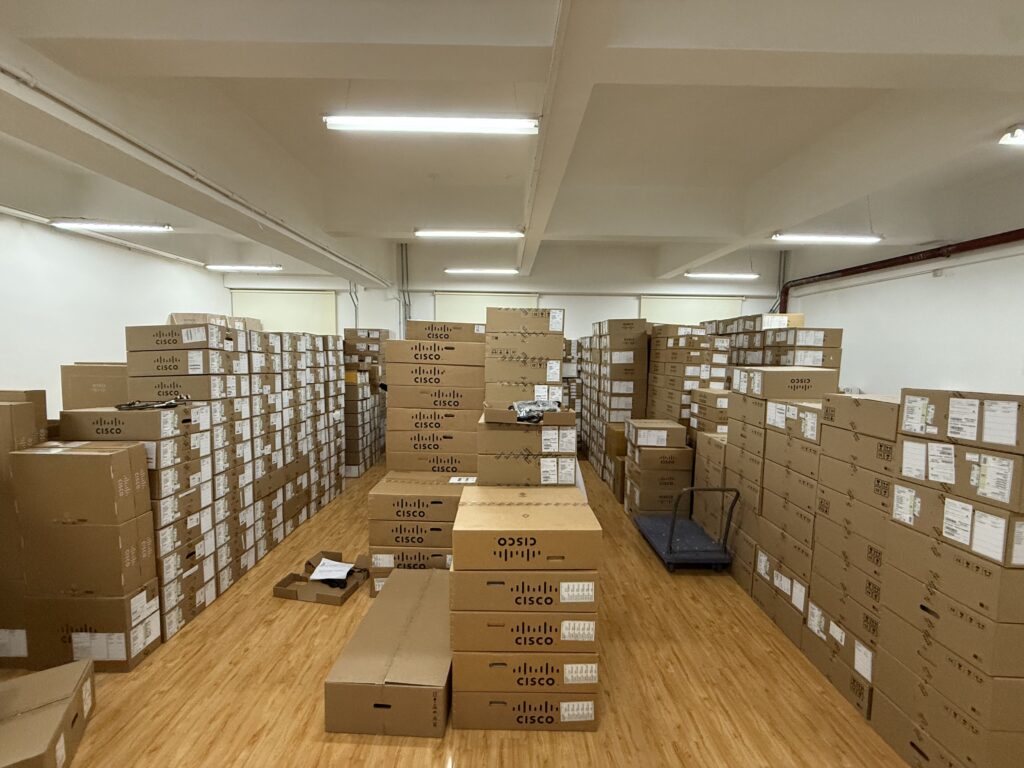
Ships in 1 Business Day
In-stock orders leave our Hong Kong or U.S. warehouse within 1 business day after payment, with tracking by email.
LSCare Warranty
3years on enterprise equipment
Free CCIE Support
Certified engineers help before and after you buy. Reply within 1 business day by email or live chat.
Verify Before You Pay
100%factory-sealed
Get label and serial photos before shipment, and check every serial number with Cisco.
CS-BAR-T-K9 Description
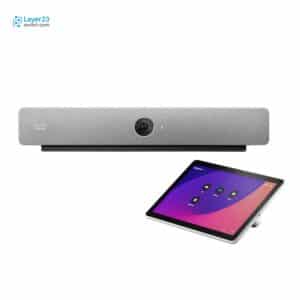
The CS-BAR-T-K9 is a Cisco Room Bar all-in-one video bar for huddle spaces and small meeting rooms, supplied in First Light with a table-stand Room Navigator. The bar has a 12MP camera with a 120-degree horizontal field of view, a 4-element beamforming microphone array, stereo speakers rated to 93 dB and two HDMI outputs at 3840 x 2160 at 60 fps. The built-in array is optimized for up to five people seated within 3 meters, and larger rooms need an external microphone.
Quick Specs
|
Parameter |
Specification |
|---|---|
|
Product ID |
CS-BAR-T-K9 |
|
Bundle scope |
Cisco Room Bar in First Light color with table-stand Room Navigator |
|
Camera |
12MP at 30 fps with 120-degree horizontal and 95-degree vertical field of view |
|
Audio system |
4-element beamforming microphone array with stereo loudspeakers at 93 dB maximum SPL |
|
Video outputs |
Two HDMI outputs up to 3840 x 2160 at 60 fps |
|
Video inputs |
One HDMI and one USB-C, both up to 3840 x 2160 at 30 fps |
|
Network interface |
One Ethernet RJ-45 100/1000 for LAN plus one PoE port for Room Navigator pairing |
|
Power |
12V DC input at 86W peak, 14.3W in an active meeting |
|
Software compatibility |
RoomOS 11 or later with Microsoft Teams, Zoom and Google Meet interoperability |
Product Performance
Key Features
A fixed 120-degree horizontal lens with 5x digital zoom covers a small room end to end. Auto framing and speaker tracking run in software, so there is no pan-tilt mechanism to wear or service after installation.
A separate PoE Ethernet port on the bar pairs the Room Navigator directly. The touch controller stays off the corporate LAN switch, which removes one switch port and one PoE budget line from the room build.
USB-C passthrough hands the camera, microphone and speakers to a laptop while the same cable carries shared content. A guest on a non-Webex platform joins on room hardware without a second connection.
The 4-element array is optimized for up to five people within 3 meters, and larger rooms call for an external microphone. That turns room size into a documented boundary instead of a field trial.
Two HDMI outputs at 3840 x 2160 at 60 fps run dual screens directly from the bar. Touchscreen support passes over the same outputs when a USB-A touch signal is attached.
The consolidated mounting unit and gap bar allow placement above or beneath the display. The bar can also be inverted with the speaker grille flipped separately, which keeps cable runs short on either side of the screen.
Application Scenarios
A huddle room seating up to five people within 3 meters of the bar uses it as the only camera, microphone and speaker system, with the table-stand Room Navigator controlling the call from the meeting table.
In a compact conference room with two front-of-room displays, the bar drives both screens from its HDMI outputs and mounts above or beneath the display line.
A room that runs Webex natively but also joins Microsoft Teams, Zoom and Google Meet calls lets a visiting laptop use the bar’s camera, microphone and speakers over one USB-C cable.
Product Comparison
|
Parameter |
CS-BAR-T-K9 | ||
|---|---|---|---|
|
Room navigator |
Table stand |
Wall mount |
Table stand |
|
Color |
First Light |
First Light |
Carbon |
|
Compliance model |
TTC7-28 |
TTC7-28 |
TTC7-28 |
|
Camera |
12MP at 30 fps, 120-degree horizontal field of view |
12MP at 30 fps, 120-degree horizontal field of view |
12MP at 30 fps, 120-degree horizontal field of view |
|
Microphone array |
4-element beamforming array |
4-element beamforming array |
4-element beamforming array |
|
Published room coverage |
Up to five people within 3 meters |
Up to five people within 3 meters |
Up to five people within 3 meters |
|
Video outputs |
Two HDMI, up to 3840 x 2160 at 60 fps |
Two HDMI, up to 3840 x 2160 at 60 fps |
Two HDMI, up to 3840 x 2160 at 60 fps |
|
Power consumption |
14.3W in an active meeting |
14.3W in an active meeting |
14.3W in an active meeting |
CS-BAR-T-K9 and CS-BAR-W-K9 use the same First Light Room Bar and differ only in the controller: CS-BAR-T-K9 ships a table-stand Room Navigator, CS-BAR-W-K9 a wall-mount one. Rooms where the controller is to be fixed to a wall move to CS-BAR-W-K9. Rooms that want a Carbon enclosure with the table stand take CS-BAR-T-C-K9, which changes the color and nothing else. Sites that forbid on-board wireless order CS-BAR-NR-K9, which drops Miracast and Bluetooth. All three share the 12 MP 120-degree camera, TTC7-28 compliance model and 14.3W active draw, so rooms seating more than five people within 3 meters need an external microphone whichever PID is ordered.
Ordering Checklist
- Power supply: The default box lists the Room Bar and the Room Navigator, and the bar must run on PSU-12VDC-86W; PSU-12VDC-86W= is the spare part number. A bundle ordered without PSU-12VDC-86W leaves the bar without its required supply at installation.
Specifications
| Parameter | Specification | Parameter | Specification |
|---|---|---|---|
| Product ID | CS-BAR-T-K9 | Cisco ordering description | Cisco Room Bar (First Light Color) with table-stand Room Navigator |
| Compliance model number | TTC7-28 | Default box components | Cisco Room Bar and Cisco Room Navigator in table-stand form |
| Camera | 12MP at 30 fps on 1/2.3 in CMOS with fixed focus lens and 5x digital zoom | Camera field of view | 120 degrees horizontal and 95 degrees vertical at f/2.5 |
| Camera intelligence | Auto framing with face detect, speaker tracking, automatic brightness and white balance, Frames camera mode, automatic image rotation when inverted | Video standards | H.263, H.264 and AV1 |
| Video inputs | One HDMI and one USB-C, both up to 3840 x 2160 at 30 fps including 1920 x 1080 at 60 fps, with CEC 2.0 | Video outputs | Two HDMI up to 3840 x 2160 at 60 fps with CEC 2.0 and touchscreen support over USB-A touch signaling |
| Video stream | 1920 x 1080 at 30 fps | Content stream | 3840 x 2160 at 15 fps |
| Bandwidth | Up to 20 Mbps | Audio standards | G.711, G.722, G.722.1, G.729, AAC-LD and Opus |
| Audio features | Acoustic echo cancellation, active lip synchronization, AI-powered noise removal, automatic gain control, beamforming microphones, de-reverberation, full duplex, full-band audio, Self-Hear, Spatial Audio and Ultrasound Technology | Microphone array | 4-element beamforming array with additional front-facing microphones for speaker tracking |
| Loudspeaker system | Stereo pair of two full-range drivers with directional audio, 100 Hz to 20 kHz response and 93 dB maximum SPL | Audio inputs | One HDMI, one analog microphone input, one DisplayPort/USB-C, one USB-A, Bluetooth on radio versions and one PoE port for audio over IP with a single Cisco IP microphone |
| Audio outputs | One DisplayPort/USB-C, one USB-A and Bluetooth on radio versions | Published room coverage | Internal array optimized for up to five people seated within 3 meters; external microphone recommended beyond that |
| Network interface | One Ethernet RJ-45 100/1000 Mbps for LAN plus one Ethernet RJ-45 100/1000 Mbps PoE port for Room Navigator pairing | Wireless | Wi-Fi 802.11a/b/g/n/ac on 2.4 GHz and 5 GHz with 2×2 MIMO |
| USB-C passthrough | Camera, microphone and speakers over one USB-C cable with content sharing and display extension at 3840 x 2160 at 30 fps | Other interfaces | Bluetooth and Bluetooth Low Energy, one USB 2.0 type A port, one micro-USB service port and a factory reset pinhole |
| Wireless sharing | Webex app up to 3840 x 2160 at 7.5 fps, Miracast at 1920 x 1080 at 60 fps, Apple AirPlay and Microsoft Teams Cast on Microsoft Teams Rooms | Firewall traversal | Cisco Expressway technology with H.460.18 and H.460.19 |
| Certificate management | Manufacturer Installed Certificate signed by Cisco for CAPF onboarding to Cisco UCM, plus user-installed certificates for IEEE802.1x, Wi-Fi, HTTPS and SIP-TLS | Power input | 100 to 240 VAC at 50/60 Hz with 12V DC input, peak 86W |
| Power consumption | 14.3W in an active meeting, 8.2W idle and 7W networked standby | Required power supply | PSU-12VDC-86W, spare part number PSU-12VDC-86W= |
| Software compatibility | RoomOS 11 or later with interoperability for Microsoft Teams, Zoom and Google Meet | Main unit dimensions | 21 x 3.2 x 2.5 in (53.4 x 8.2 x 6.4 cm) at 1.5 kg (3.3 lb) |
| Packaged dimensions | 23.9 x 9.8 x 7.2 in (60.7 x 24.9 x 18.3 cm) at 5.2 kg (11.5 lb) with the table-stand Room Navigator | Mounting | Consolidated mounting unit for walls and screens with gap bar, mounted above or beneath the displays and invertible with a separately flipped speaker grille |
| Operating temperature | 0 to 35°C at 10% to 90% relative humidity | Storage temperature | -20 to 60°C |
| Storage humidity | 10% to 90% RH noncondensing | Directives for radio versions | Directive 2014/53/EU |
| Directives for non-radio versions | Directives 2014/30/EU and 2014/35/EU |
Get More Information
Need pricing, stock, or shipping details for the CS-BAR-T-K9 ? Layer23-Switch can help you check current availability, lead time, and delivery options for this. Send us the part number, quantity, and destination country via live chat or email [email protected] for a fast quotation.
Quality Certifications
Customer Reviews
Questions & Answers
-
Which Room Bar PIDs are the TAA and MM versions listed next to CS-BAR-T-K9?
-
What are the dimensions and weight of the CS-BAR-T-K9 bar unit?
-
What is the rating of the spare power supply for CS-BAR-T-K9?
-
How much power does CS-BAR-T-K9 draw in a meeting, idle and in standby?
Warranty
Layer23-Switch.com offers genuine, high-quality ICT products at competitive wholesale prices—ensuring exceptional value without compromising quality.
All items are brand new, original, and factory-sealed.
Upon request, each unit can be fully tested and verified by a Cisco CCIE-certified engineer to ensure perfect working condition before shipment.
Our Cisco CCIE-certified experts provide free professional support via phone, email, online chat, or remote login—helping you deploy and troubleshoot with confidence.
If you are not satisfied with your purchase, you may request an exchange or full refund. Our customer service team will guide you through the return process quickly and smoothly. Visit Return Policy page for more information.
We support multiple secure payment and logistics options, backed by industry-leading verification:












Visit How to Pay page for more information
Extended, Worry-Free Warranty Coverage Factory New Sealed Enterprise Hardware:
· 3 Years Factory New Sealed
Visit Warranty Policy page for more information
Verify, plan, and comparewith confidence
Use practical tools to check device details, review lifecyclemilestones, and compare hardware before you buy.
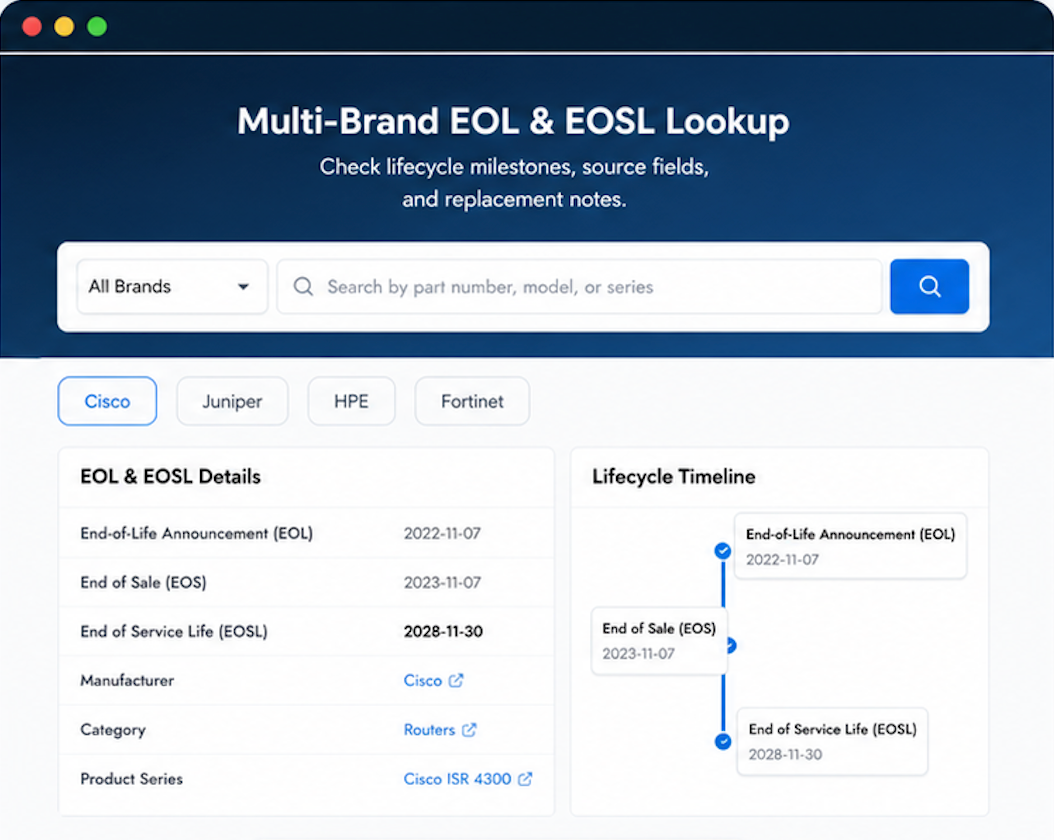
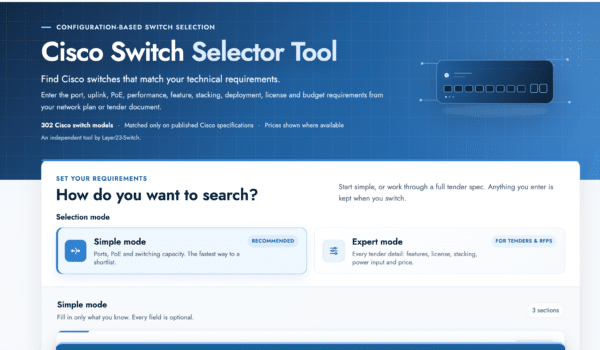
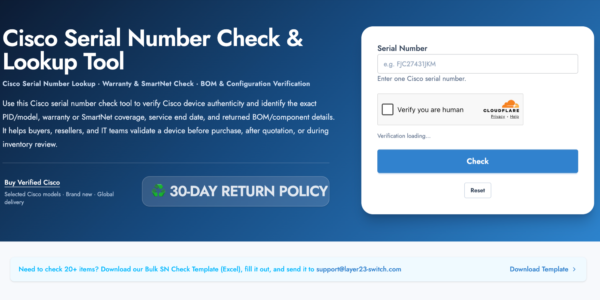
Standard Services
Personalized Service, Superior Product Maintenance for Ultimate Satisfaction.
- Projects and Technical Support
- Easy Purchasing Supply
- Product Lifecycle Protection
- Exclusive F3 Team Support
Customized Support for Your Needs with CCIE, HCIE, HPE ASE, etc.
Perfect fit.
yes.
Good
found exactly what I needed
Sorted, great prices.