CS-T10-TS-L-K9 – 10.1-Inch Table Controller – 180-Degree Rotating UI – Cisco Room Navigator


Why Layer23-Switch
Stocked, Shipped and Supported by One Team
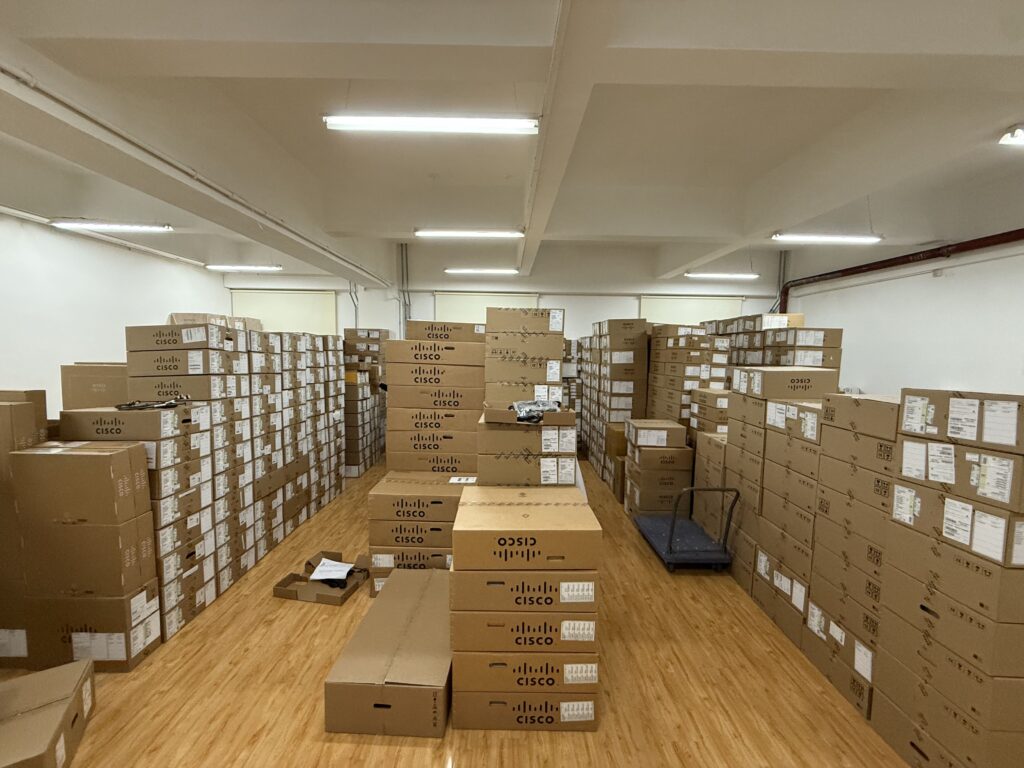
Ships in 1 Business Day
In-stock orders leave our Hong Kong or U.S. warehouse within 1 business day after payment, with tracking by email.
LSCare Warranty
3years on enterprise equipment
Free CCIE Support
Certified engineers help before and after you buy. Reply within 1 business day by email or live chat.
Verify Before You Pay
100%factory-sealed
Get label and serial photos before shipment, and check every serial number with Cisco.
CS-T10-TS-L-K9 Description
The CS-T10-TS-L-K9 is a Cisco Room Navigator touch controller on a table stand for meeting tables that run Cisco Room, Board or Desk video devices. The panel has a 10.1-inch capacitive touch display at 1920 x 1200, 4 GB of memory, one 100 Mbps Ethernet RJ-45 port and 802.3af Class 0 PoE. The panel registers to Webex Cloud only with a Room Navigator licence, while pairing to a Cisco video device needs none.
Quick Specs
|
Parameter |
Specification |
|---|---|
|
Product ID |
CS-T10-TS-L-K9 |
|
Cisco ordering description |
Cisco Room Navigator – Table-Stand (First Light) |
|
Compliance model number |
TTC5-15 |
|
Display |
10.1-inch capacitive touch LCD at 1920 x 1200, anti-glare and anti-fingerprint |
|
Table-stand behaviour |
User interface rotates 180 degrees when tilted, between 3.85 in low and 5.2 in vertical height |
|
Power |
Power over Ethernet 802.3af Class 0 |
|
Interfaces |
One Ethernet RJ-45 at 100 Mbps for LAN or direct pairing, one microUSB service port |
|
Sensors |
Temperature, relative humidity and TVOC air quality reported to Control Hub |
|
Weight |
0.63 kg (1.39 lb) |
Product Performance
Key Features
Tilting the unit turns the user interface over, so a single controller gives two working viewing angles from one spot on the table.
The stand moves between a low table position and a 5.2-inch vertical position, which sets how much of the table surface and sightline the controller occupies.
One Ethernet RJ-45 at 100 Mbps carries the network connection and 802.3af Class 0 power. A 100 to 240 VAC supply at 0.5A maximum is the published alternative where the run has no PoE.
Application Scenarios
A boardroom table used from opposite sides keeps its controls legible because the panel turns the user interface over when it is tilted.
In a room where sightlines to the display matter, the stand sits at its 3.85-inch low position and keeps the touch surface below the line of sight.
When the video device sits in a rack or ceiling enclosure away from the table, the panel pairs with it over the LAN by IP and draws power from the same PoE run.
Selection Guide
CS-T10-TS-L-K9 suits meeting tables with a network run, where the interface rotates 180 degrees when tilted and the stand drops to 3.85 in. Rooms that mount the panel on a glass, brick or drywall wall and want a room-availability LED use CS-T10-WM-L-K9. The Carbon Black finish of the table version is CS-T10-TS-C-K9.
Ordering Checklist
- Registration licence: Webex Cloud registration needs a Room Navigator licence; pairing to a Cisco video device does not. Without the licence a panel meant for the cloud cannot register.
- Included stand: CS-T10-TS-L-K9= ships with the touch panel and the table stand; spare foot stands are CS-T10-TS-FT2-G= (First Light) and CS-T10-TS-FT2-C= (Carbon Black). Order a spare only when one is needed separately.
- Power source: Provide an 802.3af PoE port on the Cisco video device or on the LAN. The single Ethernet port carries both data and power to the table.
- Supported devices: Pair with Cisco Room Series, Cisco Board Series and Cisco Desk Series. These are the video devices the panel pairs with.
Specifications
| Parameter | Specification | Parameter | Specification |
|---|---|---|---|
| Product ID | CS-T10-TS-L-K9 | Cisco ordering description | Cisco Room Navigator – Table-Stand (First Light) |
| Product compatibility | Cisco Room Series, Cisco Board Series including Board S Series, Board Pro and Board Pro G2 Series, and Cisco Desk Series | Call control compatibility | Hosted deployments controlled by the codec, Cisco Unified Communications Manager 10.5.2 or newer and Webex Cloud; cloud deployments on Webex Cloud |
| Interface orientation | The table version of the user interface rotates 180 degrees when the device is tilted, allowing two viewing angles | Interfaces | One Ethernet RJ-45 at 100 Mbps for LAN or direct pairing, one microUSB service port and one factory reset pinhole |
| Language support | English, Arabic, Catalan, Czech, Danish, Dutch, Finnish, French, German, Hebrew, Hungarian, Italian, Japanese, Korean, Norwegian, Polish, Portuguese-Brazilian, Russian, Simplified Chinese, Spanish, Swedish, Traditional Chinese, Turkish and Ukrainian | Memory | 4 GB |
| Default components | Room Navigator touch panel and table stand in First Light | Display | Capacitive touch LCD at 10.1-inch diagonal with anti-glare and anti-fingerprint finish |
| Resolution | 1920 x 1200 | Cisco scheduler | Integrates with O365, Exchange and Google Calendar through the Webex Hybrid Calendar service, with ad-hoc or ahead reservation, room calendar view, check-in, auto ghost meeting release, meeting extension and touchless booking with Cisco AI Assistant |
| Third-party web applications | Persistent web applications for room booking, wayfinding and digital signage, with access to room sensor data and the Webex hybrid calendar | In-room controls | Administrator-configurable control of lighting, blinds, room dividers and curtains |
| Sensors | Temperature, relative humidity and air quality (TVOC), combined with general noise, ambient noise and RT60 reverberation from the video endpoint sensors | Sensor ranges | Ambient temperature 0 to 35°C at 0.1 degree resolution and plus or minus 2 degrees accuracy; relative humidity 20% to 90% at 1% resolution and plus or minus 10% accuracy; air quality index 1 to 5 at 0.1 resolution and plus or minus 1 accuracy |
| Pairing | Direct connection to a PoE-enabled network port on the Cisco video device, or remote pairing over LAN by IP | Registration | Registers to a Cisco video device by direct or remote pairing, or to the Webex Cloud with a Room Navigator licence |
| Signaling protocols | TCP/IP | Height range | Maximum 5.2 in (13.2 cm) in the vertical position and minimum 3.85 in (9.77 cm) in the lower table position |
| Security | HTTPS and SSH management, password protection for IP administration and administration access, network settings protection, SRTP media encryption using AES-128-GCM or AES-256-GCM, WPA3 and WPA3-Enterprise with CCMP128, and 802.1x authentication for directly or remotely paired devices | Digital signage | Configurable in Control Hub |
| Accessory part numbers | CS-T10-TS-FT2-G= foot stand spare in First Light and CS-T10-TS-FT2-C= in Carbon Black | Software compatibility | RoomOS 9.14.3 or later, certified for Microsoft Teams Rooms Console and Microsoft Teams panel |
| Power | Power over Ethernet 802.3af Class 0 at 100 to 240 VAC, 0.5A maximum, 50/60 Hz | Power management | Configurable office hours to save energy and extend touchscreen life where digital signage, booking and wake-on-motion are active |
| Dimensions | 2.8 x 9.53 x 6.42 in (7.1 x 24.2 x 16.3 cm) | Storage temperature | -20°C to 60°C (-4°F to 140°F) |
| Storage humidity | 10% to 90% relative humidity, noncondensing | Compliance model number | TTC5-15 |
| Regulatory compliance | Directives 2014/30/EU, 2014/35/EU, 2011/65/EU and 2002/96/EU, NRTL approved, EMC EN 55032 Class A and EN 55024, safety EN 60950-1 and EN 62479, FCC CFR 47 Part 15B Class A |
Quality Certifications
Customer Reviews
Questions & Answers
Warranty
Layer23-Switch.com offers genuine, high-quality ICT products at competitive wholesale prices—ensuring exceptional value without compromising quality.
All items are brand new, original, and factory-sealed.
Upon request, each unit can be fully tested and verified by a Cisco CCIE-certified engineer to ensure perfect working condition before shipment.
Our Cisco CCIE-certified experts provide free professional support via phone, email, online chat, or remote login—helping you deploy and troubleshoot with confidence.
If you are not satisfied with your purchase, you may request an exchange or full refund. Our customer service team will guide you through the return process quickly and smoothly. Visit Return Policy page for more information.
We support multiple secure payment and logistics options, backed by industry-leading verification:












Visit How to Pay page for more information
Extended, Worry-Free Warranty Coverage Factory New Sealed Enterprise Hardware:
· 3 Years Factory New Sealed
Visit Warranty Policy page for more information
Verify, plan, and comparewith confidence
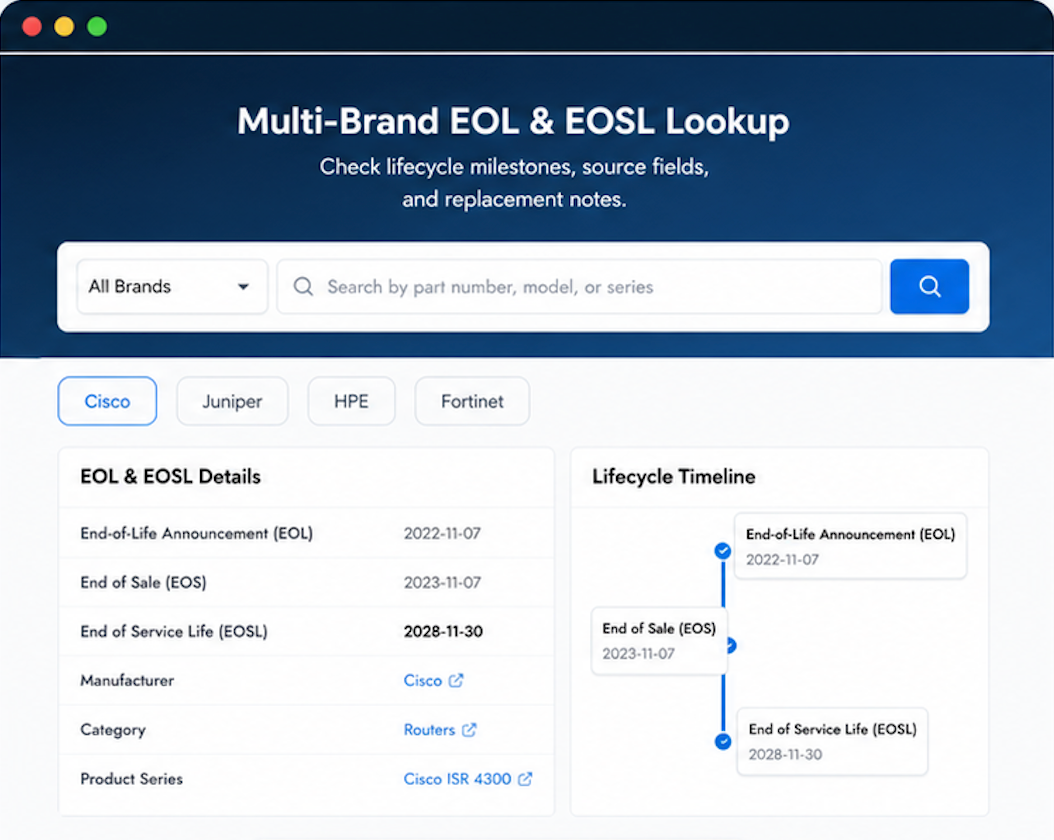
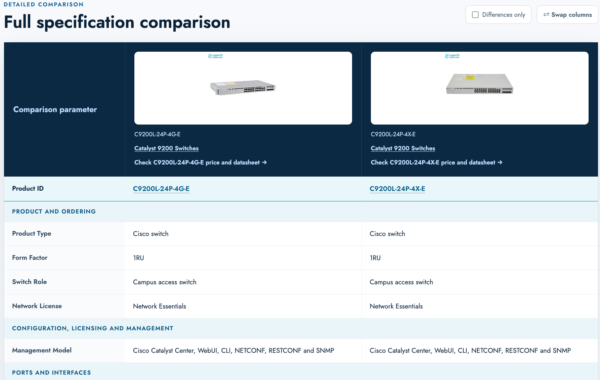
Use practical tools to check device details, review lifecyclemilestones, and compare hardware before you buy.