
N9K-C93180YC-EX – 48×1/10/25G Fiber Ports – 6×40/100G QSFP28








Why Layer23-Switch
Stocked, Shipped and Supported by One Team
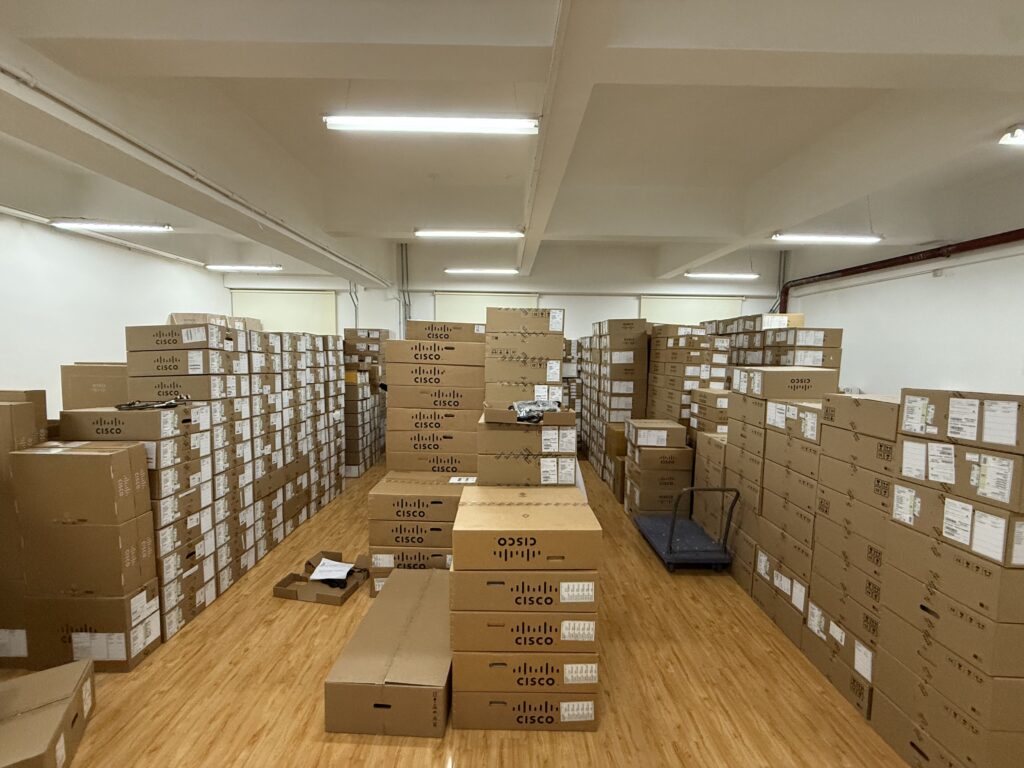
Ships in 1 Business Day
In-stock orders leave our Hong Kong or U.S. warehouse within 1 business day after payment, with tracking by email.
LSCare Warranty
3years on enterprise equipment
Free CCIE Support
Certified engineers help before and after you buy. Reply within 1 business day by email or live chat.
Verify Before You Pay
100%factory-sealed
Get label and serial photos before shipment, and check every serial number with Cisco.
N9K-C93180YC-EX Description
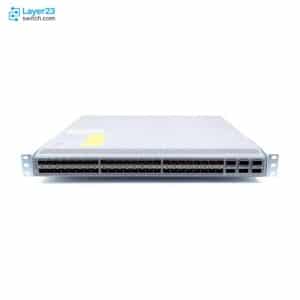
The N9K-C93180YC-EX is a Cisco Nexus 9300-EX Series 1RU fixed data center switch for top-of-rack, middle-of-row and end-of-row server access. The switch has 48 1/10/25G fiber downlink ports and six 40/100G QSFP28 uplink ports, with 3.6 Tbps of bandwidth, over 2.6 Bpps of forwarding and latency under 1 microsecond. A port that carries an SFP-10G-T-X copper module leaves its adjacent ports empty or on passive DAC cables.
Quick Specs
|
Parameter |
Specification |
|---|---|
|
Product SKU |
N9K-C93180YC-EX |
|
Product type |
Fixed-port data center switch |
|
Form factor |
1RU |
|
Downlink ports |
48 × 1/10/25G fiber ports |
|
Uplink ports |
6 × 40/100G QSFP28 |
|
Switching capacity |
3.6 Tbps |
|
Forwarding rate |
Over 2.6 Bpps |
|
Latency |
Less than 1 microsecond |
|
Management port |
1 × RJ-45 and 1 × SFP |
|
Typical power consumption |
210W |
|
Maximum power consumption |
470W |
|
Fan modules |
4 |
|
Airflow options |
Port-side intake or port-side exhaust |
Product Performance
Key Features
Each of the 48 downlink ports is set to 1G, 10G or 25G, so one rack can host mixed server generations. At 25G the ports use FC-FEC and direct-attach cables reach 3 m.
The six fixed QSFP28 ports carry 40G or 100G and support 10/25/40/50/100G combinations, so no separate uplink module is involved.
Latency stays under 1 microsecond, with 3.6 Tbps of bandwidth and over 2.6 Bpps of forwarding.
The EX series holds up to 896,000 LPM and IP host entries, 256,000 MAC addresses, 32,000 multicast routes and 16,000 VRFs.
A port set to media-type 10g-tx for an SFP-10G-T-X module draws up to 2.5W, and the ports beside it stay empty or use passive DAC cables. Other 1/10/25G optics draw up to 1.5W per port.
Two supplies run in a 1+1 layout, as 650W AC, 930W DC or 1200W HVAC/HVDC, and both must be the same type. The four fans and both supplies must share one airflow direction.
Application Scenarios
Server racks with fiber NICs connect to the switch at 1G, 10G or 25G, over optics or over direct-attach cables of up to 3 m at 25G.
In a middle-of-row or end-of-row design, the switch gathers several racks and sends their traffic toward the spine over 40G or 100G QSFP28 uplinks.
Inside a Cisco ACI fabric the switch works as a leaf on ACI image 11.3 or later, and in a standalone data center it runs NX-OS release 7.0(3)I4.2 or later.
Product Comparison
|
Parameter |
N9K-C93180YC-EX |
N9K-C93108TC-EX |
N9K-C93180LC-EX | |
|---|---|---|---|---|
|
Downlink ports |
48 x 1/10/25G fiber |
48 x 1/10/25G SFP28 |
48 x 100M/1/10GBASE-T |
Up to 32 x 40/50G QSFP+ or 18 x 100G QSFP28 |
|
Uplink ports |
6 x 40/100G QSFP28 |
6 x 40/100G QSFP28 |
6 x 40/100G QSFP28 |
Not published |
|
Switching capacity |
3.6 Tbps |
3.6 Tbps |
2.16 Tbps |
3.6 Tbps |
|
Forwarding rate |
Over 2.6 Bpps |
1.2 Bpps |
Over 1.6 Bpps |
Over 2.6 Bpps |
|
Maximum power consumption |
470W |
Not published |
499W |
500W |
|
Airflow |
Port-side intake or exhaust |
Not published |
Port-side intake or exhaust |
Port-side intake or exhaust |
N9K-C93180YC-EX and N9K-C93180YC-FX3 both give 48 downlinks at 1G, 10G or 25G and six 40/100G QSFP28 uplinks at 3.6 Tbps, but N9K-C93180YC-EX is rated over 2.6 Bpps against 1.2 Bpps for N9K-C93180YC-FX3, so the choice between them follows the platform generation a fabric already runs. Copper access at 100M, 1G or 10G on 48 RJ-45 ports calls for N9K-C93108TC-EX, which drops to 2.16 Tbps. Designs that need 40G/50G or 100G downlinks, up to 32 QSFP+ or 18 QSFP28 ports, move to N9K-C93180LC-EX at the same 3.6 Tbps. A site that needs only 24 access ports can order the N9K-C93180YC-EX-24 configuration.
Ordering Checklist
- Fan airflow: Order four fans, all NXA-FAN-30CFM-B (port-side intake) or all NXA-FAN-30CFM-F (port-side exhaust). Fans and power supplies facing different directions can overheat the switch.
- Power supply type: Select two supplies of one type: NXA-PAC-650W-PI/PE, NXA-PDC-930W-PI/PE, UCSC-PSU-930WDC, UCS-PSU-6332-DC or N9K-PUV-1200W. AC, DC, HVAC and HVDC supplies cannot be mixed in one chassis.
- Supply airflow: Choose the PI or PE suffix that matches the fans; N9K-PUV-1200W follows the other modules automatically. A supply with the wrong direction breaks the cold-aisle and hot-aisle plan.
- Software licence: Add a C1E1TN9300XF-3Y/-5Y (Essential) or C1A1TN9300XF-3Y/-5Y (Advantage) subscription, or permanent NXOS-ES-XF / NXOS-AD-XF. The licence PID sets tier and term and is a separate line from the hardware.
- Copper SFP limits: Keep neighbouring ports empty or filled with passive DAC next to SFP-10G-T-X ports set to media-type 10g-tx, which use 2.5W. Adjacent ports filled with optics exceed the per-port power limit.
- Power cord: Add a country-specific cord PID, or select NO-POWER-CORD where no cord is wanted. The cord is a separate order line, and NO-POWER-CORD ships the switch without one.
Optional Add-ons
|
Model |
Description |
|---|---|
|
NXA-PAC-650W-PI |
Cisco Nexus 9000 650W AC power supply, port-side intake |
|
NXA-PAC-650W-PE |
Cisco Nexus 9000 650W AC power supply, port-side exhaust |
|
NXA-PDC-930W-PI |
Cisco Nexus 9000 930W DC power supply, port-side intake |
|
NXA-PDC-930W-PE |
Cisco Nexus 9000 930W DC power supply, port-side exhaust |
|
N9K-PUV-1200W |
Cisco Nexus 9300 1200W universal HVAC/HVDC power supply |
|
NXA-FAN-30CFM-F |
Cisco Nexus 30CFM fan module, port-side exhaust airflow |
|
NXA-FAN-30CFM-B |
Cisco Nexus 30CFM fan module, port-side intake airflow |
|
NXK-ACC-KIT-1RU |
Cisco Nexus fixed accessory kit with 4-post rack mount kit |
Specifications
| Parameter | Specification | Parameter | Specification |
|---|---|---|---|
| Product ID | N9K-C93180YC-EX | Product type | Fixed-port data center switch |
| Form factor | 1RU | Deployment role | Top-of-rack, middle-of-rack, and end-of-rack deployments |
| Software mode | Cisco NX-OS or Cisco ACI mode | Minimum NX-OS image | NXOS-703I4.2 |
| Minimum ACI image | ACI-N9KDK9-11.3 | Switching capacity | 3.6 Tbps |
| Forwarding rate | Over 2.6 Bpps | Latency | Less than 1 microsecond |
| Downlink ports | 48 × 1/10/25G fiber ports | Downlink speed configuration | Per-port 1G, 10G, or 25G Ethernet |
| Uplink ports | 6 × 40/100G QSFP28 | CPU | 4 cores |
| DRAM | 24GB | SSD drive | 64GB |
| Packet buffer | 40MB | Management port | 2 ports: 1 RJ-45 and 1 SFP |
| USB port | 1 | RS-232 serial ports | 1 |
| Power supply slots | 2 | Power redundancy | 1+1 with two power supply modules |
| Power supply selection | NXA-PAC-650W-PI 650W AC, NXA-PAC-650W-PE 650W AC, NXA-PDC-930W-PI 930W DC, NXA-PDC-930W-PE 930W DC, or N9K-PUV-1200W 1200W universal supply selected by input type | Power supply matching requirement | Installed power supplies must be the same type |
| Module airflow requirement | Fan and power supply modules must use the same airflow direction | Typical power consumption | 210W |
| Maximum power consumption | 470W | Heat dissipation requirement | 1603.706 BTU/hr |
| Input voltage AC | 100 to 240V | Input voltage HVAC | 200 to 277V |
| Input voltage DC | -48 to -60V | Input voltage HVDC | -240 to -380V |
| AC input frequency | 50 to 60 Hz | Fan modules | 4 |
| Supported fan modules | NXA-FAN-30CFM-F, NXA-FAN-30CFM-B | Airflow | Port-side intake or port-side exhaust |
| Airflow matching requirement | Match airflow direction across fans and power supplies | Chassis width | 17.5 in (44.5 cm) |
| Chassis depth | 22.5 in (57.1 cm) | Chassis height | 1.72 in (4.4 cm) |
| Chassis weight without fans or PSUs | 7.8 kg (17.2 lb) | Fan module weight | 0.12 kg (0.26 lb) |
| Power supply weight | 1.1 kg (2.42 lb) | Operating temperature | 32 to 104F (0 to 40C) |
| Storage temperature | -40 to 158F (-40 to 70C) | Operating humidity | 5 to 90% |
| Storage humidity | 5 to 95% | Operating altitude | 0 to 13,123 ft (0 to 4000 m) |
| RoHS compliance | Yes | MTBF | 390,330 hours |
| Maximum LPM routes | 896,000 | Maximum IP host entries | 896,000 |
| Maximum MAC address entries | 256,000 | Maximum multicast routes | 32,000 |
| IGMP snooping groups | Shipping 8,000, maximum 32,000 | Fabric extenders per switch | 16 |
| ACL entries | 4000 ingress and 2000 egress per forwarding slice | Total ACL entries | 8000 ingress and 4000 egress |
| VLAN IDs | 4096 with 127 reserved | VRF instances | Shipping 1,000, maximum 16,000 |
| Maximum ECMP paths | 64 | Maximum port channels | 512 |
| Maximum links in a port Channel | 32 | Active SPAN sessions | 4 |
| RPVST VLAN instances | 3967 | HSRP groups | 490 |
| NAT entries | 1023 | MST instances | 64 |
| Tetration flow table size | 64,000 | Number of queues | 8 |
| Rack Accessory Kit | NXK-ACC-KIT-1RU | Rack Accessory Kit | NXK-ACC-KIT-1RU |
Quality Certifications
Customer Reviews
Questions & Answers
-
Does N9K-C93180YC-EX run in NX-OS mode or ACI mode?
-
Which fans and power supplies set the airflow direction of N9K-C93180YC-EX?
-
What per-port power limit applies to optics beside an SFP-10G-T-X module on N9K-C93180YC-EX?
-
What maximum output do the power supplies for N9K-C93180YC-EX provide?
-
Can N9K-C93180YC-EX use NXA-PAC-500W-PI or NXA-PAC-500W-PE power supplies?
-
How much heat does N9K-C93180YC-EX release, and how loud is it?
Warranty
Layer23-Switch.com offers genuine, high-quality ICT products at competitive wholesale prices—ensuring exceptional value without compromising quality.
All items are brand new, original, and factory-sealed.
Upon request, each unit can be fully tested and verified by a Cisco CCIE-certified engineer to ensure perfect working condition before shipment.
Our Cisco CCIE-certified experts provide free professional support via phone, email, online chat, or remote login—helping you deploy and troubleshoot with confidence.
If you are not satisfied with your purchase, you may request an exchange or full refund. Our customer service team will guide you through the return process quickly and smoothly. Visit Return Policy page for more information.
We support multiple secure payment and logistics options, backed by industry-leading verification:












Visit How to Pay page for more information
Extended, Worry-Free Warranty Coverage Factory New Sealed Enterprise Hardware:
· 3 Years Factory New Sealed
Visit Warranty Policy page for more information
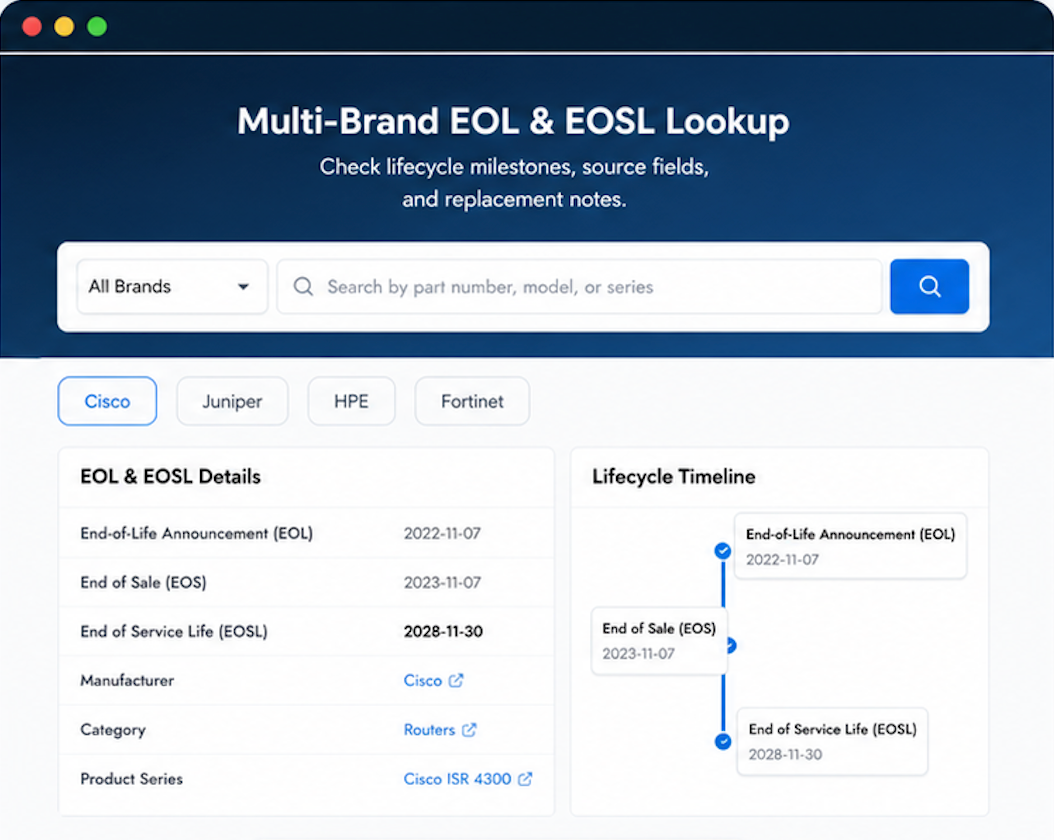
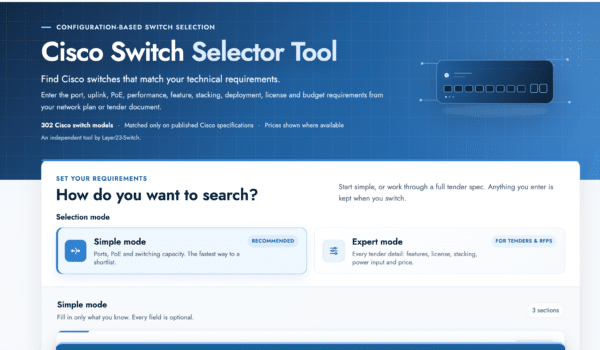
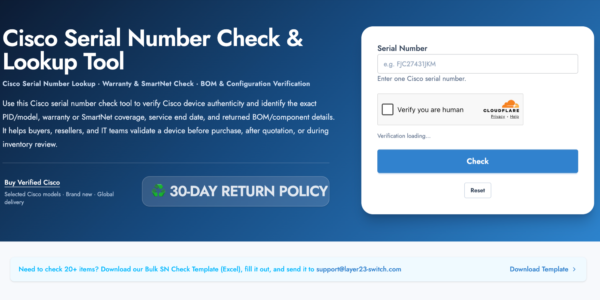
Verify, plan, and comparewith confidence
Use practical tools to check device details, review lifecyclemilestones, and compare hardware before you buy.
QA approved the product on the first review.
Second order this quarter. Layer23 is our go-to now.
Pre-sales was patient with our back-and-forth. No pressure.