
N9K-C9336C-FX2 – 36×40/100G QSFP28 – 1RU Fixed Nexus Switch – ACI or NX-OS









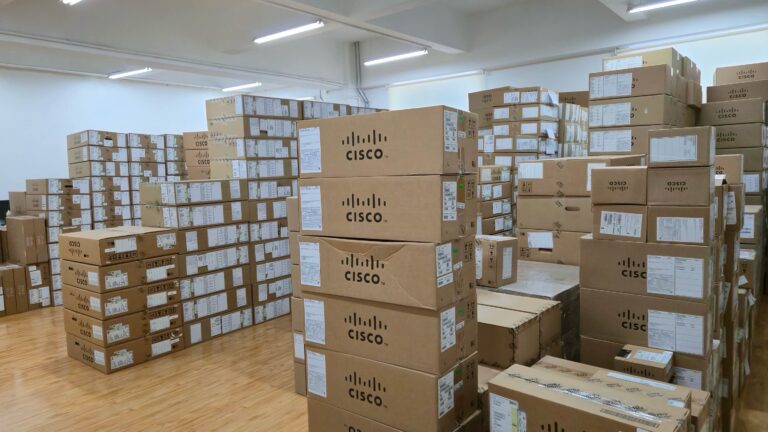
Established Global IT Distributor
With over a decade of industry experience, we are a certified Cisco Partner delivering genuine enterprise networking hardware and trusted services to system integrators, ISPs, and enterprises worldwide.
N9K-C9336C-FX2 Description
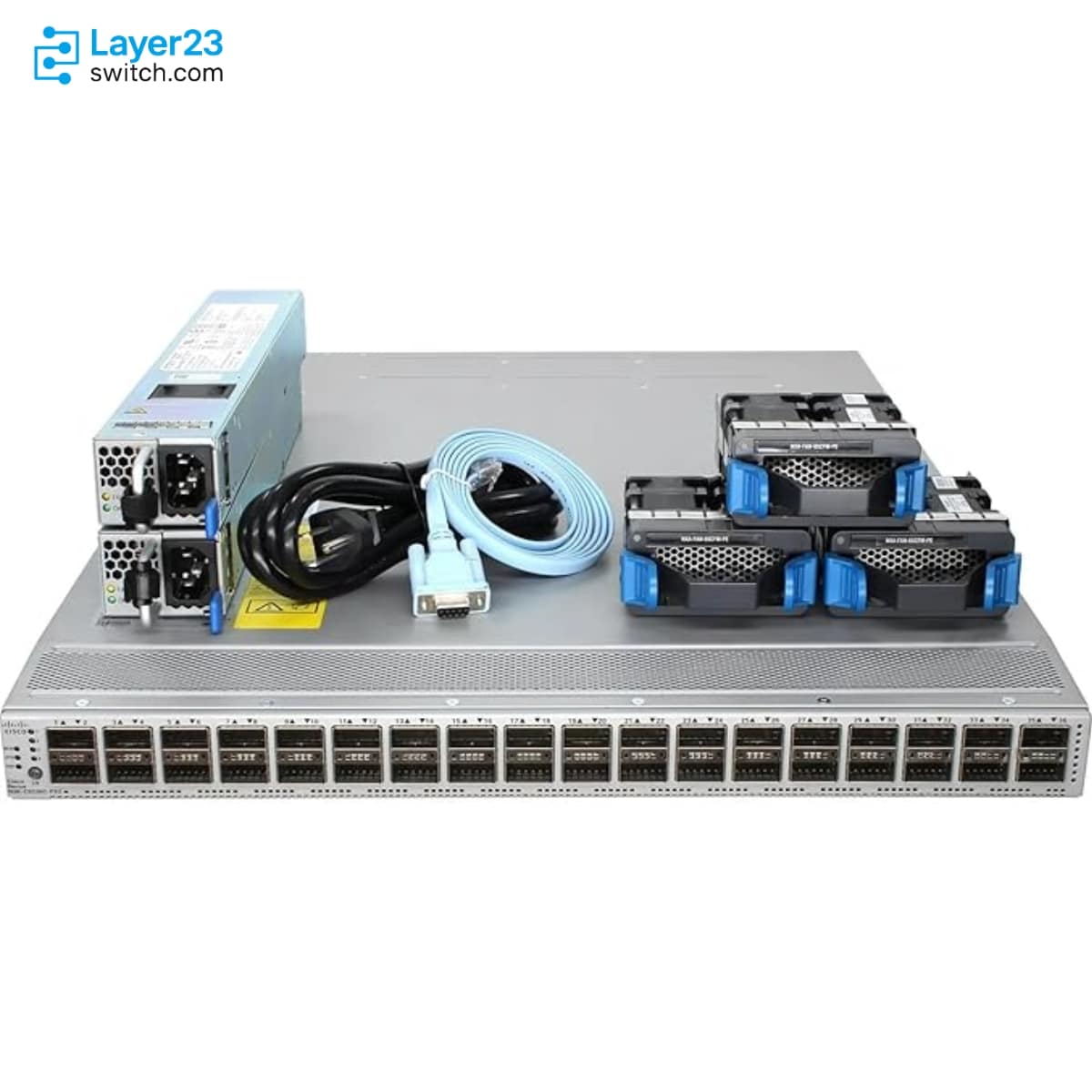
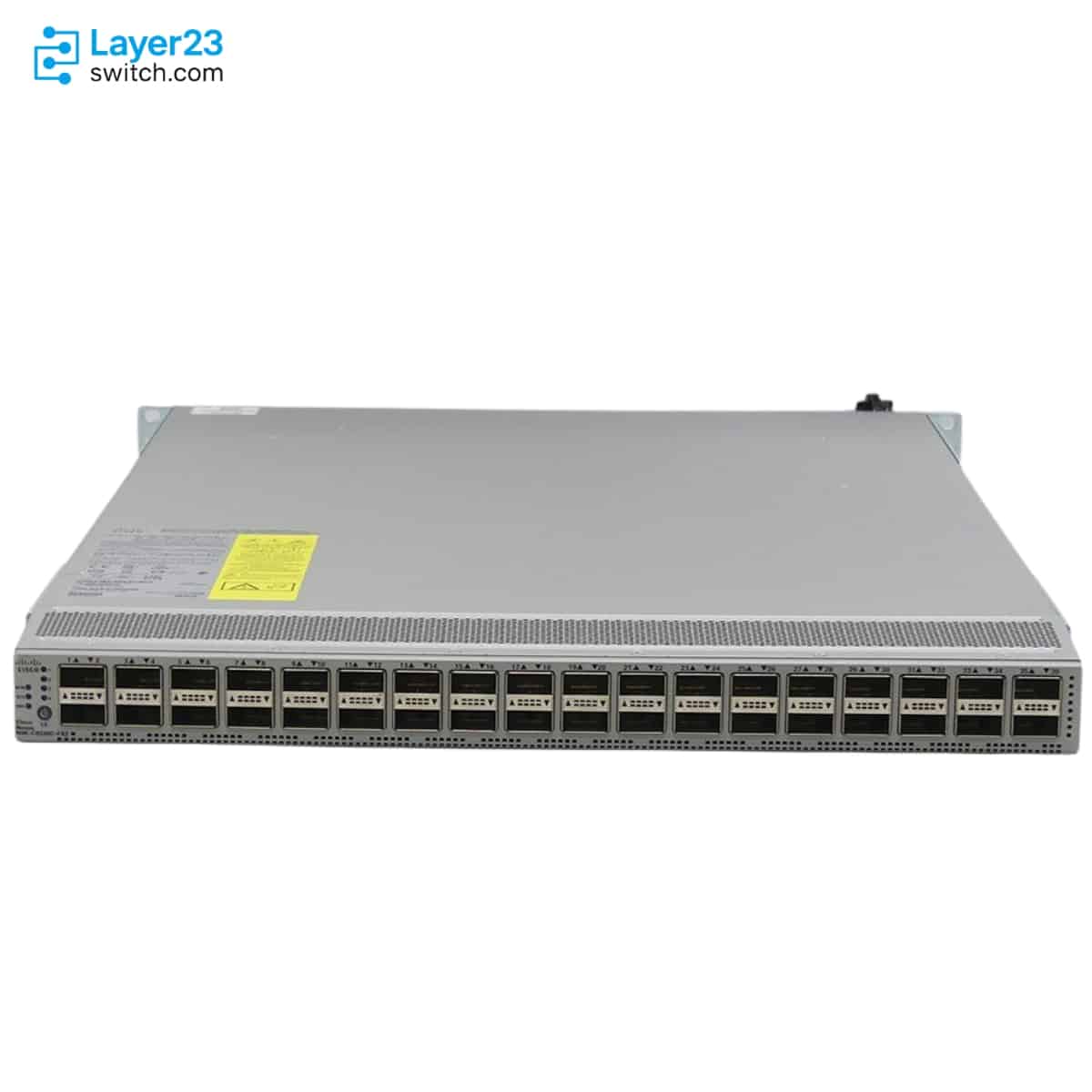
N9K-C9336C-FX2 is a Cisco Nexus 9336C-FX2 1RU fixed-port data center switch for Nexus 9000 leaf, aggregation, or compact high-speed fabric roles, with 36 QSFP28 ports supporting 40/100G operation and documented 1/10/25G options through adapters or breakout. Cisco lists 7.2 Tbps switching bandwidth, 40 MB system buffer, breakout support on all ports, QSA 10G support on ports 1-36 and 1G support on ports 7-32, plus 750W or 1100W power supply choices and three dual fan trays with matching intake or exhaust airflow options for ACI or NX-OS deployments.
Quick Specs
|
Parameter |
Specification |
|---|---|
|
Product ID |
N9K-C9336C-FX2 |
|
Product type |
1RU fixed-port data center switch |
|
Port count |
36 x 40/100G QSFP28 ports |
|
Supported Ethernet speeds |
1/10/25/40/100-Gbps with documented port and adapter limits |
|
Breakout support |
Breakout supported on all ports |
|
QSA adapter support |
10G on ports 1-36 and 1G on ports 7-32 |
|
Switching bandwidth |
7.2 Tbps |
|
System buffer |
40 MB |
|
Power supply options |
750W AC, 1100W AC, 1100W DC, or 1100W HVAC/HVDC |
|
Fan modules |
Three dual fan trays with intake or exhaust airflow choices |
|
Minimum software images |
ACI-N9KDK9-13.1.2 and NXOS-703I7.3 |
|
FC/FCoE support |
Not supported on N9K-C9336C-FX2 |
Product Performance
Key Features
N9K-C9336C-FX2 uses a uniform QSFP28 port design across all 36 data ports. That matters when the rack plan is built around 40G or 100G optics, DACs, AOCs, or approved breakout designs.
Cisco documents the non-`-E` N9K-C9336C-FX2 as an Ethernet switch, while the N9K-C9336C-FX2-E variant adds 16/32G Fibre Channel support. Procurement should not substitute the two models when SAN convergence is part of the bill of materials.
The hardware guide confirms 10G QSA operation on ports 1-36 and 1G QSA operation on ports 7-32. A design that needs 1G fallback on edge ports should map those connections before the switch is quoted.
The platform can be used in Cisco NX-OS or Cisco ACI environments. The software image, license package, APIC connectivity, and fabric role should be aligned before the hardware order is released.
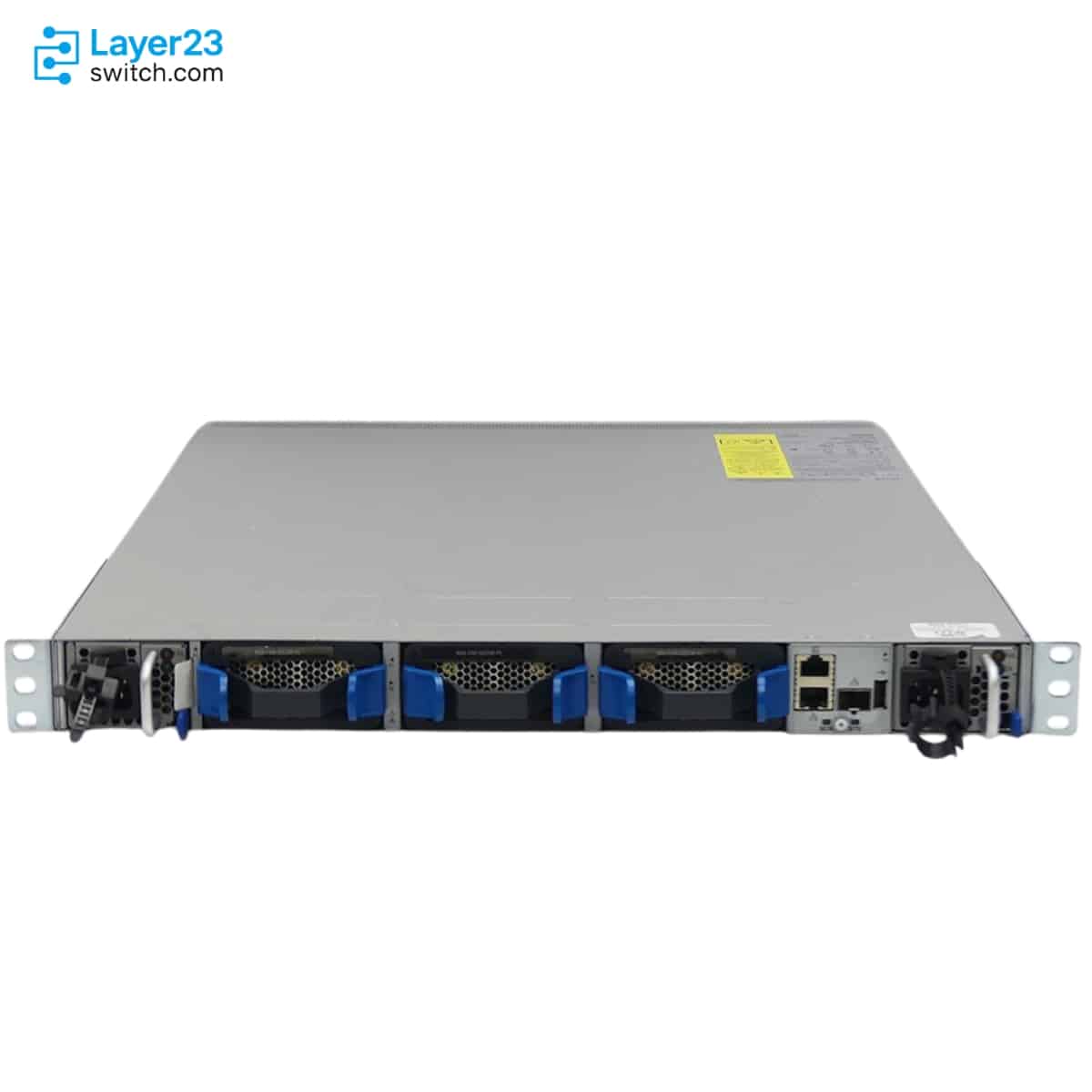
Cisco lists port-side intake and port-side exhaust choices for fans and power supplies. Fan modules and power supplies must use the same airflow direction to avoid a cooling mismatch in hot-aisle or cold-aisle racks.
The switch uses three fan modules and two power supply modules with one power supply for operation and one for redundancy. Power source type and airflow color should be checked together because Cisco warns against mixing AC and DC power sources.
Application Scenarios
Deploy N9K-C9336C-FX2 where the design calls for a compact Nexus switch with 36 QSFP28 ports and 7.2 Tbps switching bandwidth. It is a better match than SFP28-heavy FX2 models when the port plan is primarily 40G or 100G.
Select this SKU for projects that have already chosen Cisco Nexus 9000 operations in ACI mode or standard NX-OS mode. The quote should include the image baseline and the license package that matches the intended feature set.
Use the documented QSA support when a 40G or 100G fabric still needs selected 10G connections. The 1G QSA limit is narrower, so ports 7-32 should be reserved if any 1G QSA links are required.
Product Comparison
|
Parameter |
N9K-C9336C-FX2 | ||
|---|---|---|---|
|
Form factor |
1RU |
2RU |
2RU |
|
Port layout |
36 x QSFP28 |
96 x SFP28 plus 12 x QSFP28 |
96 x SFP28 plus 12 x QSFP28 |
|
Ethernet speed range |
1/10/25/40/100-Gbps |
1/10/25G SFP28 and 40/100G QSFP28 |
1/10/25G SFP28 and 40/100G QSFP28 |
|
FC/FCoE support |
Not supported |
16/32G Fibre Channel supported |
16/32G Fibre Channel supported |
|
Switching bandwidth |
7.2 Tbps |
7.2 Tbps |
12.84 Tbps |
|
System buffer |
40 MB |
40 MB |
40 MB |
|
Power supply selection |
NXA-PAC-750W-PE 750W AC, NXA-PAC-750W-PI 750W AC, NXA-PAC-1100W-PE2 1100W AC, NXA-PAC-1100W-PI2 1100W AC, NXA-PDC-1100W-PE 1100W DC, or NXA-PDC-1100W-PI 1100W DC |
1200W AC, 930W DC, 1200W HVAC/HVDC |
NXA-PAC-1200W-PI 1200W AC, NXA-PAC-1200W-PE 1200W AC, NXA-PDC-930W-PI 930W DC, NXA-PDC-930W-PE 930W DC, or N9K-PUV-1200W 1200W |
|
Minimum ACI image |
ACI-N9KDK9-13.1.2 |
ACI-N9KDK9-14.1.2 |
ACI-N9KDK9-14.1.2 |
|
Minimum NX-OS image |
NXOS-703I7.3 |
NXOS-9.3(1) |
NXOS-9.3(1) |
- In a N9K-C9336C-FX2 vs N9K-C9336C-FX2-E comparison, the key difference is FC capability: the `-E` model supports 16/32G Fibre Channel, while N9K-C9336C-FX2 is the Ethernet-focused 36-port QSFP28 option.
- The N9K-C9336C-FX2 difference from N9K-C93360YC-FX2 is port layout and form factor; N9K-C9336C-FX2 keeps 36 QSFP28 ports in 1RU, while N9K-C93360YC-FX2 uses a 2RU layout with 96 SFP28 ports and 12 QSFP28 ports.
- For buyers comparing which model to choose, N9K-C9336C-FX2 is the comparison point when the BOM asks for a compact 36-port QSFP28 Nexus 9300-FX2 switch without documented FC port use. N9K-C9364C is included as an additional same-family comparison point.
Selection Guide
1. Choose N9K-C9336C-FX2 for QSFP28-heavy designs
Select N9K-C9336C-FX2 when the design needs 36 40/100G QSFP28 ports in a 1RU Nexus 9300-FX2 switch and does not require Fibre Channel operation.
2. Choose N9K-C9336C-FX2-E only for the FC variant
Use N9K-C9336C-FX2-E when the official BOM requires 16/32G Fibre Channel support on the 9336C-FX2 hardware family. Do not treat the non-`-E` PID as the FC-capable replacement.
3. Compare against N9K-C93360YC-FX2 for dense SFP28 access
Move to N9K-C93360YC-FX2 only when the design needs 96 1/10/25G SFP28 access ports plus 12 40/100G QSFP28 ports instead of a uniform 36-port QSFP28 layout.
4. Verify software, airflow, and optics together
Confirm NX-OS or ACI image requirements, port-side intake or exhaust airflow, matching PSU and fan direction, and Cisco-supported optics, QSA adapters, or breakout cables before adding this SKU to the quote.
Ordering Checklist
|
Check Item |
What to Confirm |
Why It Matters |
|---|---|---|
|
Port speed plan |
40G or 100G native ports, breakout use, and QSA adapter locations |
Prevents a port map that exceeds Cisco-documented adapter limits |
|
1G QSA placement |
1G QSA links only on ports 7-32 |
Keeps low-speed exceptions inside the supported port range |
|
Airflow direction |
Port-side intake or port-side exhaust across fans and power supplies |
Mixed airflow can create a cooling fault in the rack |
|
Power supply type |
750W AC, 1100W AC, 1100W DC, or 1100W HVAC/HVDC |
AC, DC, and high-voltage power choices affect site power design |
|
750W AC software baseline |
ACI-N9KDK9-14.2 or NXOS-9.3.3 and later for the 750W AC PSU |
Avoids ordering a PSU choice that is not supported by the planned image |
|
Software license package |
ACI or NX-OS Essential or Advantage package for a 10/25/40G+ Nexus 9K leaf |
Feature enablement depends on the selected Cisco licensing model |
|
Optics and cables |
Cisco-supported QSFP28 optics, DACs, AOCs, or QSA adapters |
The switch order and cabling BOM must match the validated transceiver list |
Optional Add-ons
|
Model |
Description |
|---|---|
|
NXA-FAN-65CFM-PE |
Nexus dual fan, 65CFM, port-side exhaust airflow for Nexus 9336C-FX2 |
|
NXA-FAN-65CFM-PI |
Nexus dual fan, 65CFM, port-side intake airflow for Nexus 9336C-FX2 |
|
NXA-PAC-750W-PE |
750W AC power supply with port-side exhaust airflow |
|
NXA-PAC-750W-PI |
750W AC power supply with port-side intake airflow |
|
NXA-PAC-1100W-PE2 |
1100W AC power supply with port-side exhaust airflow |
|
NXA-PAC-1100W-PI2 |
1100W AC power supply with port-side intake airflow |
|
NXA-PDC-1100W-PE |
1100W DC power supply with port-side exhaust airflow |
|
NXA-PDC-1100W-PI |
1100W DC power supply with port-side intake airflow |
|
NXA-PHV-1100W-PE |
1100W HVAC/HVDC power supply with port-side exhaust airflow |
|
NXA-PHV-1100W-PI |
1100W HVAC/HVDC power supply with port-side intake airflow |
|
C1E1TN9300XF-3Y |
ACI and NX-OS Subscription Essential package for 10/25/40G+ Nexus 9K Leaf, 3-year term |
|
C1A1TN9300XF-3Y |
ACI and NX-OS Subscription Advantage package for 10/25/40G+ Nexus 9K Leaf, 3-year term |
Specifications
| Parameter | Specification | Parameter | Specification |
|---|---|---|---|
| Product ID | N9K-C9336C-FX2 | Device Type | Fixed-port data center switch |
| Form Factor | 1RU | Port Count | 36 x QSFP28 ports |
| Native Port Speeds | 40/100-Gbps QSFP28 | Supported Ethernet Speeds | 1/10/25/40/100-Gbps |
| Breakout Support | Supported on all ports | QSA 10G Support | Ports 1-36 |
| QSA 1G Support | Ports 7-32 | FC/FCoE Support | Not supported on N9K-C9336C-FX2 |
| Switching Bandwidth | 7.2 Tbps | System Buffer | 40 MB |
| CPU | 4 cores | System Memory | 24 GB |
| SSD Drive | 128 GB | Management Ports | 2 ports: 1 RJ-45 and 1 SFP+ |
| USB Ports | 1 | RS-232 Serial Ports | 1 |
| Power Supply Slots | 2 | Power supply selection | NXA-PAC-750W-PE 750W AC, NXA-PAC-750W-PI 750W AC, NXA-PAC-1100W-PE2 1100W AC, NXA-PAC-1100W-PI2 1100W AC, NXA-PDC-1100W-PE 1100W DC, or NXA-PDC-1100W-PI 1100W DC selected by input type |
| Power Redundancy | 1 active plus 1 redundant module | Typical AC Power | 337W |
| Maximum AC Power | 719W | AC Input Voltage | 100 to 240V |
| HVAC Input Voltage | 100 to 277V | DC Input Voltage | -40 to -72V |
| HVDC Input Voltage | -240 to -380V | AC Frequency | 50 to 60 Hz |
| Fan Modules | 3 dual fan trays | Supported Fan Modules | NXA-FAN-65CFM-PE, NXA-FAN-65CFM-PI |
| Optional SFAN Modules | NXA-SFAN-65CFM-PE, NXA-SFAN-65CFM-PI from NX-OS 9.3(7) | Airflow Options | Port-side intake or port-side exhaust |
| Airflow Matching Requirement | Fans and power supplies must use the same airflow direction | Physical Dimensions | 1.72 x 17.3 x 24.5 in. (4.4 x 43.9 x 62.3 cm) |
| Chassis Weight | 18.8 lb (8.5 kg) without power supplies or fans | Operating Temperature | 32 to 104F (0 to 40C) |
| Operating Humidity | 5 to 95 percent noncondensing | Operating Altitude | 0 to 13,123 ft (0 to 4000 m) |
| MTBF | 335,900 hours | Minimum ACI Image | ACI-N9KDK9-13.1.2 |
| Minimum NX-OS Image | NXOS-703I7.3 | Maximum IPv4 LPM Routes | 896,000 |
| Maximum IPv4 Host Entries | 896,000 | Maximum IPv6 LPM Routes | 498,000 |
| Maximum IPv6 Host Entries | 896,000 | Maximum MAC Address Entries | 256,000 |
| Maximum Multicast Routes | 128,000 | IGMP Snooping Groups | Shipping 8,000, maximum 32,000 |
| Maximum VLANs | 4096 with 127 reserved | VRF Instances | Shipping 1,000, maximum 16,000 |
| Maximum ECMP Paths | 64 | Maximum Port Channels | 512 |
| Maximum Links in a Port Channel | 32 | Active SPAN Sessions | 4 |
| Number of Queues | 8 |
Get More Information
Need pricing, stock, or shipping details for the N9K-C9336C-FX2 ? Layer23-Switch can help you check current availability, lead time, and delivery options for this. Send us the part number, quantity, and destination country via live chat or email sales@layer23-switch.com for a fast quotation.
Quality Certifications
Customer Reviews
Questions & Answers
-
Who is N9K-C9336C-FX2 built for?
-
How many ports does N9K-C9336C-FX2 have?
-
Does N9K-C9336C-FX2 support breakout cables?
-
When is N9K-C9336C-FX2 a better fit than N9K-C93180YC-FX3?
-
Can N9K-C9336C-FX2 run in ACI or NX-OS environments?
-
Is N9K-C9336C-FX2 suitable for 25G server access?
-
What optics fit N9K-C9336C-FX2 planning?
-
What needs sizing before buying N9K-C9336C-FX2?
Warranty
Layer23-Switch.com offers genuine, high-quality ICT products at competitive wholesale prices—ensuring exceptional value without compromising quality.
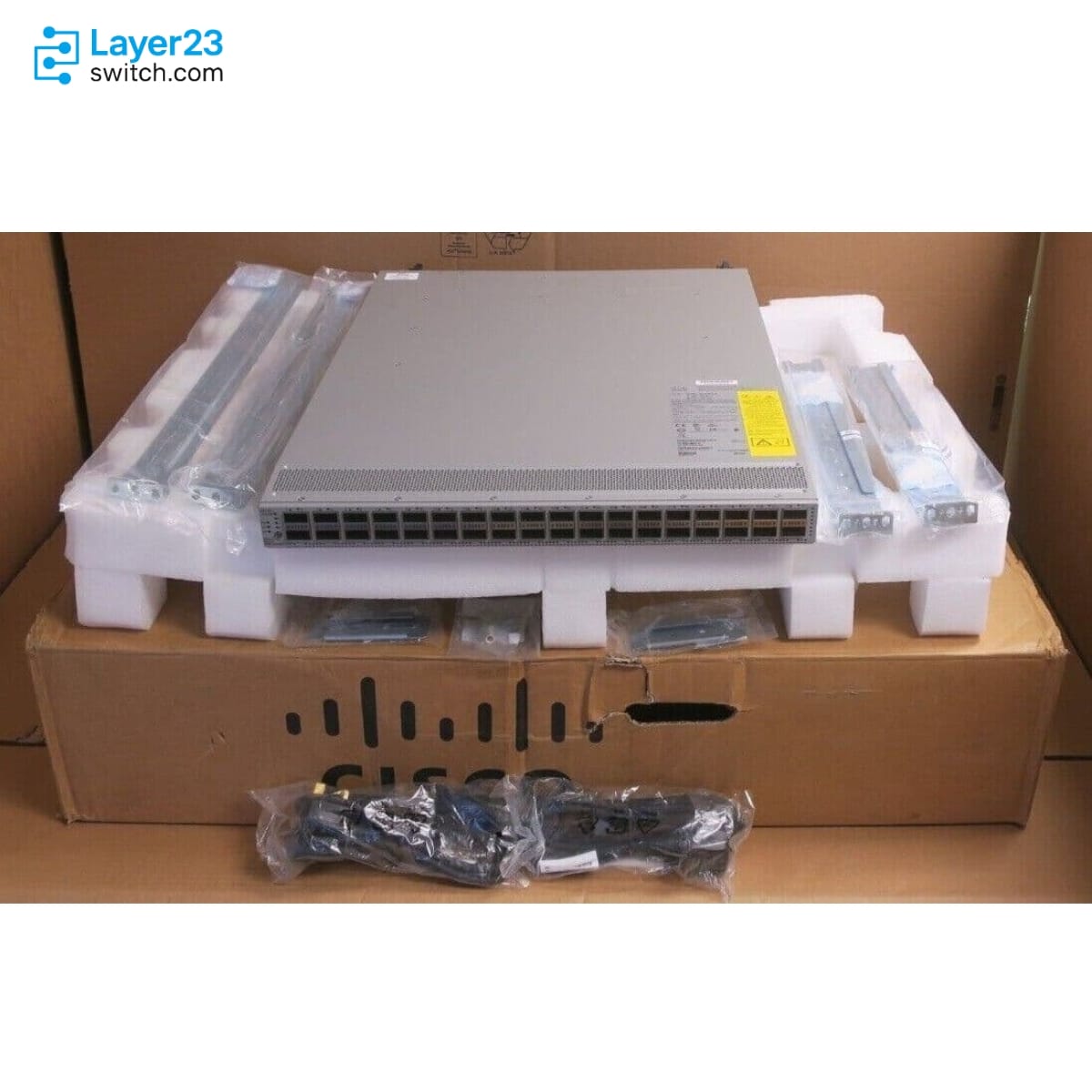
All items are brand new, original, and factory-sealed.
Upon request, each unit can be fully tested and verified by a Cisco CCIE-certified engineer to ensure perfect working condition before shipment.
Our Cisco CCIE-certified experts provide free professional support via phone, email, online chat, or remote login—helping you deploy and troubleshoot with confidence.
If you are not satisfied with your purchase, you may request an exchange or full refund. Our customer service team will guide you through the return process quickly and smoothly. Visit Return Policy page for more information.
We support multiple secure payment and logistics options, backed by industry-leading verification:












Visit How to Pay page for more information
Extended, Worry-Free Warranty Coverage Factory New Sealed Enterprise Hardware:
· 3 Years Factory New Sealed
Visit Warranty Policy page for more information
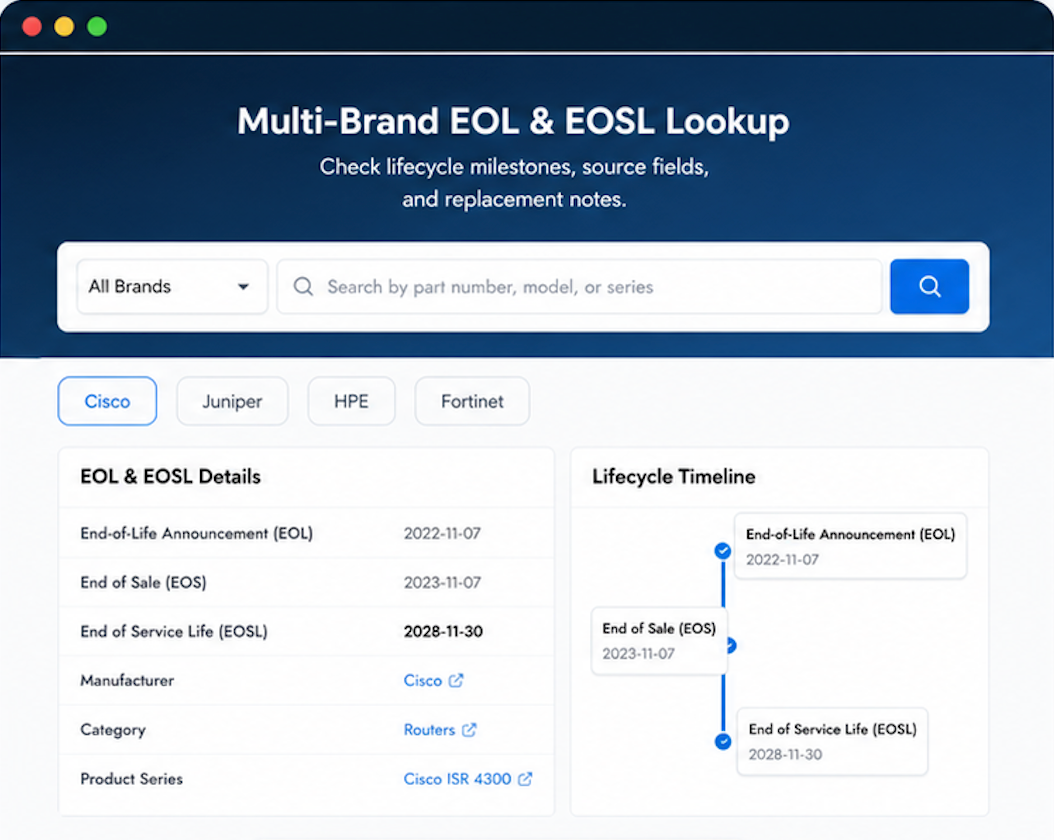
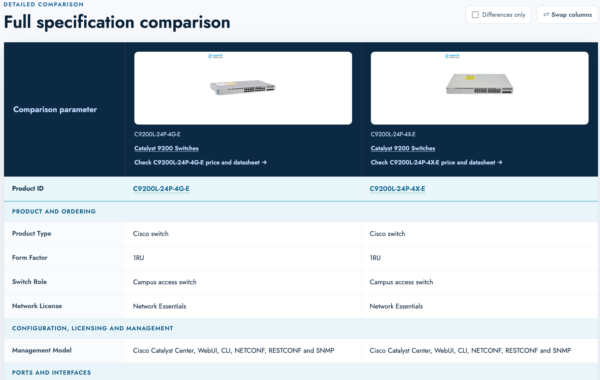
Verify, plan, and comparewith confidence
Use practical tools to check device details, review lifecyclemilestones, and compare hardware before you buy.
Standard Services
Personalized Service, Superior Product Maintenance for Ultimate Satisfaction.
- Projects and Technical Support
- Easy Purchasing Supply
- Product Lifecycle Protection
- Exclusive F3 Team Support
Customized Support for Your Needs with CCIE, HCIE, HPE ASE, etc.

Confidence in this vendor grows with every interaction.
Tried several resellers before settling on Layer23. Best combination of price and reliability.
Their post-sale care made me confident about placing future orders.
Running smoothly at 100Gbps. No errors. Solid vendor.
Execution was flawless. The package was secured. Target acquired.