
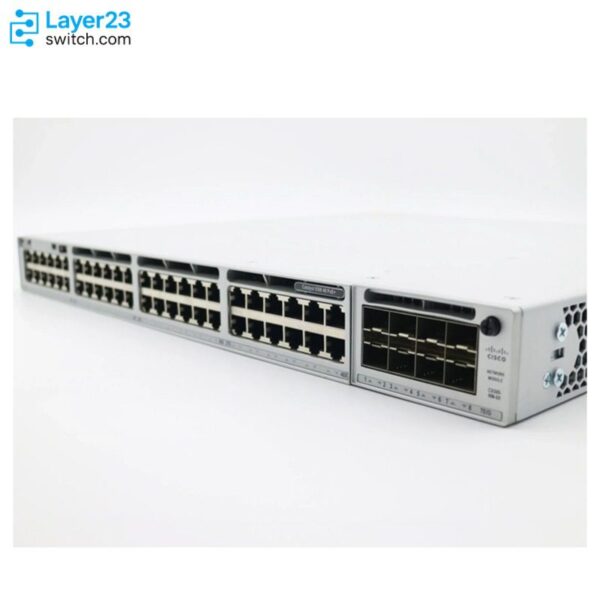
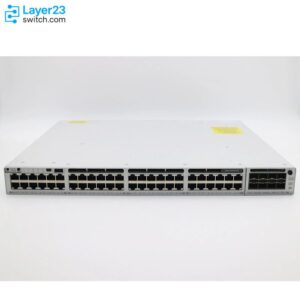
C9300-48S-E – 48x1G SFP Data Ports – Modular Uplink – Network Essentials








Shop Expert-Recommended Accessories for the C9300-48S-E
Explore optics, stacking accessories, modules, and power supplies—all verified by our engineers for use with this model.-

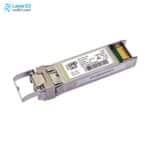
SFP-10G-SR-S
10GBASE-SR SFP+ - S-Class - 400m OM4 MMFOriginal price was: $853.95.$52.00Current price is: $52.00. -
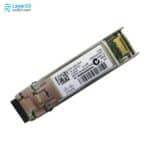
SFP-10G-SR
10GBASE-SR SFP+ - 850nm MMF - 400m OM4Original price was: $1,213.85.$91.68Current price is: $91.68. -
SFP-10G-LR-S
10GBASE-LR SFP+ - S-Class - 10km SMFOriginal price was: $2,439.88.$150.00Current price is: $150.00. -
SFP-10G-LR
10GBASE-LR SFP+ - 1310nm SMF - 10km ReachOriginal price was: $4,873.66.$149.00Current price is: $149.00. -
SFP-25G-SR-S
25GBASE-SR SFP28 - 850nm MMF - 100m OM4Original price was: $1,213.85.$258.00Current price is: $258.00. -
SFP-10/25G-LR-S
10/25GBASE-LR SFP28 - 10 km G.652 SMF - 0 to 70°C Commercial TemperatureOriginal price was: $2,787.19.$431.00Current price is: $431.00. -
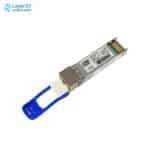
QSFP-40G-SR4
40G SR4 QSFP - MPO-12 MMF - 4x10G BreakoutOriginal price was: $3,653.72.$126.00Current price is: $126.00. -
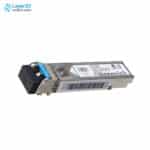
GLC-LH-SMD
1000BASE-LX/LH SFP - 10km SMF / 550m MMF - DOMOriginal price was: $1,260.58.$95.80Current price is: $95.80. -
GLC-TE
1000BASE-T SFP - RJ-45 Cat5 Copper - 100m ReachOriginal price was: $570.10.$70.00Current price is: $70.00. -
GLC-SX-MMD
1000BASE-SX SFP - MMF 850nm - DOMOriginal price was: $633.46.$59.00Current price is: $59.00. -
STACK-T1-50CM
50cm Type 1 StackWise Cable - C9300/C9300X Data Stack - 480G/1TOriginal price was: $121.99.$70.00Current price is: $70.00. -
STACK-T1-1M
1m Type 1 StackWise Cable - C9300/C9300X Data Stack - 480G/1TOriginal price was: $252.03.$140.00Current price is: $140.00. -
STACK-T1-3M
3m Type 1 StackWise Cable - C9300/C9300X Data Stack - 480G/1TOriginal price was: $378.07.$200.00Current price is: $200.00. -
C9300-NM-2Y
2x25G/10G/1G SFP28 Ports - Catalyst 9300 ModuleOriginal price was: $3,227.37.$1,122.00Current price is: $1,122.00. -
C9300-NM-2Q
2x40G QSFP+ Uplinks - Catalyst 9300 ModuleOriginal price was: $3,213.50.$800.00Current price is: $800.00. -
C9300-NM-4G
4x1GE SFP Ports - Catalyst 9300 ModuleOriginal price was: $680.51.$231.00Current price is: $231.00. -
C9300-NM-4M
4x10G/mGig Copper Ports - Catalyst 9300 ModuleOriginal price was: $1,890.30.$626.00Current price is: $626.00. -
C9300-NM-8X
8x10G/1G SFP+ Uplinks - Network Module - Catalyst 9300Original price was: $3,213.50.$761.00Current price is: $761.00. -
PWR-C1-715WAC-P
715W AC PSU - Catalyst 9300 C1 - Platinum RatedOriginal price was: $1,479.00.$403.00Current price is: $403.00.








Why Layer23-Switch
Stocked, Shipped and Supported by One Team
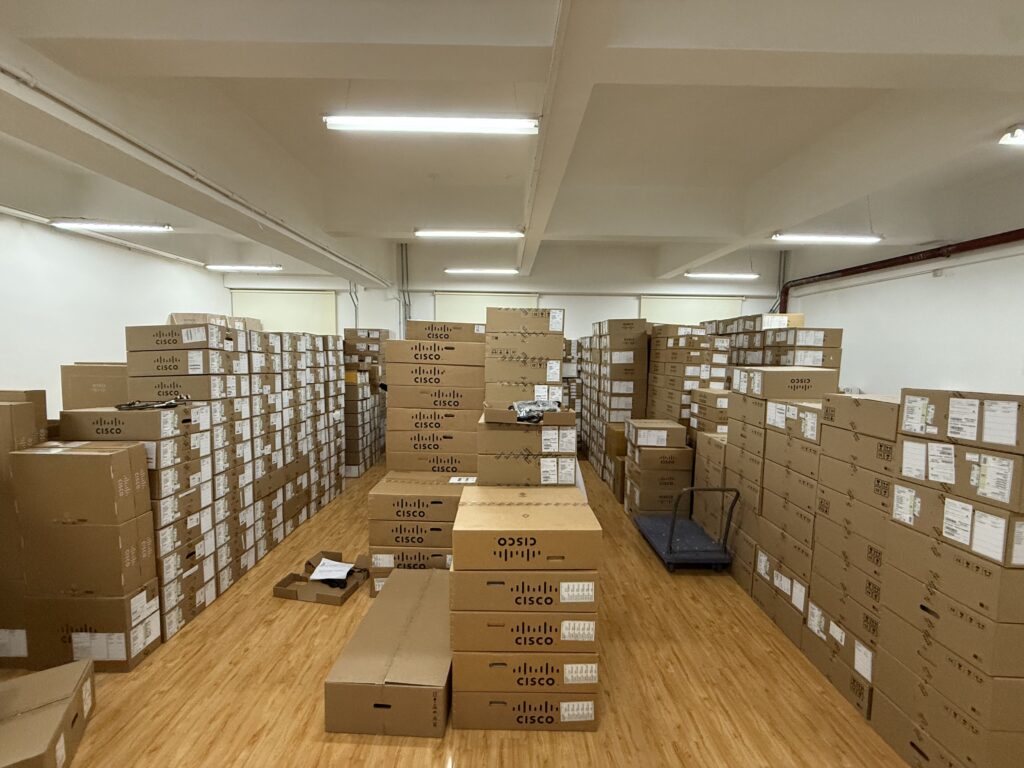
Ships in 1 Business Day
In-stock orders leave our Hong Kong or U.S. warehouse within 1 business day after payment, with tracking by email.
LSCare Warranty
3years on enterprise equipment
Free CCIE Support
Certified engineers help before and after you buy. Reply within 1 business day by email or live chat.
Verify Before You Pay
100%factory-sealed
Get label and serial photos before shipment, and check every serial number with Cisco.
C9300-48S-E Description
The C9300-48S-E is a Cisco Catalyst 9300 Series stackable access switch for wiring closets that terminate fiber runs over 1G SFP. The switch has 48 1G SFP ports, a modular uplink slot and 256 Gbps of switching capacity, and its 715W AC supply carries no PoE budget because SFP ports do not source power. The -E suffix carries Network Essentials, which covers Layer 2 and OSPF routing up to 1,000 routes but not BGP, VXLAN or MPLS.
Quick Specs
|
Parameter |
Specification |
|---|---|
|
Product ID |
C9300-48S-E |
|
Port count and type |
48x 1G SFP fiber ports |
|
Uplink |
Modular uplink bay (network module sold separately) |
|
Network license |
Network Essentials |
|
Default power supply |
PWR-C1-715WAC-P (715W AC) |
|
PoE support |
Not supported (fiber SFP ports) |
|
Switching capacity |
256 Gbps (736 Gbps stacked) |
|
Forwarding rate |
190.47 Mpps (547.62 Mpps stacked) |
|
Stacking |
StackWise-480, up to 8 members |
|
Minimum software release |
Cisco IOS XE 16.11.1a |
|
License PID family |
C9300-DNA/DNX-E-48S |
|
Advantage upgrade path |
C9300-LIC= (C9300-48-E-A-3/-5/-7) after purchase, not on the switch order; -E and -A cannot mix in the same stack |
Product Performance
Key Features
All 48 downlinks are 1G SFP, so one chassis terminates a full floor of fiber drops. Single-mode and multimode links share the same cages, selected by the optic installed.
The default 715W AC supply feeds the switch alone, since SFP ports do not source PoE. Endpoints that need inline power connect through a separate powered switch.
Network Essentials covers Layer 2, OSPF up to 1,000 routes, VRRP, 802.1X and MACsec-128. BGP, VRF, VXLAN, TrustSec and MACsec-256 sit in Network Advantage.
The modular slot takes C9300-NM-4G, C9300-NM-8X, C9300-NM-2Q, C9300-NM-2Y or C9300-NM-4M modules. Moving from 10G to 25G or 40G uplinks means swapping the module rather than the switch.
Up to eight units join one stack at 480 Gbps, and every member must run the same license tier. StackPower is available for sharing power across the stack.
The 1G fiber models start at Cisco IOS XE 16.11.1a, while the copper Catalyst 9300 models start at 16.5.1a. A stack that mixes the two runs a release that supports both.
Application Scenarios
In a building wiring closet that terminates fiber drops, the switch lands up to 48 links on its 1G SFP ports and carries their traffic to the distribution layer through the modular uplink.
Where a cable run exceeds the 100 m limit of copper, as between buildings on a campus, the switch connects the far end over single-mode or multimode SFP optics without a media converter.
A small campus building can stack up to eight of these switches over StackWise-480, so the group operates as one logical switch with 480 Gbps of stack bandwidth.
Product Comparison
|
Parameter |
C9300-48S-E | ||
|---|---|---|---|
|
Downlink ports |
48x 1G SFP |
24x 1G SFP |
48x 10/100/1000 copper |
|
Network module uplinks |
Modular |
Modular |
Modular |
|
Default AC power supply |
PWR-C1-715WAC-P (715W) |
PWR-C1-715WAC-P (715W) |
PWR-C1-350WAC-P (350W) |
|
Available PoE power |
No PoE |
No PoE |
No PoE |
|
Switching capacity |
256 Gbps (736 Gbps stacked) |
208 Gbps (688 Gbps stacked) |
256 Gbps (736 Gbps stacked) |
|
Forwarding rate |
190.47 Mpps (547.62 Mpps stacked) |
154.76 Mpps (511.90 Mpps stacked) |
190.47 Mpps (547.62 Mpps stacked) |
|
Stack bandwidth |
480 Gbps (StackWise-480) |
480 Gbps (StackWise-480) |
480 Gbps (StackWise-480) |
|
Network stack license |
Network Essentials |
Network Essentials |
Network Essentials |
|
Minimum software release |
Cisco IOS XE 16.11.1a |
Cisco IOS XE 16.11.1a |
Cisco IOS XE 16.5.1a |
C9300-48S-E and C9300-48T-E share 256 Gbps of switching capacity, a modular uplink slot and the Network Essentials tier, but C9300-48S-E has 48 SFP fiber ports on a 715W supply where C9300-48T-E has 48 copper ports on a 350W supply, and neither provides PoE. Closets whose endpoints are within copper reach and have no fiber plant can use C9300-48T-E, which also runs from Cisco IOS XE 16.5.1a instead of 16.11.1a. Closets that need only 24 fiber drops can use C9300-24S-E, which has 208 Gbps of switching capacity and the same 715W supply. When BGP, VRF, VXLAN or Cisco TrustSec is needed, order C9300-48S-A; an installed C9300-48S-E can be upgraded with a C9300-LIC= term (C9300-48-E-A-3, -5 or -7), which cannot be placed on the switch order.
Ordering Checklist
- Software subscription: Order an Essentials term for the 48-port fiber group, such as C9300-DNX-E-48S-5Y or C9300-DNA-E-48S-5Y (3, 5 or 7 years). The configurator defaults to Advantage, which does not match a Network Essentials switch.
- Uplink module: Keep the default C9300-NM-8X, change it to another Catalyst 9300 network module, or select C9300-NM-NONE. The configurator fills the modular uplink slot, so the default adds a module to the order.
- Second power supply: A second supply matching the primary is selected by default and C9300-SPS-NONE removes it. Leaving the default adds a second supply to the order; removing it leaves the switch on a single supply.
- Stack cables: A 50 cm StackWise cable and a 30 cm StackPower cable are selected by default; C9300-STACK-NONE and C9300-SPWR-NONE remove them. A stack across racks needs longer cables ordered separately, and a standalone switch needs neither default.
- Power cords: Select the cord type for the destination country. The configurator defaults to North America cords and ships two.
Optional Add-ons
|
Model |
Description |
|---|---|
|
C9300-NM-4G / C9300-NM-4M / C9300-NM-8X / C9300-NM-2Q / C9300-NM-2Y |
Field-installable Catalyst 9300 uplink network modules confirmed for the C9300-48S-E modular uplink bay. |
|
Second AC power supply, matching the default supply, for 1+1 AC redundancy in the C9300-48S-E power bay. | |
|
StackWise-480 data stacking cables (0.5 m / 1 m / 3 m) for stacking additional Catalyst 9300 switches. | |
|
FAN-T2= |
Field-replaceable fan module spare for the standard three-fan N+1 redundant fan tray. |
Specifications
| Parameter | Specification | Parameter | Specification |
|---|---|---|---|
| Product ID | C9300-48S-E | Network license | Network Essentials |
| Downlink ports | 48x 1G SFP fiber ports | Uplink | Modular uplink bay, no module installed by default |
| Management interfaces | 10/100/1000 Ethernet management port, RJ-45 console port, USB mini-Type B 5-pin console port | SSD storage | Rear USB 3.0 SSD bay supports 120 GB / 240 GB SSD modules |
| Switching capacity | 256 Gbps (736 Gbps in an 8-member StackWise-480 stack) | Forwarding rate | 190.47 Mpps (547.62 Mpps stacked) |
| MAC addresses | 32,000 entries | IPv4 routes | 32,000 (24,000 direct + 8,000 indirect) |
| IPv6 routes | 16,000 entries | Multicast routes | 8,000 entries |
| QoS / ACL entries | 5,120 QoS entries, 5,120 ACL entries | DRAM / flash | 8 GB DRAM, 16 GB Flash |
| VLAN IDs | 4094 | Switched virtual interfaces | 1,000 |
| PVST instances | 300 | Packet buffer / FNF flows | 16 MB buffer, up to 64,000 FNF flows (Catalyst 9300 Gigabit Ethernet group value) |
| Stacking | StackWise-480, up to 8 members, 480 Gbps stack bandwidth | Total routed ports per stack | 448 |
| Default power supply | PWR-C1-715WAC-P, 715W AC, 100-240VAC 50-60Hz, 2,440 BTU/hr output | PoE support | Not supported (fiber SFP ports do not source PoE) |
| Power supply slots | 2 internal bays; ships with 1 supply installed and a blank module in the second bay | Minimum software release | Cisco IOS XE 16.11.1a |
| Operating temperature | -5 to 45C at up to 5000 ft (1500m) | Storage temperature | -40 to 70C |
| Operating humidity | 5-90% noncondensing | Operating altitude | Operating up to 10,000 ft (3000m), storage up to 15,000 ft (4500m) |
| Acoustic noise | LpA 45dB typical / 48dB max, LwA 5.6B typical / 5.9B max | Connector types | LC fiber (SFP), RJ-45 (management), RJ-45-to-DB9 (console) |
| Dimensions | 1.73 x 17.5 x 19.2 in with default power supply (1.73 x 17.5 x 17.7 in chassis only) | Weight | 7.86 kg (17.32 lb) with default power supply |
| MTBF | 281,920 hours | Regulatory compliance | UL 60950-1, CAN/CSA-C22.2 No. 60950-1, EN 60950-1, IEC 60950-1, AS/NZS 60950.1, FCC Part 15, EN 55032 Class A, CISPR 32 Class A, RoHS 5 |
| License PID family | C9300-DNA/DNX-E-48S |
Quality Certifications
Customer Reviews
Questions & Answers
-
Can C9300-48S-E be stacked?
-
Does C9300-48S-E support BGP?
-
Which high-availability features does C9300-48S-E not support on Network Essentials?
-
Can C9300-48S-E run EIGRP or IP SLA?
-
Is ThousandEyes bundled with a C9300-DNX-E-48S-5Y Essentials term for C9300-48S-E?
-
How many MAC addresses and IPv6 routes does C9300-48S-E hold?
-
How many C9300-48S-E switches can share power in a StackPower ring?
-
What are the input and heat ratings of PWR-C1-715WAC-P in C9300-48S-E?
-
Which console port takes priority on C9300-48S-E when two are connected?
-
Which power supplies besides PWR-C1-715WAC-P fit C9300-48S-E, and what redundancy applies?
-
Can C9300-48S-E use the PWR-C1-1900WAC-P power supply?
Warranty
Layer23-Switch.com offers genuine, high-quality ICT products at competitive wholesale prices—ensuring exceptional value without compromising quality.
All items are brand new, original, and factory-sealed.
Upon request, each unit can be fully tested and verified by a Cisco CCIE-certified engineer to ensure perfect working condition before shipment.
Our Cisco CCIE-certified experts provide free professional support via phone, email, online chat, or remote login—helping you deploy and troubleshoot with confidence.
If you are not satisfied with your purchase, you may request an exchange or full refund. Our customer service team will guide you through the return process quickly and smoothly. Visit Return Policy page for more information.
We support multiple secure payment and logistics options, backed by industry-leading verification:












Visit How to Pay page for more information
Extended, Worry-Free Warranty Coverage Factory New Sealed Enterprise Hardware:
· 3 Years Factory New Sealed
Visit Warranty Policy page for more information
Verify, plan, and comparewith confidence
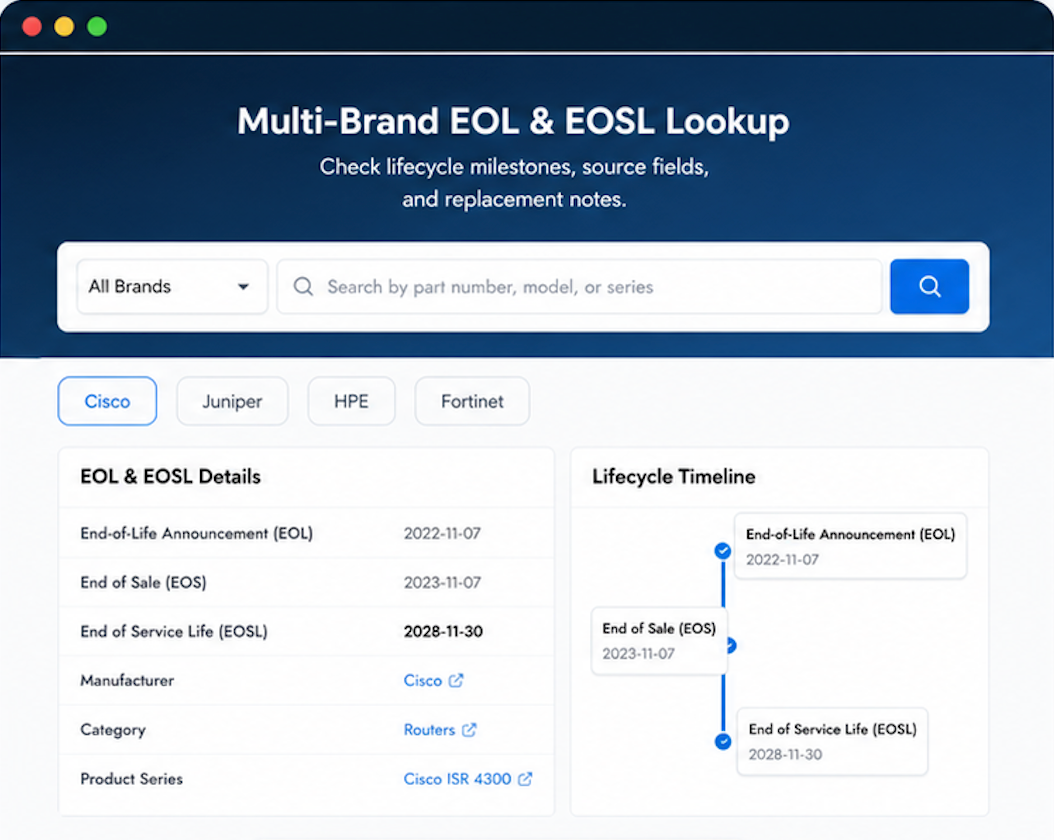
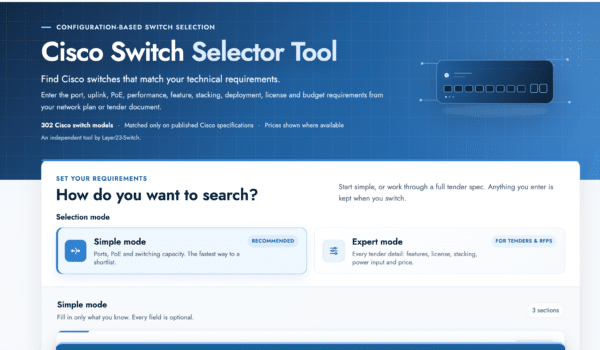
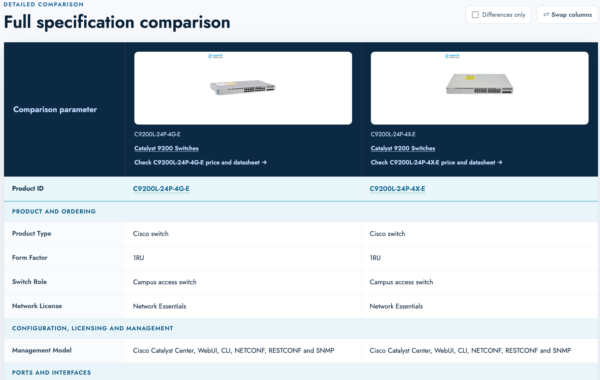
Use practical tools to check device details, review lifecyclemilestones, and compare hardware before you buy.
Got a volume discount that made our project financially viable.
Set up and forgotten — that’s how it should be.
Express shipping option was available and reasonably priced. Shipping took a couple extra days, but product itself is perfect.
Verified genuine. We only buy authentic gear.
Solid shipping. No damage. Reliable.