
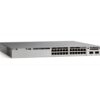
C9300-24S-E – 24x1G SFP Data Ports – Modular Uplink – Network Essentials








Shop Expert-Recommended Accessories for the C9300-24S-E
Explore optics, stacking accessories, modules, and power supplies—all verified by our engineers for use with this model.-

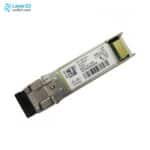
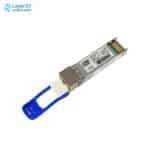
SFP-10G-SR-S
10GBASE-SR SFP+ - S-Class - 400m OM4 MMFOriginal price was: $853.95.$52.00Current price is: $52.00. -
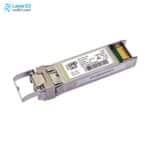
SFP-10G-SR
10GBASE-SR SFP+ - 850nm MMF - 400m OM4Original price was: $1,213.85.$91.68Current price is: $91.68. -
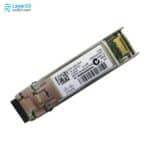
SFP-10G-LR-S
10GBASE-LR SFP+ - S-Class - 10km SMFOriginal price was: $2,439.88.$150.00Current price is: $150.00. -
SFP-10G-LR
10GBASE-LR SFP+ - 1310nm SMF - 10km ReachOriginal price was: $4,873.66.$149.00Current price is: $149.00. -
SFP-25G-SR-S
25GBASE-SR SFP28 - 850nm MMF - 100m OM4Original price was: $1,213.85.$258.00Current price is: $258.00. -
SFP-10/25G-LR-S
10/25GBASE-LR SFP28 - 10 km G.652 SMF - 0 to 70°C Commercial TemperatureOriginal price was: $2,787.19.$431.00Current price is: $431.00. -
QSFP-40G-SR4
40G SR4 QSFP - MPO-12 MMF - 4x10G BreakoutOriginal price was: $3,653.72.$126.00Current price is: $126.00. -
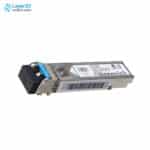
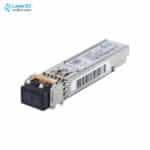
GLC-LH-SMD
1000BASE-LX/LH SFP - 10km SMF / 550m MMF - DOMOriginal price was: $1,260.58.$95.80Current price is: $95.80. -
GLC-TE
1000BASE-T SFP - RJ-45 Cat5 Copper - 100m ReachOriginal price was: $570.10.$70.00Current price is: $70.00. -
GLC-SX-MMD
1000BASE-SX SFP - MMF 850nm - DOMOriginal price was: $633.46.$59.00Current price is: $59.00. -
STACK-T1-50CM
50cm Type 1 StackWise Cable - C9300/C9300X Data Stack - 480G/1TOriginal price was: $121.99.$70.00Current price is: $70.00. -
STACK-T1-1M
1m Type 1 StackWise Cable - C9300/C9300X Data Stack - 480G/1TOriginal price was: $252.03.$140.00Current price is: $140.00. -
STACK-T1-3M
3m Type 1 StackWise Cable - C9300/C9300X Data Stack - 480G/1TOriginal price was: $378.07.$200.00Current price is: $200.00. -
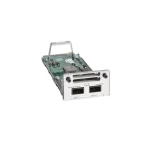
C9300-NM-2Y
2x25G/10G/1G SFP28 Ports - Catalyst 9300 ModuleOriginal price was: $3,227.37.$1,122.00Current price is: $1,122.00. -
C9300-NM-2Q
2x40G QSFP+ Uplinks - Catalyst 9300 ModuleOriginal price was: $3,213.50.$800.00Current price is: $800.00. -
C9300-NM-4G
4x1GE SFP Ports - Catalyst 9300 ModuleOriginal price was: $680.51.$231.00Current price is: $231.00. -
C9300-NM-4M
4x10G/mGig Copper Ports - Catalyst 9300 ModuleOriginal price was: $1,890.30.$626.00Current price is: $626.00. -
C9300-NM-8X
8x10G/1G SFP+ Uplinks - Network Module - Catalyst 9300Original price was: $3,213.50.$761.00Current price is: $761.00. -
PWR-C1-715WAC-P
715W AC PSU - Catalyst 9300 C1 - Platinum RatedOriginal price was: $1,479.00.$403.00Current price is: $403.00.








Why Layer23-Switch
Stocked, Shipped and Supported by One Team
Ships in 1 Business Day
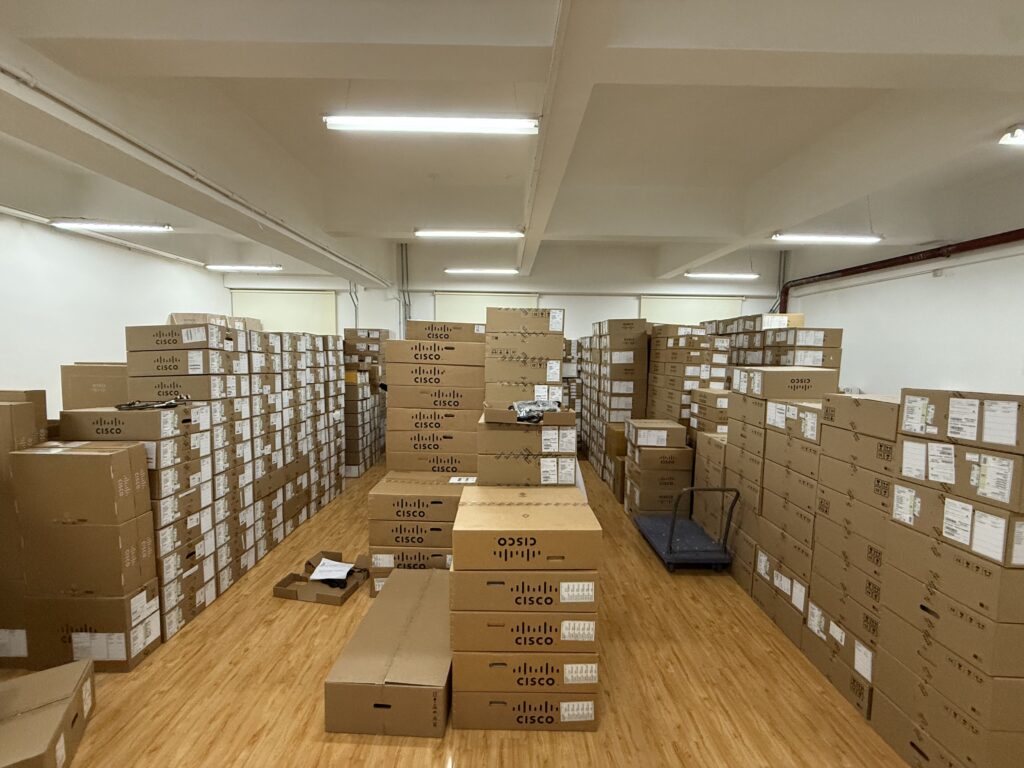
In-stock orders leave our Hong Kong or U.S. warehouse within 1 business day after payment, with tracking by email.
LSCare Warranty
3years on enterprise equipment
Free CCIE Support
Certified engineers help before and after you buy. Reply within 1 business day by email or live chat.
Verify Before You Pay
100%factory-sealed
Get label and serial photos before shipment, and check every serial number with Cisco.
C9300-24S-E Description
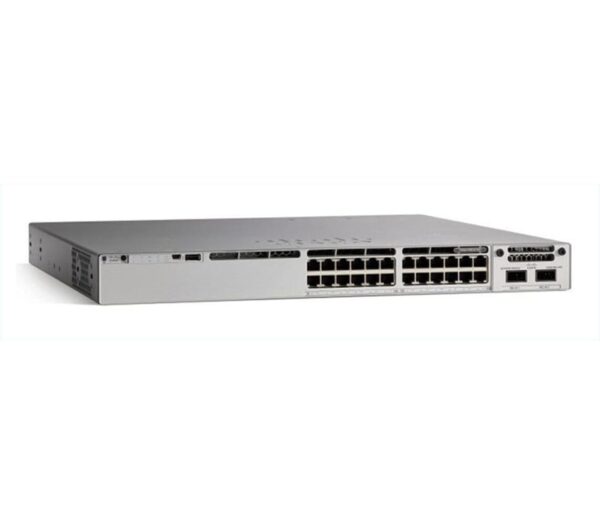
The C9300-24S-E is a Cisco Catalyst 9300 Series stackable access switch for fiber-cabled wiring closets that need Layer 2 and basic routed access. The switch has 24 1G SFP ports, a modular uplink slot, 208 Gbps of switching capacity and a default 715W AC supply, and carries the Network Essentials license. Network Essentials covers OSPF up to 1,000 routes and MACsec-128 but not BGP, VRF, VXLAN or Cisco TrustSec, and the SFP ports provide no PoE.
Quick Specs
|
Parameter |
Specification |
|---|---|
|
Product ID |
C9300-24S-E |
|
Port count and type |
24x 1G SFP fiber ports |
|
Uplink |
Modular uplink bay (network module sold separately) |
|
Network license |
Network Essentials |
|
Default power supply |
PWR-C1-715WAC-P (715W AC) |
|
PoE support |
Not supported (fiber SFP ports) |
|
Switching capacity |
208 Gbps (688 Gbps stacked) |
|
Forwarding rate |
154.76 Mpps (511.90 Mpps stacked) |
|
Stacking |
StackWise-480, up to 8 members |
|
Minimum software release |
Cisco IOS XE 16.11.1a |
|
License PID family |
C9300-DNA/DNX-E-24S |
|
Advantage upgrade path |
C9300-LIC= (C9300-24-E-A-3/-5/-7) after purchase, not on the switch order; -E and -A cannot mix in the same stack |
Product Performance
Key Features
All 24 ports are 1G SFP, so the switch ends fiber runs that exceed the reach of copper. No media converter sits between the cable and the port.
Network Essentials adds RIP, EIGRP Stub and OSPF up to 1,000 routes to Layer 2 switching. That is enough routing for a closet that hands off to a distribution layer.
802.1X, MACsec-128 and CoPP protect access ports and the control plane at this level. MACsec-256 is not part of the license.
Up to eight switches combine over StackWise-480, and every member must run Network Essentials. Port count grows by adding more -E units.
The slot ships empty and accepts modules such as the C9300-NM-4G or C9300-NM-8X. The uplink can start at 1G and move to 10G later.
A dedicated 10/100/1000 management port, RJ-45 and USB mini-Type B consoles, and a USB 3.0 bay for a 120 GB or 240 GB SSD are on the chassis.
Application Scenarios
A floor closet at the end of a fiber run longer than 100 m can use the switch to terminate SFP drops for VLAN switching and 802.1X port authentication.
When the distribution switches already handle advanced routing and segmentation, the switch forwards access traffic upstream through its uplink module and runs only OSPF-based routed access locally.
NetFlow sampling, SPAN and RSPAN let a security or operations team mirror traffic from a fiber-connected segment to an analyzer without moving to a higher license.
Product Comparison
|
Parameter |
C9300-24S-E | ||
|---|---|---|---|
|
Total 10/100/1000, Multigigabit copper or SFP fiber |
24 ports 1G SFP |
48 ports 1G SFP |
24 ports data |
|
Uplink configuration |
Modular uplinks |
Modular uplinks |
Modular uplinks |
|
Network license |
Network Essentials |
Network Essentials |
Network Essentials |
|
Default AC power supply |
715W AC |
715W AC |
350W AC |
|
Available PoE power |
No PoE |
No PoE |
No PoE |
|
Switching capacity |
208 Gbps |
256 Gbps |
208 Gbps |
|
Forwarding rate |
154.76 Mpps |
190.47 Mpps |
154.76 Mpps |
|
Stack bandwidth |
480 Gbps |
480 Gbps |
480 Gbps |
C9300-24S-E has 24 fixed 1G SFP fiber ports, while C9300-24T-E has 24 1G RJ-45 copper ports at the same 208 Gbps of switching capacity, so a closet wired in copper belongs on C9300-24T-E, which ships on a 350W supply instead of the 715W PWR-C1-715WAC-P. Closets that need more than 24 fiber drops per switch move to C9300-48S-E, with 48 SFP ports and 256 Gbps of switching capacity. Network Essentials is the only license on all three, and Network Advantage features such as BGP, VRF, VXLAN or Cisco TrustSec call for C9300-24S-A on day one, because Cisco does not allow a license upgrade on the same order as the switch.
Ordering Checklist
- Subscription tier: Select an Essentials term for 24-port fiber models: C9300-DNA-E-24S in 3, 5 or 7 years. The configurator defaults to Cisco DNA Advantage for 5 years, so change the tier to match the switch license.
- Uplink module: Keep the default C9300-NM-8X, change it, or select C9300-NM-NONE. The default module is added to the order unless it is changed or removed.
- Second power supply: A second PWR-C1-715WAC-P is selected by default; C9300-SPS-NONE removes it. The second supply is added to the order unless it is removed.
- Stack cables: A default 50 cm StackWise cable (C9300-STACK-NONE removes it) and 30 cm StackPower cable (C9300-SPWR-NONE removes it) are added. Both cables are added whether or not the switch is stacked.
- Power cords: Select the cord type for the destination country. The configurator defaults to North America cords, and two cords ship per switch.
Optional Add-ons
|
Model |
Description |
|---|---|
|
Catalyst 9300 8x 10G/1G SFP+ Network Module for the C9300-24S-E modular uplink bay. | |
|
Catalyst 9300 2x 40G QSFP+ Network Module for the C9300-24S-E modular uplink bay. | |
|
Second PWR-C1-715WAC-P power supply for the C9300-24S-E’s 1+1 redundant power bay. | |
|
FAN-T2= |
Spare field-replaceable fan module for the Catalyst 9300 chassis, supporting N+1 fan redundancy. |
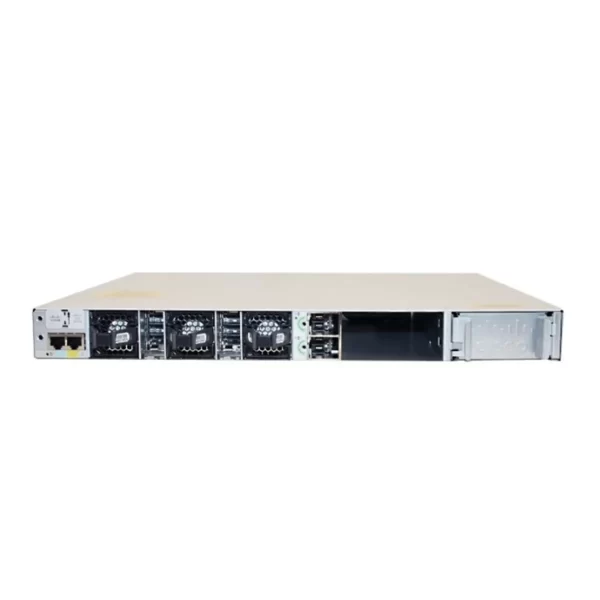
C9300-24S-E Switch Rear Panel
The switch rear panel includes StackWise connectors, StackPower or XPS connectors, ports, fan modules, and power supply modules.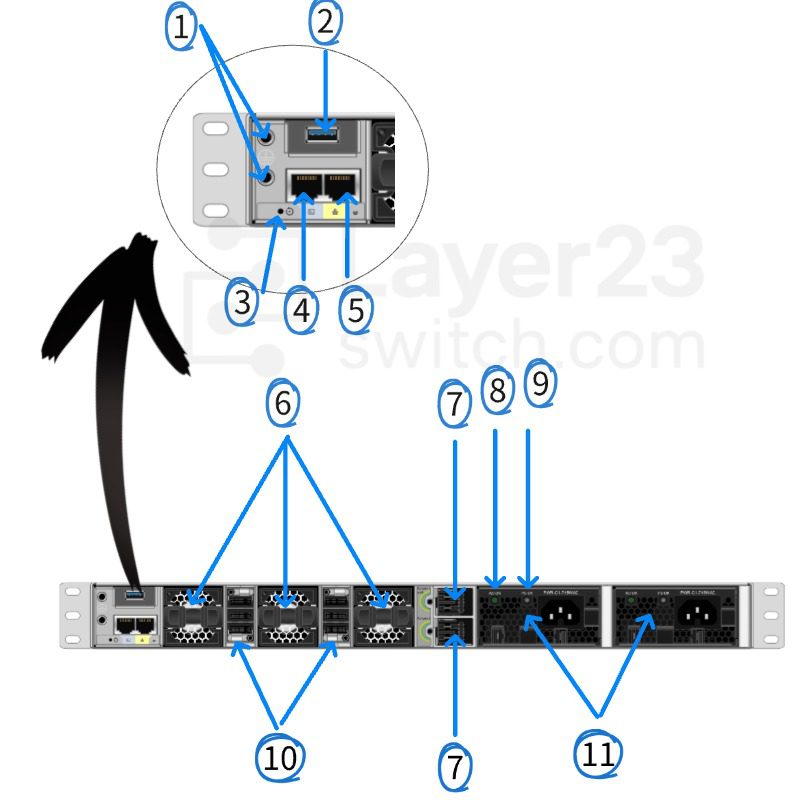
Components Delivered in the Shipping Box
The shipping box contains the model of the switch you ordered and other components needed for installation. Some components are optional, depending on your order.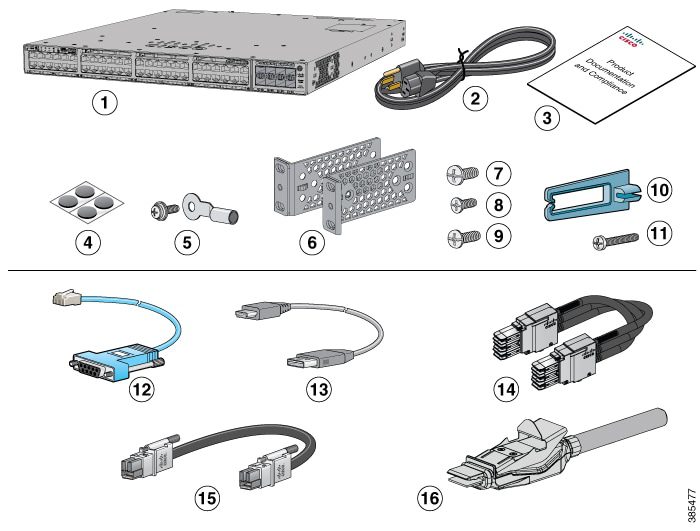
Specifications
| Parameter | Specification | Parameter | Specification |
|---|---|---|---|
| Product ID | C9300-24S-E | Network license | Network Essentials |
| Downlink ports | 24x 1G SFP fiber ports | Uplink | Modular uplink bay, no module installed by default |
| Management interfaces | 10/100/1000 Ethernet management port, RJ-45 console port, USB mini-Type B 5-pin console port | SSD storage | Rear USB 3.0 SSD bay supports 120 GB / 240 GB SSD modules |
| Switching capacity | 208 Gbps (688 Gbps in an 8-member StackWise-480 stack) | Forwarding rate | 154.76 Mpps (511.90 Mpps stacked) |
| MAC addresses | 32,000 entries | IPv4 routes | 32,000 (24,000 direct + 8,000 indirect) |
| IPv6 routes | 16,000 entries | Multicast routes | 8,000 entries |
| QoS / ACL entries | 5,120 QoS entries, 5,120 ACL entries | DRAM / flash | 8 GB DRAM, 16 GB Flash |
| VLAN IDs | 4094 | Switched virtual interfaces | 1,000 |
| PVST instances | 300 | Packet buffer / FNF flows | 16 MB buffer, up to 64,000 FNF flows (Catalyst 9300 Gigabit Ethernet group value) |
| Stacking | StackWise-480, up to 8 members, 480 Gbps stack bandwidth | Total routed ports per stack | 448 |
| Default power supply | PWR-C1-715WAC-P, 715W AC, 100-240VAC 50-60Hz, 2,440 BTU/hr output | PoE support | Not supported (fiber SFP ports do not source PoE) |
| Power supply slots | 2 internal bays; ships with 1 supply installed and a blank module in the second bay | Minimum software release | Cisco IOS XE 16.11.1a |
| Operating temperature | -5 to 45C at up to 5000 ft (1500m) | Storage temperature | -40 to 70C |
| Operating humidity | 5-90% noncondensing | Operating altitude | Operating up to 10,000 ft (3000m), storage up to 15,000 ft (4500m) |
| Acoustic noise | LpA 45dB typical / 48dB max, LwA 5.6B typical / 5.9B max | Connector types | LC fiber (SFP), RJ-45 (management), RJ-45-to-DB9 (console) |
| Dimensions | 1.73 x 17.5 x 19.2 in with default power supply (1.73 x 17.5 x 17.7 in chassis only) | Weight | 7.64 kg (16.84 lb) with default power supply |
| MTBF | 284,130 hours | Regulatory compliance | UL 60950-1, CAN/CSA-C22.2 No. 60950-1, EN 60950-1, IEC 60950-1, AS/NZS 60950.1, FCC Part 15, EN 55032 Class A, CISPR 32 Class A, RoHS 5 |
| License PID family | C9300-DNA/DNX-E-24S |
Quality Certifications
Customer Reviews
Questions & Answers
-
Can C9300-24S-E be stacked?
-
What does Network Essentials on C9300-24S-E include?
-
Which subscription PIDs fit C9300-24S-E, copper 24-port terms or fiber terms?
-
Does a Network Essentials subscription for C9300-24S-E include ThousandEyes?
-
Can C9300-24S-E stack with fixed-uplink Catalyst 9300L switches?
-
How many fans does C9300-24S-E have and what is their MTBF?
-
What are the memory and flash sizes of C9300-24S-E?
-
How many C9300-24S-E switches can share power in a StackPower ring?
Warranty
Layer23-Switch.com offers genuine, high-quality ICT products at competitive wholesale prices—ensuring exceptional value without compromising quality.
All items are brand new, original, and factory-sealed.
Upon request, each unit can be fully tested and verified by a Cisco CCIE-certified engineer to ensure perfect working condition before shipment.
Our Cisco CCIE-certified experts provide free professional support via phone, email, online chat, or remote login—helping you deploy and troubleshoot with confidence.
If you are not satisfied with your purchase, you may request an exchange or full refund. Our customer service team will guide you through the return process quickly and smoothly. Visit Return Policy page for more information.
We support multiple secure payment and logistics options, backed by industry-leading verification:












Visit How to Pay page for more information
Extended, Worry-Free Warranty Coverage Factory New Sealed Enterprise Hardware:
· 3 Years Factory New Sealed
Visit Warranty Policy page for more information
Verify, plan, and comparewith confidence
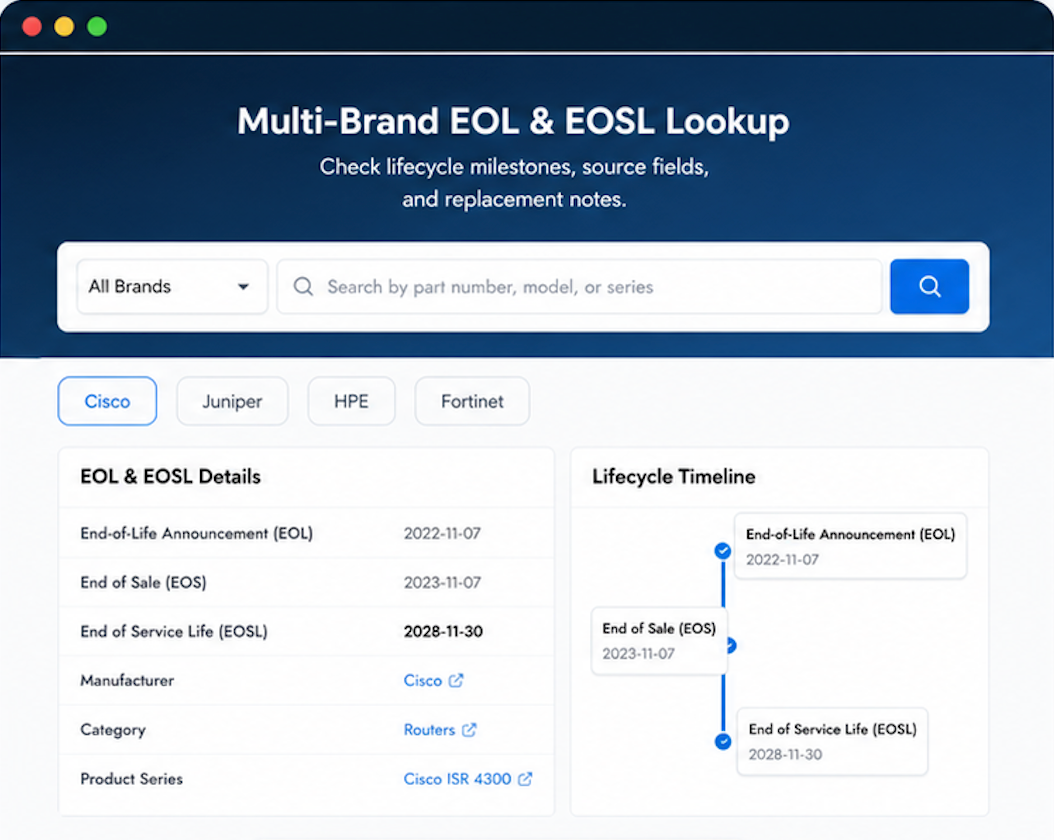
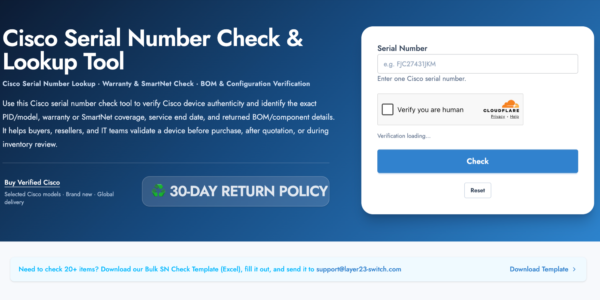
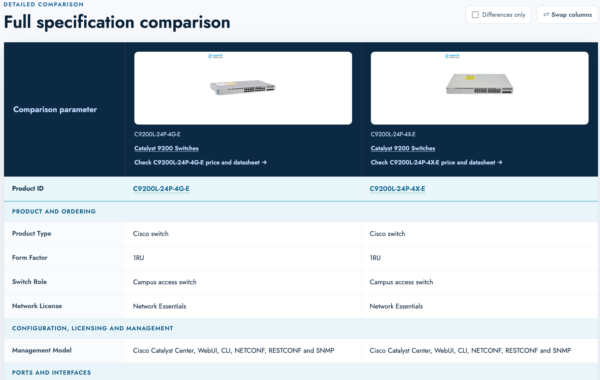
Use practical tools to check device details, review lifecyclemilestones, and compare hardware before you buy.

Our IT security policy requires verification for all new hardware — this passed without issues.
Our accounts payable says Layer23’s invoicing is clean and easy to process.
Confidence builders: their reputation, their service, and their product. All solid.
Verified genuine. No issues with the hardware validation.
Discreet packaging and fast service. Exactly what we needed.